
How to Schedule a Video Visit at Bradley County Jail and Set Up Your Securus Account
Video visits at Bradley County Jail are straightforward once you know the system. Here's how to pick the right scheduling option, set up Securus correctly, and book your first session without getting stuck at verification.
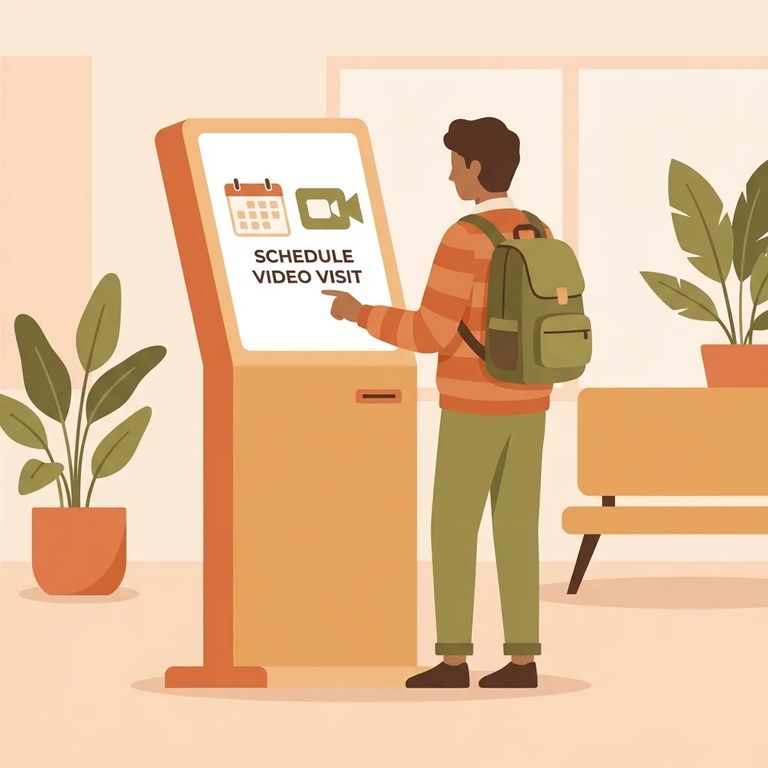
Bradley County Jail no ofrece visitas en persona: todas las visitas se realizan por video. A los reclusos se les permiten dos visitas por video en la instalación de 30 minutos cada una por semana, y el área de visitas está ubicada en la parte trasera del Bradley County Judicial Complex. ¿No puedes llegar a la instalación? También puedes programar y unirte a visitas por video a través de Securus desde tu propio dispositivo.
Three Ways
- ✓ Use the on-site kiosk (Jail Visitation Lobby) - mejor si ya estás en la instalación y quieres programar tu visita por video en el sitio.
- ✓ Book on the Securus website (securustech.net) - conveniente para programar desde casa usando una computadora.
- ✓ Book in the SecurusTech app - conveniente si prefieres usar tu teléfono o tablet; Securus Video Connect funciona desde cualquier lugar con acceso a internet usando la Securus app gratuita, una computadora o una tablet.
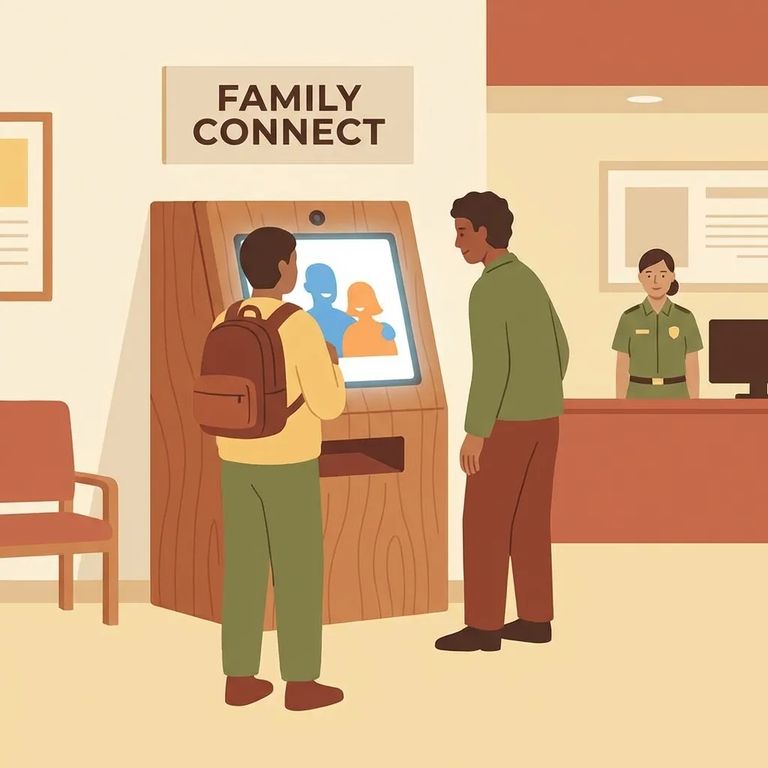
- Plan your timing - On-site visitation currently runs Monday through Friday from 9:00 a.m. to 12:00 p.m., so give yourself enough time to arrive and get set up.
- Go to the on-site visitation area - The visitation area is on the backside of the Bradley County Judicial Complex; you’ll use the kiosk located in the Jail Visitation Lobby.
- Create or sign in to your Securus account at the kiosk - If you already have an account, sign in. If not, follow the prompts to create one before you try to schedule.
- Select the incarcerated person and pick an available slot - Use the kiosk to find the person you’re visiting, then choose from the available times.
- Confirm your booking - Finish the on-screen steps so your visit is actually scheduled (don’t leave the kiosk until you see confirmation).

- Open Securus on the web or app - Go to securustech.net on a computer, or open the SecurusTech app on your phone/tablet.
- Sign in or create your account - If this is your first time, set up your Securus account first.
- Complete the identity upload (first-time internet visits) - Before you schedule your first internet video visit, you’ll be asked to upload a photo of a government-issued ID and a clear, visible, filter-free selfie.
- Find the facility/person you want to visit - Use the search tools to locate the incarcerated person you’re trying to schedule with.
- Choose a time and schedule - Pick an available time slot and follow the prompts to complete the booking.
- Join from your device when it’s time - Securus Video Connect is web-based, so you can participate from anywhere with internet access using the free Securus app, a computer, or a tablet.
Note: The ID photo + clear, filter-free selfie is required before your first internet video visit. If you wait until you’re trying to book, verification can slow you down.
Securus requires identity verification for internet video visits at Bradley County Jail, and the photo rules are strict. Before you can schedule your first internet visit, you'll need to create a Securus account and upload two images: a photo of a government-issued ID and a clear selfie with no filters. Good lighting matters - filters and low-quality photos are a common reason verification gets held up.
Tips
- ✓ Set up your Securus account ahead of time so you’re not trying to register at the last minute.
- ✓ Upload your government-issued ID photo and a clear, filter-free selfie before you attempt your first internet video visit.
- ✓ If you’re using the on-site kiosk, plan around the limited on-site hours (Monday–Friday, 9:00 a.m.–12:00 p.m.) and arrive early enough to schedule.
- ✓ If you need more flexibility, use the Securus website or SecurusTech app so you can schedule and join from your own device.
Buscar a un recluso en Bradley County Jail, TN
Busca a un ser querido y envía mensajes y fotos en minutos.
