
How to Complete the Missouri DOC Online Visiting Application (Step‑by‑Step)
The Missouri DOC online visiting application is straightforward, but small mistakes can delay your approval. Follow these steps to get it right the first time.
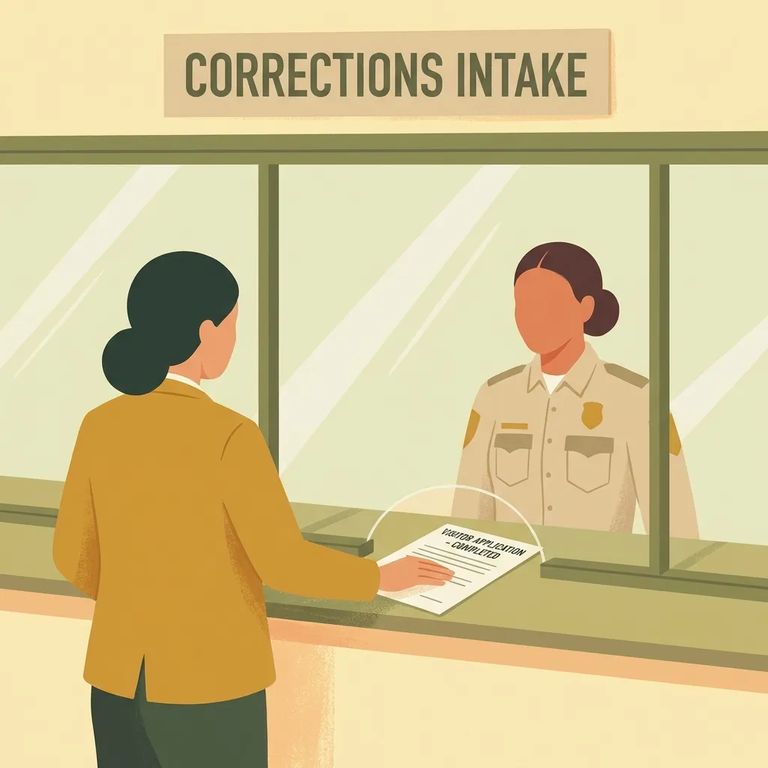
Antes de comenzar el formulario en línea, confirme que está solicitando para la persona correcta en la instalación correcta. Missouri DOC exige que todos los visitantes estén preaprobados, y esta solicitud inicia ese proceso. Una verificación de antecedentes penales forma parte de la revisión - por lo tanto, reúna información precisa y complete todo honestamente la primera vez.
- Open the Missouri DOC Friends & Family visiting application - start the online application and go to the first prompt.
- Enter the offender’s ID number - this is Step 1 on the form and it’s required before you can move forward.
Step2 Required and Exclusions
- ✓ Complete every field marked with an asterisk (*) - those are required.
- ✓ Don’t skip the required agreement to comply with all visiting regulations, including search.
- ✓ Review your entries before moving on so you don’t get stuck later trying to submit.
Do not use the online form for clergy status. If you’re applying as clergy, contact the institutional case manager for the correct process.
Do not use the online form for a minor if the offender is restricted to “Adult Only” visiting. If you’re not sure whether that restriction applies, contact the institutional case manager before you submit anything.
Adding a minor child? Missouri DOC has a workaround for the identification section: under Identification Type, choose "other," and for the Identification Number, enter "NA." Only use this if the offender isn't restricted to "Adult Only" visiting - if they are, don't submit a minor visitor through the online form.
Watch for fields marked with an asterisk (*) - those are required. One of them asks you to agree to all visiting regulations, including search. Don't skip past it. If you miss that agreement, your application won't be complete.
When you're done, click "Finish" to submit. Your application goes electronically to the institutional case manager for processing.
After you submit, the institutional case manager receives your application and begins processing it. Missouri DOC runs a criminal history check as part of the approval decision. Once they decide, the offender gets notified - and it's on them to let you know the outcome.

Troubleshooting Help
- ✓ Go back and confirm every asterisk (*) field is filled out.
- ✓ Re-check the required agreement to comply with visiting regulations (including search) and make sure it’s completed.
- ✓ If you’re applying for clergy status, stop and contact the institutional case manager instead of submitting the online form.
- ✓ If you’re trying to add a minor and the offender may be “Adult Only,” pause and contact the institutional case manager to confirm the correct process.
- ✓ If you’ve completed everything and still can’t submit, contact the institutional case manager for help with processing.
Buscar a un recluso en Fulton Community Supervision
Busca a un ser querido y envía mensajes y fotos en minutos.
