
How to Schedule a Video Visit from Home with Someone at Ventura County Jail
Scheduling a home video visit is straightforward once you understand the timing rules and Securus account setup. Follow these steps to get your visit on the calendar—and avoid last-minute problems.

Ventura County Jail ofrece video visitas diariamente en el Pre-Trial Detention Facility y el Todd Road Detention Facility. La ventana disponible va de 8 a.m. a 10 p.m., por lo que normalmente puedes encontrar un horario que funcione incluso si lo estás programando alrededor del trabajo o la escuela.
Una cosa a tener en cuenta: las personas encarceladas tienen permitido dos visitas por video por semana, cada una de hasta 30 minutos. Planifica en consecuencia.
- Create (or sign in to) your Securus prepaid account - you’ll use this account to pay for and schedule the remote visit.
- Add funds so your balance is at least $6.00 - you must have at least $6.00 available before the system will let you schedule.
- Double-check your balance before you book - the $6.00 remote video visitation cost is deducted from your Securus prepaid account as soon as the visit is scheduled, not after the call ends.
- Pick a day and time within the daily window - video visits are available from 8 a.m. to 10 p.m. each day at the Pre-Trial Detention Facility and the Todd Road Detention Facility.
- Schedule far enough ahead - book at least 24 hours before the appointment time, and you can schedule up to two weeks in advance.
- Confirm your Securus prepaid balance is at least $6.00 - you can’t schedule a home visit without at least $6.00 available.
- Submit the appointment - once you schedule, the $6.00 cost is deducted immediately, so make sure the date and time are correct before you finalize.
A remote video visit costs $6.00. That amount is deducted from your Securus prepaid account the moment you book, so make sure you have at least $6.00 available before scheduling.
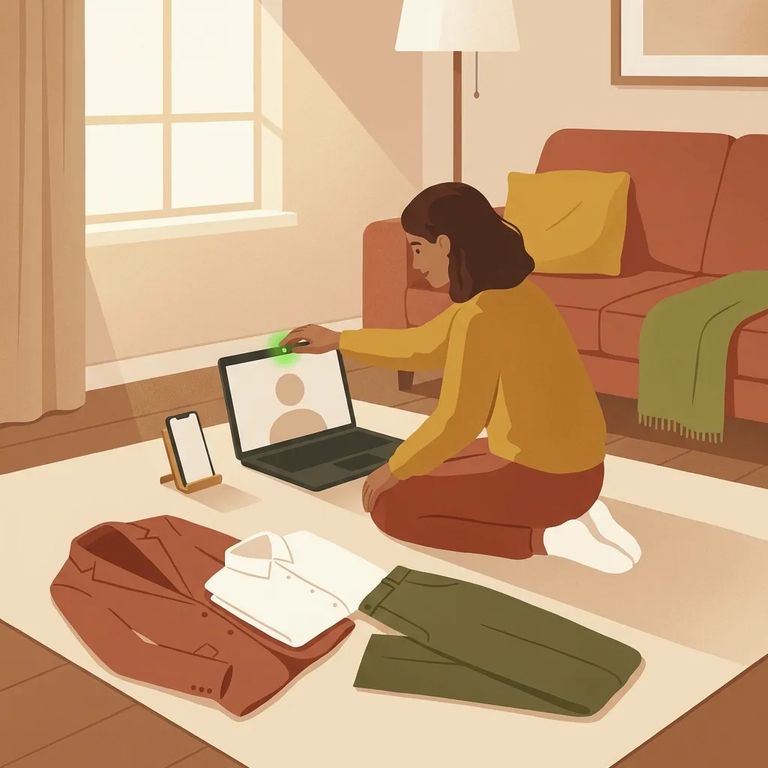
Tech ID Prep
- ✓ Use a reliable internet connection (unstable Wi‑Fi is a common reason visits freeze or drop)
- ✓ Use a device you know works well for video (computer/tablet/phone) and test your camera and audio ahead of time
- ✓ Set up good lighting and keep your face clearly in view so you’re identifiable on camera
- ✓ Dress fully and appropriately for the visit (this applies to adults and children)
- ✓ Avoid prohibited attire such as tank tops, sleeveless shirts, low-cut/see-through/revealing clothing, and clothing promoting drug use, gangs, hate, profanity, sex acts, or violence
- ✓ Do not wear hats, beanies, face masks, or head scarves unless it’s a religious head covering
Note: Securus won't troubleshoot your internet connection, computer, or webcam. If something's not working on your end, you'll need to fix it yourself before the visit.
You need to be identifiable on camera throughout the visit. If staff can't see your face clearly - or the incarcerated person's - the visit may be ended early, and additional restrictions could follow. Keep your face unobstructed, stay in frame, and follow the dress code.
Billing issues, disputes, or refund requests for video visits go through Securus directly. The Ventura County Sheriff's Office doesn't handle refunds for Securus services.
- Rule out a local tech problem first - restart your device, check your internet connection, and make sure your camera/mic are working since Securus isn’t responsible for your connection or hardware setup.
- Contact Securus for service or billing issues - if the problem is with the visit service itself, a charge, a dispute, or a refund request, go through Securus (the facility won’t be able to process Securus refunds).
Buscar a un recluso en Todd Road Jail, Ventura County
Busca a un ser querido y envía mensajes y fotos en minutos.
