
Setting Up Your Securus Account Before Your Loved One at Kern Valley Gets Their New Tablet
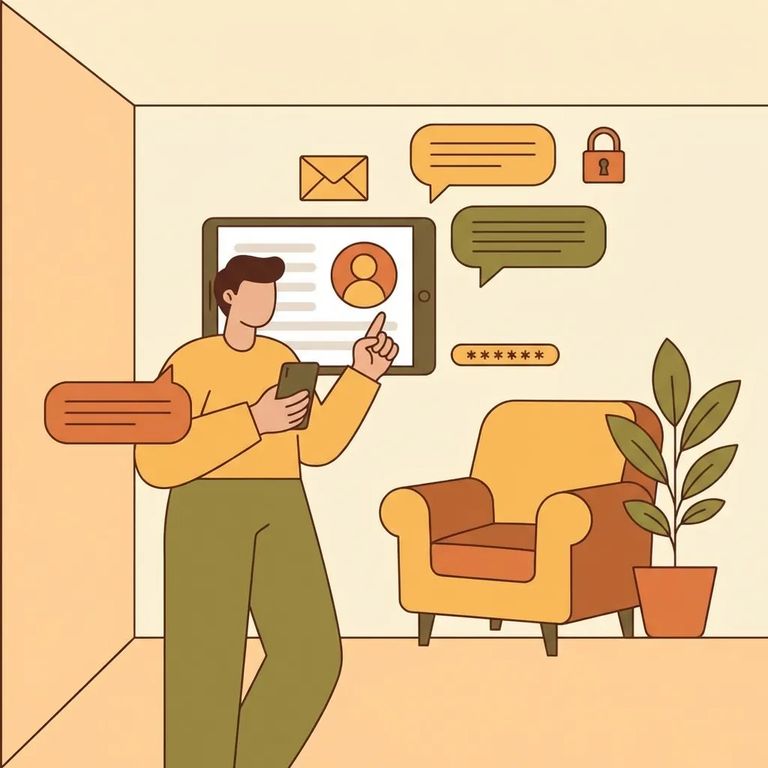
Kern Valley State Prison was scheduled to transition telephone service on 3/23 and tablet service between 3/24–3/27 as part of the CDCR rollout. This timing is exactly why setting up your Securus account now makes sense. Once Kern Valley transitions, you'll need an online Securus account - either on the website or through the mobile app - to receive video calls and electronic messaging.
Want to be ready for video calls and e-messages the moment they go live? Start by opening an online Securus account. You can do this on the web or in the Securus mobile app - either way, it's the same account you'll use for video calling and electronic messaging once Kern Valley's transition is complete.
- Go to Securus online (web or mobile) - open the Securus website or download the Securus mobile app.
- Create your online account - follow the prompts to set up your login.
- Confirm you can sign in - make sure you can log in successfully so you’re ready when video calls and electronic messaging go live.
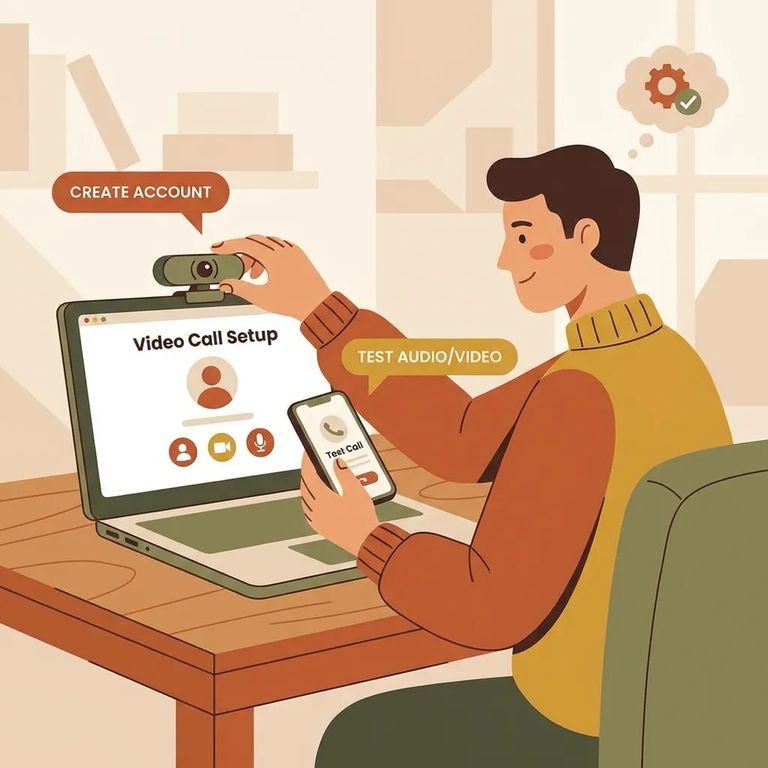
Once your account is created, two in-app features work together for prepaid video calls. AdvanceConnect is where you add funds for prepaid video sessions. Video Connect is where you register to receive calls - just select "Allow video calls." Setting up both ahead of time means no last-minute scrambling when your loved one is ready to call.
- Open the Securus app - sign in to the account you created.
- Set up AdvanceConnect and add funds - in the app, tap AdvanceConnect to set up your account and add funds for prepaid video calls.
- Register for Video Connect - tap Video Connect and register by selecting “Allow video calls” so you can receive video sessions.
Tip: For prepaid video sessions, treat this as a two-part setup: add funds through AdvanceConnect and then opt in through Video Connect by selecting “Allow video calls.”
Securus Video Connect is entirely web-based. You can schedule and join video sessions from anywhere with internet access - whether you're using the free Securus app, a computer, or another internet-connected device like a tablet.
For official rollout timing at Kern Valley - telephone service on 3/23 and tablet service between 3/24–3/27 - check CDCR's tablet rollout information. For Securus setup instructions specific to CDCR facilities, visit Securus's CDCR page to follow the most current process as services come online.
Buscar a un recluso en Kern Valley State Prison
Busca a un ser querido y envía mensajes y fotos en minutos.
