
Setting Up Video Visits with Someone at John E. Goode (GettingOut): Equipment, Scheduling, and Free Visits
Video visits can feel overwhelming the first time around. GettingOut is actually pretty simple once you get the hang of it. Here's what you need for your setup, how to schedule, and how free visits work.
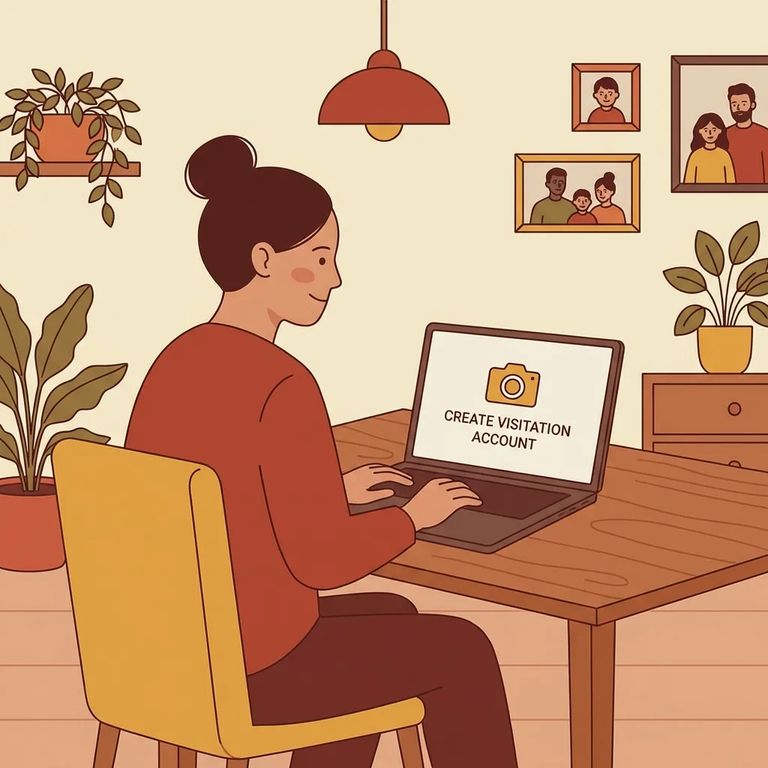
Para una visita de video desde casa a través de GettingOut, necesitará una computadora con webcam y micrófono - la mayoría de las laptops los traen integrados. También necesitará un navegador compatible: se recomiendan específicamente Safari 4+ o Firefox 7+. Si su dispositivo o navegador no cumple con estos requisitos, la visita puede fallar antes de comenzar. Conviene verificar su configuración con anticipación.
- ✓ Una computadora que pueda usar para la visita
- ✓ Una webcam y micrófono que funcionen (o una laptop con ambos integrados)
- ✓ Un navegador de internet compatible (se recomiendan Safari 4+ o Firefox 7+)
- ✓ Una conexión a internet estable
- ✓ Navegador/app actualizado y un dispositivo con batería cargada para que no se corte la visita a mitad de la misma
- Suggest a time for the visit - pick a time you’re available and send it through GettingOut.
- Wait for your loved one to confirm - the visit isn’t set until they approve the time.
- Log in at the scheduled time - once it’s confirmed, sign in and be ready to join when the time comes.
Tip: Log in a few minutes early so you’re not rushing if your browser needs permission for your camera or microphone.
Free video visits work differently than paid ones. On GettingOut, free visits are credited to the inmate's account - and only the inmate can book them. You can't claim a free visit from your side, even if you see one is available. The best approach? Coordinate ahead of time. Let your loved one know when you'll be online, and have them use their free-visit credit to schedule it.
Good to know: If you’re trying to use a free visit, your loved one has to be the one to schedule it from their account.
Something not working? No audio, no video, login issues, or scheduling confusion - start by checking your setup. GettingOut requires a computer with a working camera and microphone (or built-in ones) and a compatible browser (Safari 4+ or Firefox 7+). If you've verified the basics and you're still stuck, GettingOut's Customer Care team can help.
GettingOut Customer Care: 1-866-516-0115
- Confirm your device setup - make sure you’re on a computer with a working webcam and microphone (or built-in camera/mic).
- Check your browser - try a compatible browser; Safari 4+ or Firefox 7+ are recommended.
- Restart and retry - close and reopen your browser (or restart your computer) to clear glitches and re-grant camera/mic permissions.
- Stabilize your connection - switch to a stronger internet connection if your video freezes or audio cuts out.
- Call Customer Care if you’re still blocked - GettingOut Customer Care can walk you through account, scheduling, or technical issues at 1-866-516-0115.
Before You Login
- ✓ Log into your GettingOut account before the visit time
- ✓ Double-check the scheduled time before you sit down
- ✓ Have your computer ready (camera + microphone working)
- ✓ Use a compatible browser (Safari 4+ or Firefox 7+ are recommended)
- ✓ Get online a few minutes early so you can handle any last-second audio/video prompts
Buscar a un recluso en John E. Goode Pre-Trial Detention, FL
Busca a un ser querido y envía mensajes y fotos en minutos.
