
Putting Money on an Inmate's Account at Ascension Parish Jail: Deposit steps and limits
Getting money onto someone's account shouldn't be a guessing game. Here's how to use Forecomm for deposits at Ascension Parish Jail, plus the two limits that most often cause transactions to get declined.

To start a deposit on Forecomm, click the button labeled
On Forecomm’s website, begin by clicking the button that says “Deposit Incarcerated Individuals Funds.” From there, you’ll be guided through the deposit process, which typically includes selecting the correct facility and entering the incarcerated person’s details so the money lands on the right account. Take an extra moment to double-check those selections before you submit - fixing a simple typo after the fact can be a headache.

Forecomm enforces two limits that matter most when you’re funding an account for someone at Ascension Parish Jail. First, each deposit is capped at $300.00. Second, you can only run up to 3 deposit transactions in any 7-day period. If you’re trying to send more than $300, you’ll need to split it into multiple deposits - and if you’ve already made three deposits in the last week, the next one may not go through until you’re outside that 7-day window.
- ✓ Keep each deposit at $300.00 or less.
- ✓ Count your deposits over the last 7 days before you try again (the max is 3).
- ✓ If you need to send $600, plan two separate deposits of $300.
- ✓ If you need to send $900, plan three separate deposits of $300 - and don’t attempt a fourth deposit until you’re past the 7-day limit.
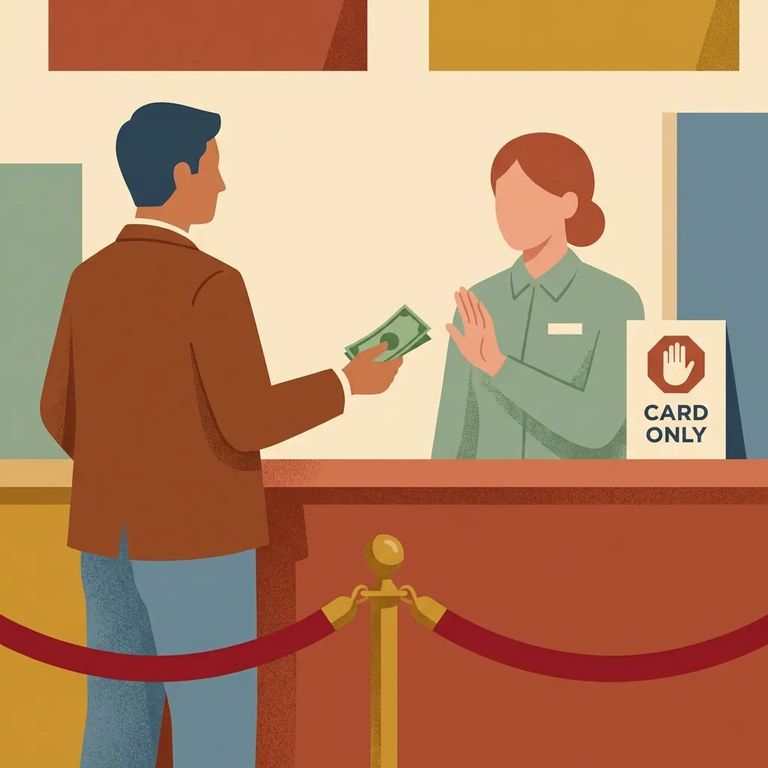
If a deposit gets declined, Forecomm points first to the deposit limits. A message like “Your deposit has been denied due to suspicious credit card activity” can happen when the daily or weekly limit has been reached - so check whether your deposit is over $300.00, or whether you’ve already hit 3 transactions in the last 7 days. If your issue isn’t one of those limit problems, Forecomm says you’ll need to contact their credit card processor, since that’s the only party that can see the specific reason a transaction isn’t going through.
- Count your deposits from the last 7 days - if you’ve already made 3, wait until you’re outside the 7-day window.
- Check the amount you entered - Forecomm allows a maximum of $300.00 per deposit.
- Read any “suspicious credit card activity” message carefully - Forecomm associates that message with reaching the daily/weekly limit.
- Contact the credit card processor if it still won’t go through - Forecomm directs you to the processor for issues beyond the stated limits.
If you’re using a prepaid card, one common snag is address verification. Many prepaid cards won’t work for online transactions until you register your name and address with the card company, and a deposit attempt can fail if that step hasn’t been completed. If your prepaid card keeps getting rejected, check whether the card is registered to your current billing address and update it with the issuer before you retry.
When the problem isn’t explained by the $300-per-deposit cap or the 3-transactions-per-7-days limit, Forecomm’s guidance is to email their credit card processor directly, since the processor is the only one who can see why a transaction isn’t going through. In the source information, the processor email address appears partially redacted, and Forecomm notes to allow 1 to 2 business days (Monday through Friday) for a response.
Quick Checklist
- ✓ Start on Forecomm by clicking “Deposit Incarcerated Individuals Funds.”
- ✓ Keep the deposit amount at $300.00 or less.
- ✓ Make no more than 3 deposit transactions in any 7-day period.
- ✓ If you see a “suspicious credit card activity” denial, re-check whether you hit the daily/weekly limit.
- ✓ If you’re using a prepaid card, make sure it’s registered with your name and address before you try the deposit again.
- ✓ If the issue isn’t related to the limits, follow Forecomm’s direction to contact their credit card processor.
Sources: Forecomm Solutions FAQs (evidence items 4242b31a26e9c87a and 298eba7394f81139). The dollar cap and 7-day transaction limit described above are vendor-enforced limits.
Find an Inmate at Acension Parish Jail, LA
Search for a loved one and send messages and photos in minutes.
