
How to Schedule Your First Video Visit at Al Cannon Detention Center
Setting up your first video visit comes down to creating an account and picking a time slot. Here's how to do it at Al Cannon Detention Center.
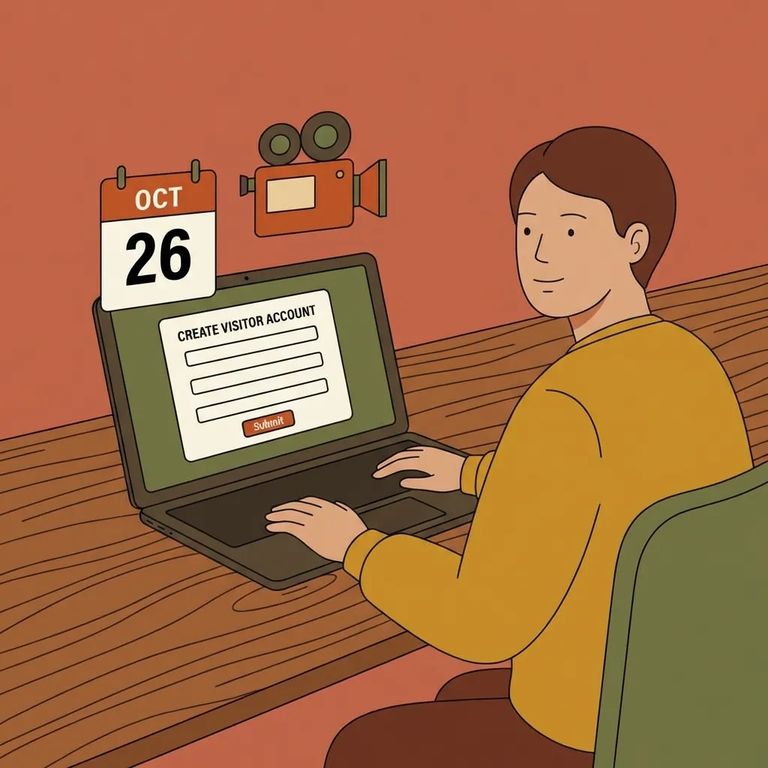
Al Cannon Detention Center uses Securus Video Connect for video visitation - a web-based system where you can schedule and join video sessions with someone who's incarcerated. First step: create your visitation account at SECURUSTech.net.
Before booking, check when your loved one was booked in. At Al Cannon Detention Center, they must be incarcerated for at least 72 hours before they can receive visits.
Age matters too. You must be at least 17 years old to schedule visits online. Visitors under 17 need a parent or guardian to handle scheduling.
3
- ✓ Go to the Securus website (SECURUSTech.net)
- ✓ Create your account/login so you can schedule video visits through Securus Video Connect
- ✓ Complete any on-screen account setup steps required by Securus before you try to book a time
Once your Securus account is set up, you can book through the facility's online system. Al Cannon offers daily visitation blocks Sunday through Saturday: 8:00 a.m.–11:00 a.m., 1:00 p.m.–4:00 p.m., and 6:00 p.m.–9:30 p.m. One limit to keep in mind: personal online visits are capped at three 30-minute sessions per seven calendar days. Hit that limit? You'll need to wait until your next seven-day window opens up.

Note: Visitors suspected of being under the influence of alcohol or drugs won’t be allowed to visit. All visitors are subject to search before entering the visitation area - refusing a search will result in denial of visitation.
- ✓ Don’t give anything to, or take anything from, an inmate
- ✓ Leave personal effects (like purses, cell phones, and smoking materials) out of the visitation area
- ✓ If you bring children with you, don’t leave them unattended in the lobby
Find an Inmate at Al Cannon Detention Center
Search for a loved one and send messages and photos in minutes.
