
How to Set Up Your First Video Visit at Al Cannon Detention Center
Setting up your first video visit at Al Cannon Detention Center is straightforward once you understand the timing rules and daily scheduling windows. Here's how it works.
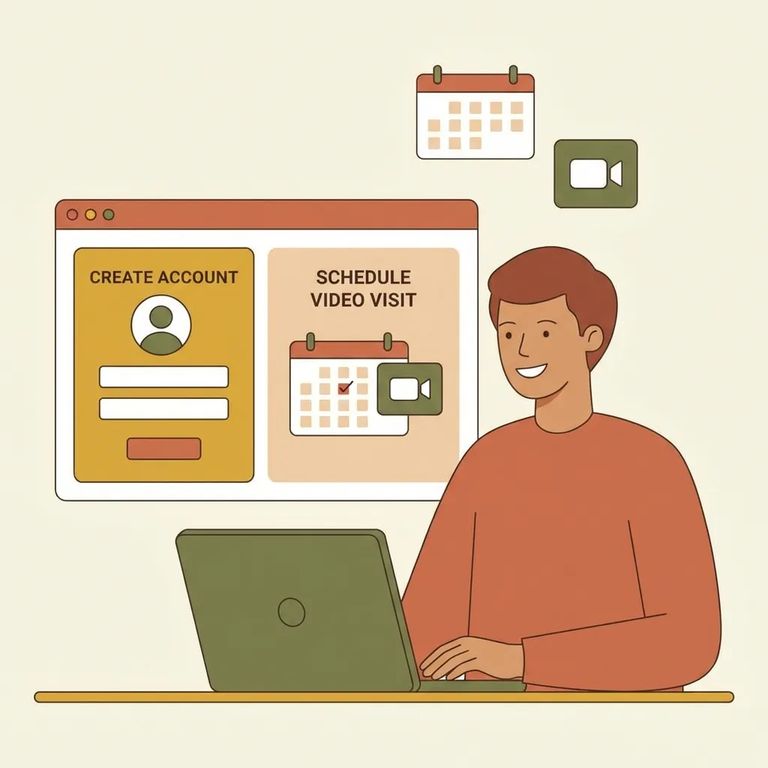
Al Cannon Detention Center offers personal online-only video visitation in three time blocks each day. Visits are 30 minutes long, and the facility allows a maximum of three visits per seven calendar days, so it helps to plan ahead and pick the times that work best for you and your loved one.
The facility uses video visitation to reduce inmate movement and limit contraband risks. For you, this means your visit happens online rather than in person.
- Create your SecurusTech account - Al Cannon requires you to set up an account online through SecurusTech before you can schedule or conduct an online/video visit.
- Use that account to schedule your visit - once your account is set up, you’ll be able to move forward with choosing an available time and completing the visit online.
Reminder: You can’t schedule (or complete) an online visit at Al Cannon without first creating your SecurusTech account.
Your loved one must be incarcerated for at least 72 hours before they can receive visits. If they were just booked, expect a short waiting period before video visitation becomes available.
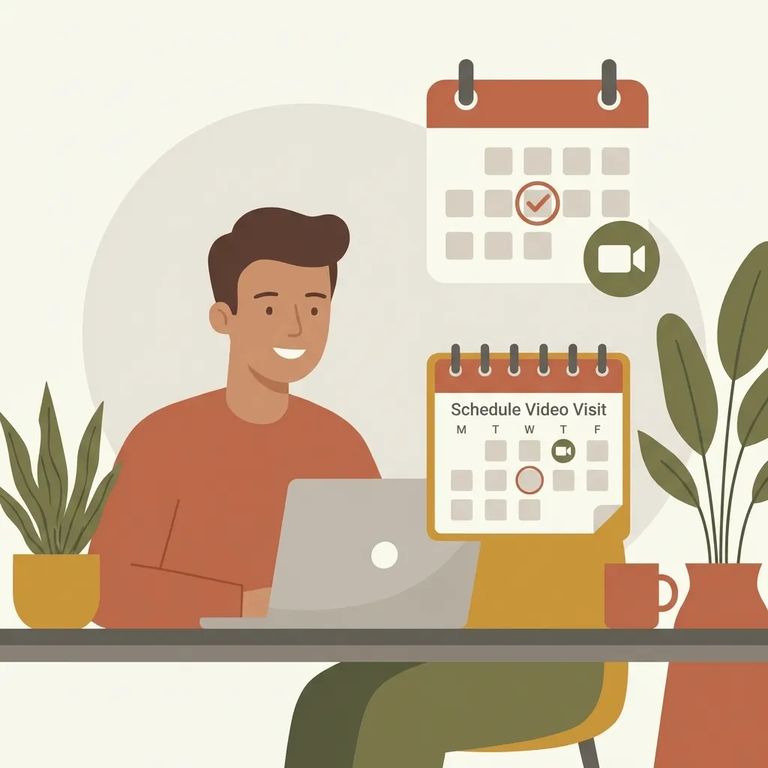
Personal online visits run in three daily blocks, with each visit lasting 30 minutes. You're limited to three visits per seven calendar days - so if you're juggling work, school, or childcare, spacing them out helps.
- ✓ Morning block: 8:00 AM – 10:50 AM
- ✓ Last time to schedule in the morning block: 10:20 AM
- ✓ Afternoon block: 1:00 PM – 4:25 PM
- ✓ Last time to schedule in the afternoon block: 3:55 PM
- ✓ Evening block: 7:00 PM – 10:00 PM
- ✓ Last time to schedule in the evening block: 9:30 PM
You must be at least 17 years old to schedule online visits. Visitors under 17 need a parent or guardian to schedule on their behalf.
Practical Tips
- ✓ Set up your account and log in a little early so you have time to troubleshoot.
- ✓ Test your camera, microphone, and speakers before your scheduled time.
- ✓ Use a steady internet connection (Wi‑Fi or wired) to reduce freezing or dropped audio.
- ✓ Pick a quiet, well-lit spot so you can see and hear each other clearly.
- ✓ Have any needed details (name spelling, basic info) handy so scheduling goes faster.
Find an Inmate at Al Cannon Detention Center
Search for a loved one and send messages and photos in minutes.
