
How to Contact an Inmate at ALEXANDER C.I. (NC)
Most communication with someone at Alexander Correctional Institution goes through NCDAC's mail-scanning and tablet systems, plus scheduled visiting. Here's how each one works so your message actually gets through.

At Alexander C.I. and other NCDAC prisons, regular (non-legal) mail doesn't go directly to the person you're writing. TextBehind screens and scans it first, then delivers it electronically. Your loved one sees digitized images on their tablet once processing is complete.
Those tablets handle a lot of everyday communication. NCDAC uses ViaPath/GTL tablet services, and people inside can make phone calls, send text messages to family and friends, and receive their digitized mail all through the same device.
Note: Key details like legal mail rules, content restrictions, size limits, turnaround time, costs, and exact tablet features aren't covered here. Confirm them with Alexander C.I. and the relevant vendor before sending anything.

Steps to Follow
- ✓ Address all non-legal mail to TextBehind’s centralized mailing address: P.O. Box 247, Phoenix, MD 21131
- ✓ Include the incarcerated person’s full name and OPUS number
- ✓ Write the full facility name (do not abbreviate): Alexander C.I.
- ✓ Expect delivery as scanned images on the inmate’s tablet (letters, greeting cards, photos, artwork)
- ✓ Double-check the addressing format before you send it, because mail that is not addressed correctly can be returned to the sender
- Confirm they have tablet access. In NCDAC facilities, ViaPath/GTL tablets are used for communication.
- Have them initiate calls and texts through the tablet. The tablet system supports phone calls and text messaging to family and friends.
- Use mail and visits as backups. If tablet communication is limited for any reason, your mailed messages (as scanned images) and scheduled visits can keep you connected.
- ✓ Choose in-person or video visiting (both options are used in NCDAC facilities)
- ✓ For video visits, use the Getting Out Visits app (visits can be on-demand or scheduled)
- ✓ Schedule all visits ahead of time, because visits are by appointment only
- ✓ Call or email Alexander C.I. to set the appointment
- ✓ Call the day before your scheduled visit to confirm the facility’s visitation status
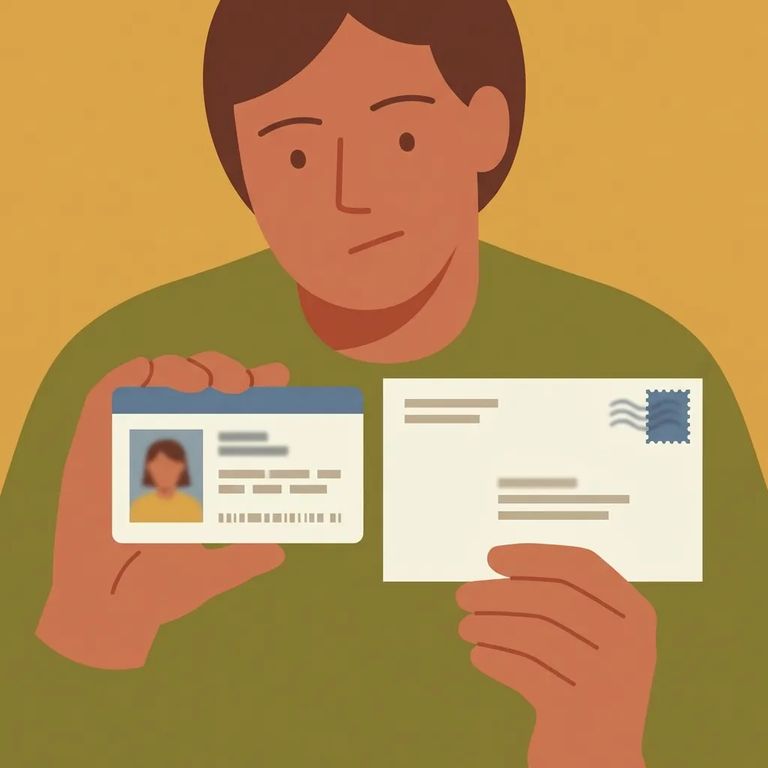
What to Verify
- ✓ Confirm the correct centralized TextBehind mailing address you should use for Alexander C.I.
- ✓ Verify the exact addressing format (how the name and OPUS number should appear, and how the facility name should be written without abbreviations)
- ✓ Ask what content is allowed in non-legal mail that will be scanned (letters, cards, photos, artwork)
- ✓ Ask how long scanning and electronic delivery typically takes
- ✓ Confirm what happens if something is addressed incorrectly (for example, whether it will be returned to sender)
- ✓ Confirm ViaPath/GTL tablet services are the current system in use at Alexander C.I.
- ✓ Ask whether the person you’re trying to reach has phone and text privileges on the tablet
- ✓ Verify whether you need to set anything up on your end for calls or texts, and what the costs are
- ✓ Confirm what types of scanned mail items are delivered to the tablet as digitized images (letters, greeting cards, photos, artwork)
- ✓ Confirm how to schedule an appointment for in-person visits (who to call or email, and what information they require)
- ✓ Verify whether video visits require the Getting Out Visits app for your visit type
- ✓ Ask about scheduling windows and whether there are limits on frequency or length of visits
- ✓ Call the day before your visit to confirm the facility’s visitation status
For current details, check NCDAC's mail, tablet, and visitation information, then confirm specifics directly with Alexander C.I. If you have questions about mail processing, TextBehind's support can help you verify formatting, restrictions, and what happens if something gets rejected or returned.
Find an Inmate at ALEXANDER C.I.
Search for a loved one and send messages and photos in minutes.
