
Scheduling Your Visit at Anamosa Using the Ameelio App: What to Expect
Planning an in-person or video visit at Anamosa? Iowa DOC schedules all visits through the Ameelio app—but only after you've been approved as a visitor.

Anamosa Penitentiary and other Iowa DOC facilities require the Ameelio app for scheduling both in-person and video visits. You can't just show up or call to book a time - once you're approved, you schedule through Ameelio. The good news? Iowa DOC offers both visit types at no cost to approved friends and family. The app's main job is helping you find an available slot and lock it in, whether you're traveling for an in-person visit or connecting by video.
Note: All in-person and video visits at Iowa DOC facilities (including Anamosa) are scheduled through the Ameelio app.
Ameelio handles the scheduling platform and customer support for app-related issues - account setup, password problems, technical glitches. What they can't do is approve or deny your ability to visit. Those decisions come from facility staff, not Ameelio.
Heads up: If your question is about being approved or denied to visit, you’ll need to take that to facility staff - not Ameelio support.
- Submit an Ameelio support request - Use the Ameelio support request form for help with the app (account setup, password changes, or technical issues).
- Include clear details - Share what you were trying to do and what went wrong (error messages, what screen you were on, and timing).
- Attach screenshots - Screenshots help Ameelio troubleshoot faster, especially for booking or login problems.
Ameelio support can fix app and platform issues, but they can't override facility decisions about who gets approved. If what's blocking you looks like an approval problem rather than a technical error, follow up with facility staff instead of (or in addition to) app support.
Practical Tips First Time
- ✓ Create your Ameelio account ahead of time so you’re not trying to set it up at the last minute.
- ✓ Confirm you’re an approved visitor before you try to book - scheduling happens after approval.
- ✓ Check which visit type you’re scheduling (in-person vs. video) so you pick the right option.
- ✓ Double-check the visit type, date, and time in Ameelio before you travel or plan your day around it.
- ✓ Remember: Iowa DOC in-person and video visits are free for approved friends and family.
In Ameelio, you'll choose between in-person and video options based on what's available. Treat it like booking an appointment: pick the correct visit type, select an open slot, and confirm the details before closing the app. This is especially important if you're arranging transportation or time off work around the visit.
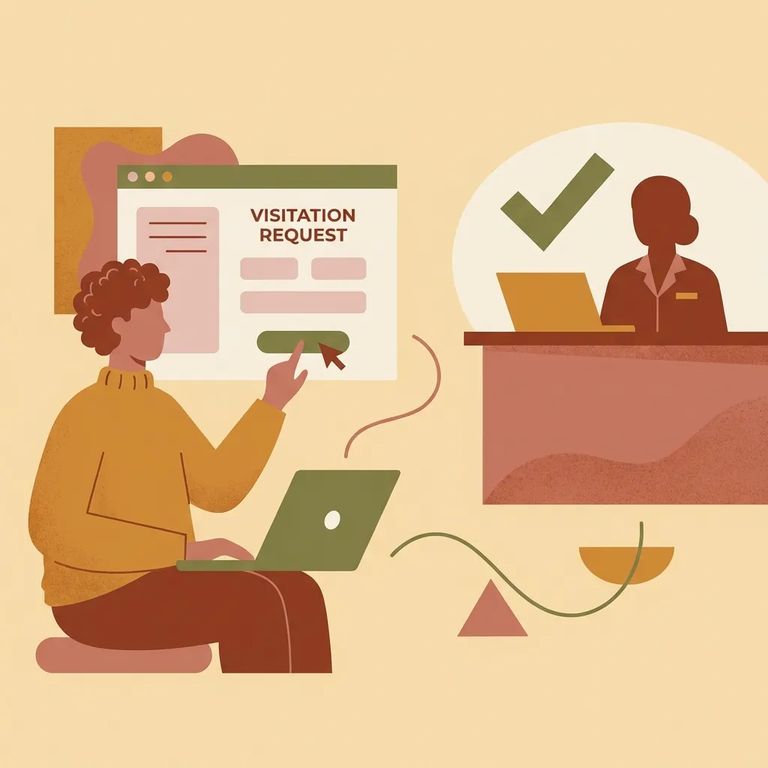
Scheduling conflicts usually fall into two buckets. Technical problems - errors, login issues, the app acting up - go to Ameelio support. But if the issue is whether a visit can be scheduled at all, or whether your request was approved or denied, that's controlled by facility staff.
- Re-check the visit details in Ameelio - Confirm you selected the right visit type (in-person vs. video) and that the date/time matches what you intended.
- Use Ameelio support for app errors - If something looks broken (error messages, missing options, login trouble), submit a support request and include screenshots.
- Go to facility staff for approval/availability issues - If the problem is about being approved/denied or what can be scheduled, follow up with the facility through its Iowa DOC facility page contact options.
Find an Inmate at Anamosa Penitentiary, IA
Search for a loved one and send messages and photos in minutes.
