
How to Visit Facility
Visitation details can change, but two tasks are clearly handled online through the Georgia Department of Corrections (GDC) visitation page: adding visitors to an existing visit and canceling a scheduled visit.
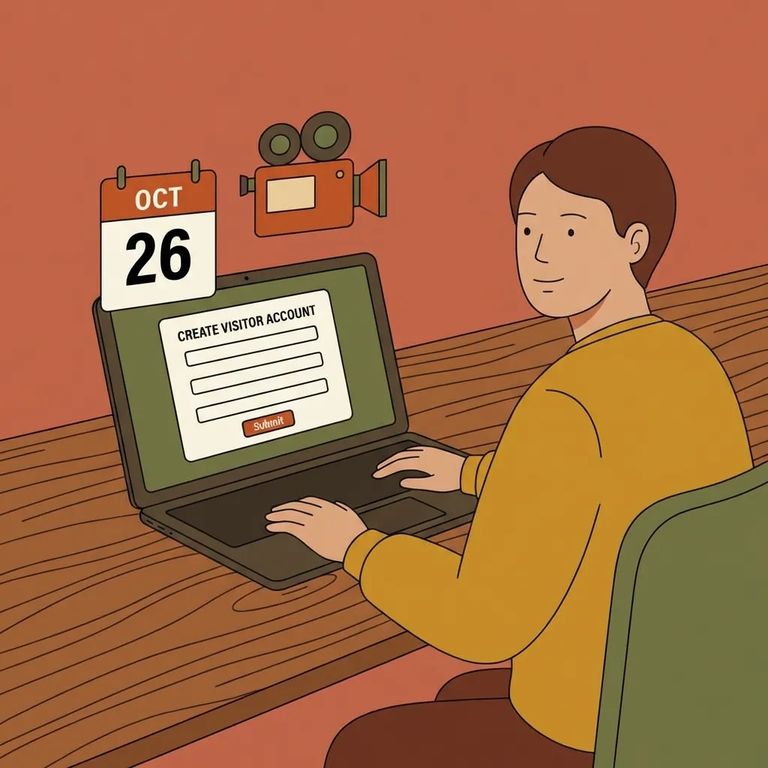
Already have a visit scheduled? You can make changes through the GDC visitation page. To add more visitors, select the "Add Visitor" option, find your appointment, and add the people you need. Need to cancel? Use the "Cancel my visit" option on the same page to locate your appointment and cancel it.

Steps to Follow
- ✓ Go to the GDC visitation page and select “Add Visitor.”
- ✓ Find your previously scheduled visitation in the system.
- ✓ Add the additional visitors to that scheduled visit.
- ✓ Go to the GDC visitation page and select “Cancel my visit.”
- ✓ Find your previously scheduled visitation in the system.
- ✓ Cancel the scheduled visit.
Before making any changes, double-check that you're on the correct GDC visitation page and can see your scheduled visit listed. Button labels and placement can shift over time, so look for "Add Visitor" and "Cancel my visit." Make sure you've selected the right appointment before submitting anything.
Find an Inmate at Bainbridge Treatment Center
Search for a loved one and send messages and photos in minutes.
