
How to Set Up Your TDCJ Online Visitation Scheduler Account (for Baten Unit visits)
Planning to visit someone at the Baten Unit? You'll need to set up a TDCJ Online Visitation Scheduler account first. The process is straightforward, but a few small details—like phone number formatting and skipped questionnaire questions—can bring everything to a halt.

You have to create your own account - TDCJ staff can't do it for you. Once it exists, staff can help update your information (name, address, etc.), but the initial setup is entirely on you. Take a few minutes to get it right before you try requesting a visit.
Start by entering a valid email address during registration. After you submit it, you’ll get an email that includes a 7-digit validation code and a link that takes you back to the scheduler to finish creating your account. Keep that email handy - you’ll need the code to move forward.
Once you've set your password, you'll move into the Background Questionnaire. Answer every single question before trying to continue - the system won't let you proceed until it's fully completed. Stuck? Go back and look for anything you skipped. One unanswered item can hold up the whole process.
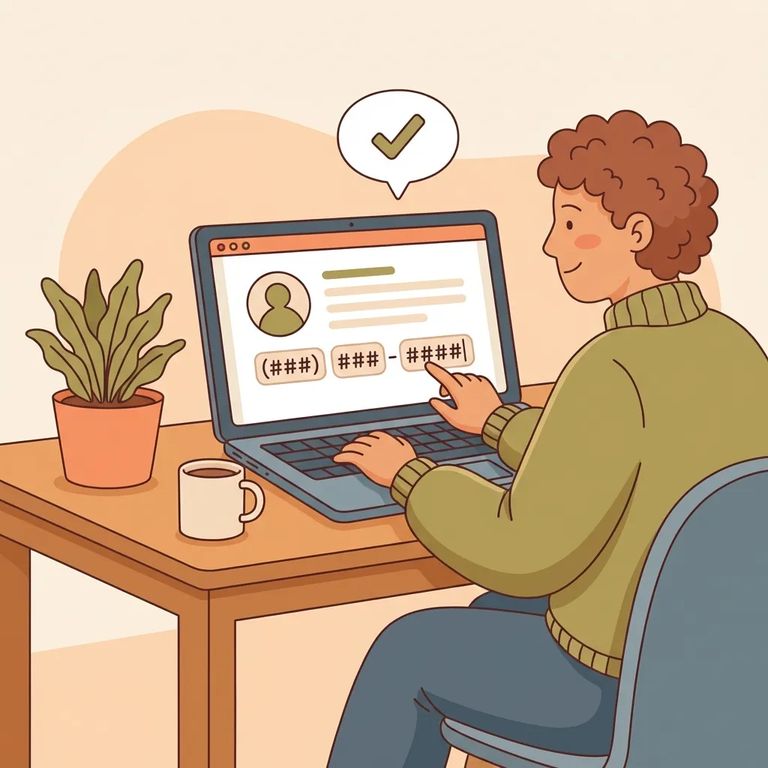
Next up: your Visitor Profile. Pay close attention to the phone number field - the scheduler expects the format XXX XXX XXXX with spaces, not dashes. Type 555-123-4567 and you'll likely trigger a validation error. Use spaces instead.
With your profile complete, add the inmate by searching their TDCJ number or SID number. The scheduler requires exactly 8 digits - double-check you haven't missed one or added extra spaces. Don't know the number? Use the TDCJ Offender Search on the TDCJ website to look it up, then come back and enter it.
Ready to request a visit? The scheduler will ask you to choose a visit type from the available options - you may see Regular, Contact, and Video/Tablet listed. Note: the Video/Tablet option here is its own thing, separate from the Securus Video program offered at limited units. Don't be surprised if you can't select every visit type you've heard about. What shows up depends on your relationship to the inmate, the facility's visitation area setup, and the inmate's current privileges.
Before you travel: Confirm the inmate is assigned to the Baten Unit and has visitation privileges, then call the unit for final confirmation. Visitation information can change, and a quick check can save you a wasted trip.
Forgot your password? Use the Forgot Password/Reset Password link in the scheduler. Enter your email address, and the system will send you instructions to reset it.
Find an Inmate at BATEN UNIT, TX
Search for a loved one and send messages and photos in minutes.
