
Sending Money to Someone at Baten Unit: who can deposit and what the rules are
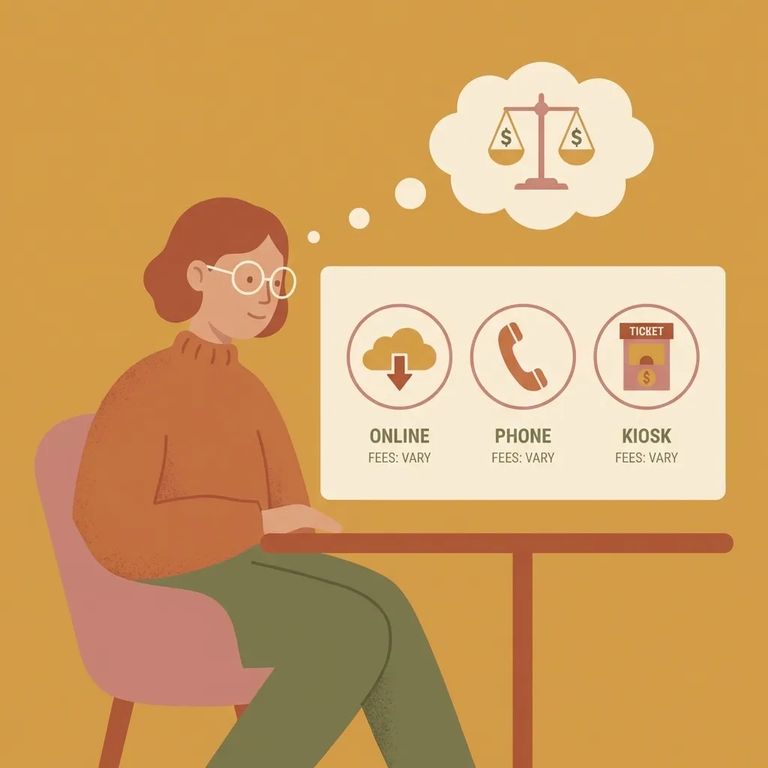
Sending money to someone at the Baten Unit comes down to two things: making sure you're eligible to deposit, and knowing the limits and fees. Since September 2020, only people on the inmate's approved visitor list or Inmate Telephone List can send funds. If you're using eCommDirect, quarterly spending caps apply (with a higher "Holiday Spend" limit from October through December). You'll also want to factor in purchase and deposit fees before you send anything.
As of September 1, 2020, you can only deposit money for an inmate if you're on their approved visitor list or Inmate Telephone List. Being a close friend or family member isn't enough - if you're not on one of those lists, your deposit will be rejected. Confirm your status before sending anything. A quick check upfront saves you from a failed transaction.
- ✓ Confirm you’re on the inmate’s approved visitor list.
- ✓ If you’re not on the visitor list, confirm whether you’re on the inmate’s Inmate Telephone List.
- ✓ If you aren’t listed, work with the inmate (and follow the unit’s process) to get added before you attempt a deposit.
- ✓ Keep any proof of approval or confirmation you receive, in case you need to reference it later.
Note: This sender-eligibility rule is effective September 1, 2020. If you’re not on the approved visitor list or the Inmate Telephone List, your deposit may be rejected.
eCommDirect caps how much an inmate can receive each quarter. From January through September, the limit is $70 per quarter. October through December gets a higher cap - $95 - called "Holiday Spend." If you're planning for birthdays, holidays, or winter needs, that fourth quarter gives you more room to work with.
- ✓ January–March: up to $70.00
- ✓ April–June: up to $70.00
- ✓ July–September: up to $70.00
- ✓ October–December: up to $95.00 (Holiday Spend)
Fees can catch you off guard. Through eCommDirect, purchases cost $3.75 each. Deposits run $2.50 plus 2.25% of the amount you're sending - so the bigger the deposit, the more you'll pay.
- Estimate a deposit fee - Take the deposit amount, calculate 2.25% of it, then add $2.50. Example: a $20 deposit would have a fee of $2.50 + (2.25% × $20 = $0.45) = $2.95.
- Estimate a purchase fee - Add $3.75 for an eCommDirect purchase. Example: if you place a purchase order, the fee is $3.75.
- Budget for both if you’re doing both - If you’re making a deposit and also placing a purchase, you can end up paying both types of fees, so it helps to do the math before you submit anything.

The rules above cover who can send money and what eCommDirect charges, but Baten Unit may have its own preferences for how deposits should arrive. Before mailing anything or starting a payment, call the unit directly. Ask what deposit methods they accept and whether there are specific instructions to follow. That one call can save you from delays or rejected funds - especially if this is your first time sending money.
- Call the Baten Unit before you send money - Ask what deposit methods are accepted right now and what instructions apply.
- Confirm exactly what information is required - For example, ask what identifying details must be included so funds are credited correctly.
- Ask about any additional restrictions - Confirm whether there are unit-level preferences or rules that could cause a deposit to be rejected if you don’t follow them.
Reminder: System-wide rules tell you who can deposit, but unit procedures can affect how you deposit. Verifying details with the Baten Unit helps you avoid returned funds.
Find an Inmate at BATEN UNIT, TX
Search for a loved one and send messages and photos in minutes.
