
How to Send Money to Facility
Want to add money for video calls for someone at this CDCR facility? Everything runs through Securus. Here's how to get set up and what to double-check before loading funds.
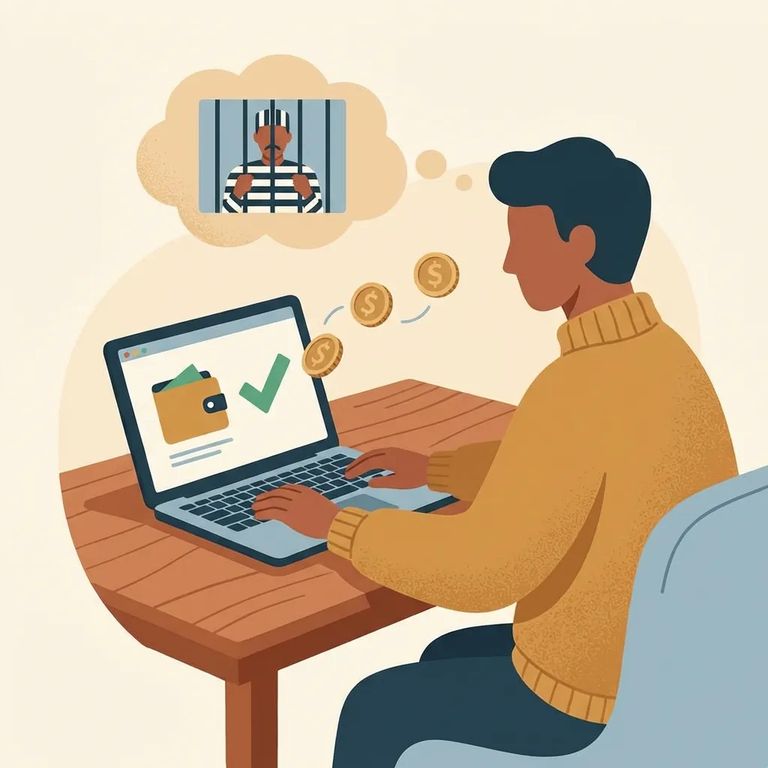
Video calling at this CDCR facility requires a Securus account. Phone calls might not need one, but video calls and electronic messaging do. Setting up your account now saves you from delays later.
To add money for prepaid video calls, look for AdvanceConnect inside the Securus app. That's where you'll fund video calls for people housed at this CDCR facility.
Note: Video calling and messaging availability can change. If the app looks different than expected, check with the facility and follow current Securus guidance for this CDCR location.

- Create your Securus account. Use the Securus website or the Securus mobile app to open an account so you’re ready when video calling and messaging are available.
- Open the Securus app and select AdvanceConnect. Follow the prompts to set up and add funds for prepaid video calls for your loved one at this CDCR facility.
Tip: Set up your Securus account first, then add funds through AdvanceConnect. Trying to fund before your account is ready can leave you stuck mid-process.
What-to-verify
- ✓ Confirm with the facility whether a Securus account is required for the person’s housing location, and whether video calling or electronic messaging is currently available.
- ✓ Confirm that AdvanceConnect is supported for this facility, and ask what payment methods or limits (if any) apply through the facility or Securus for prepaid video calls.
Find an Inmate at Bautista Fire Camp, CA
Search for a loved one and send messages and photos in minutes.
