
How to Visit Facility
Visiting starts with scheduling. At this facility, you'll book visits through the GTL VisitMe portal.
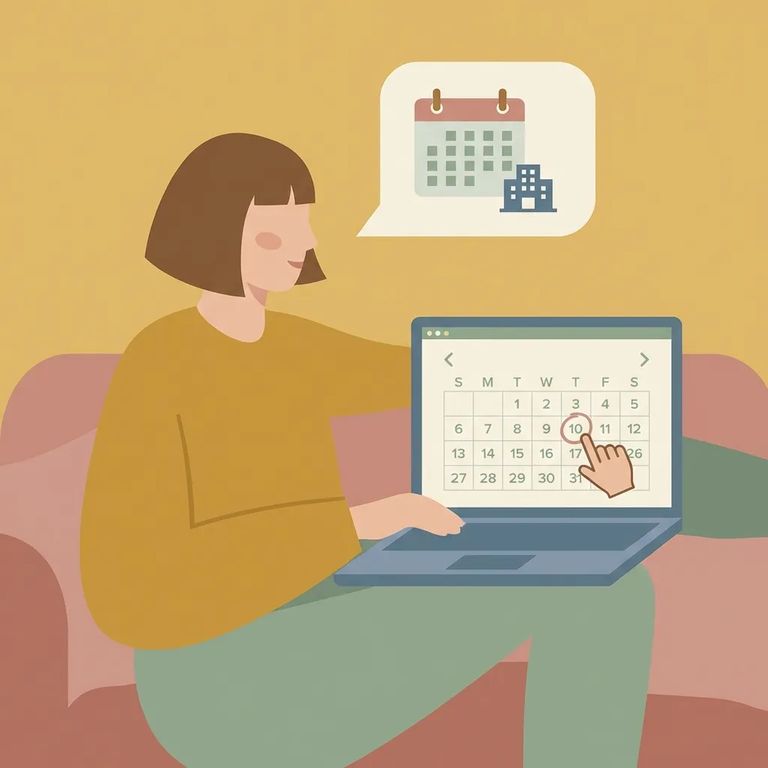
Use the GTL VisitMe portal to schedule your visit. Once you sign in, you can book a time and manage any upcoming visits linked to the person you're seeing.
The portal lets you pick your date, time, and location. But it won't tell you everything. Before you go, confirm the facility's current rules: ID requirements, what you can bring, and any costs.

Steps to Follow
- ✓ Sign in to the GTL VisitMe portal.
- ✓ Find the option to schedule a visit with the inmate at this facility.
- ✓ Select your visit date.
- ✓ Select your visit time.
- ✓ Select the visit location shown in the system.
- ✓ Save your visit details so you can manage the upcoming appointment later.
Before you show up, double-check the details that aren't covered here. Confirm visiting hours for your specific day, any fees, required ID or documentation, and what personal items are allowed. Also make sure you know how to review, change, or cancel a visit in GTL VisitMe so you're not caught off guard if plans change.
Tip: If anything in the portal is unclear, verify the current visitation rules with the facility directly before making the trip.
Find an Inmate at Bautista Fire Camp, CA
Search for a loved one and send messages and photos in minutes.
