
How to Schedule a Legal Videoconference with Someone at Bayside State Prison
Scheduling a legal videoconference at Bayside State Prison comes down to timing and paperwork. Send a complete fax request with enough lead time, and the facility will check availability and lock in your slot.
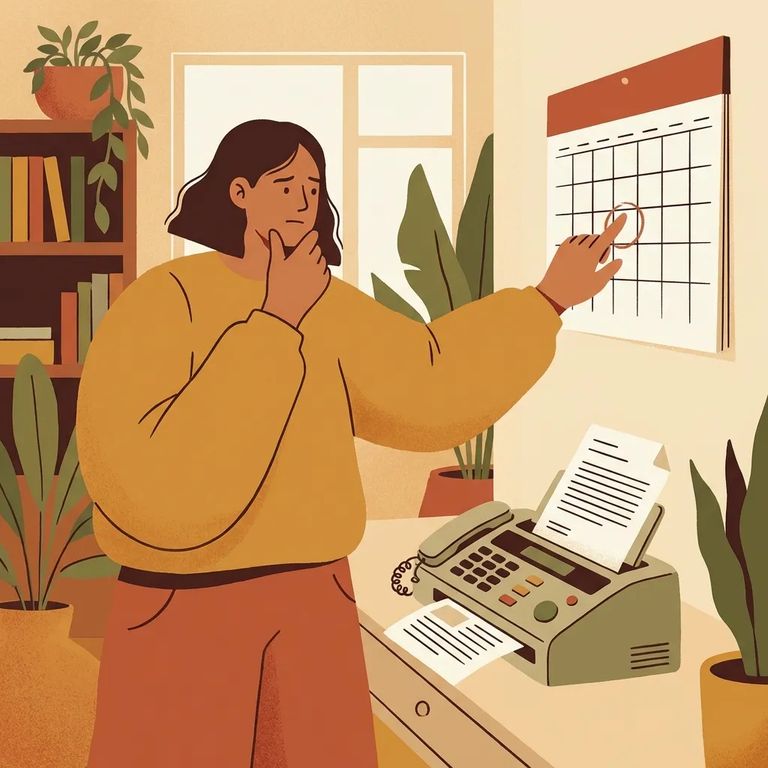
All videoconference requests must be faxed to the facility's videoconferencing coordinator (or their designee) at least 48 hours in advance - that's two or more business days before your requested conference. Planning something quickly? Build that lead time in from the start so your request doesn't arrive too late to make the schedule.
Videoconferences run during standard operational hours: 8:00 AM to 4:00 PM, Monday through Friday. Weekends and holidays don't count. A request sent right before a holiday weekend can effectively push your timeline back several days.
Note: Even when demand is high, no agency or department gets priority scheduling for videoconference appointments.
Try to pick a start time at least one hour before closing. Since the operational day ends at 4:00 PM, late-afternoon slots are harder to accommodate and more likely to get bumped.
What to Include Form
- ✓ Inmate’s name
- ✓ Inmate’s institutional identification number or SBI number
- ✓ If you don’t have the inmate number or need to confirm the person’s location, contact the NJDOC Inmate Locator Service at (609) 292-0328
The VTC request form asks for a
The form also has a
Once the form is complete, fax it directly to Bayside State Prison's videoconferencing coordinator (or designee). Make sure your request reaches the facility contact with at least 48 hours (two or more business days) of lead time.
Faxing isn't optional - it's how the system works. Each correctional facility has a fax machine built into the videoconferencing setup specifically to receive scheduling paperwork and related documents.
Once your fax arrives, scheduling depends on the facility's calendar. The videoconferencing liaison checks a master schedule of upcoming conferences before adding any new appointment.
The facility's videoconferencing coordinator handles day-of logistics. They notify the post officer of the schedule, and the post officer ensures the correct inmate is in the videoconferencing waiting area at least 10 minutes before the scheduled start time.
Note: The 48-hour fax requirement is the baseline, but timing can still be affected by demand and the master schedule. No agency is given priority scheduling.
Out-of-state agency requesting a videoconference with a New Jersey inmate? There's an extra step. Contact Donna Sweeney-Elrose at 609-984-9598 first to confirm there are no conflicts with New Jersey's Interstate Compact Agreement.
For out-of-state requests, the requesting agency initiates the conference call and covers any associated expenses. Plan for this ahead of time so the appointment doesn't stall at the last minute.
Need help with the statewide videoconferencing program or have process questions? Contact the NJDOC Videoconferencing Program Office of Information Technology at P.O. Box 863, Trenton, NJ 08625, by phone at 609-826-5642, or by fax at 609-984-8284. For Bayside-specific contact details, New Jersey publishes an online list of addresses and phone numbers for all state prisons - a reliable way to find current facility information for your submission.
- ✓ Fax the completed videoconference request to the facility videoconferencing coordinator (or designee)
- ✓ Send it at least 48 hours in advance (two or more business days; weekends/holidays don’t count)
- ✓ Request a time during operational hours: Monday–Friday, 8:00 AM–4:00 PM
- ✓ When possible, choose a start time that begins no later than one hour before closing
- ✓ Include the inmate’s name and institutional ID number or SBI number
- ✓ Select the appropriate reason code (for legal visits, use “Client/Attorney Interview”)
- ✓ Mark “FAX Yes” or “FAX No” to indicate whether you will fax documents to the inmate on the day of the videoconference
- ✓ Remember: facilities can receive incoming faxes as part of the videoconferencing system
Find an Inmate at Bayside State Prison
Search for a loved one and send messages and photos in minutes.
