
How to Send Money to Facility
Need to add money to someone's account at Beaver County Correctional Facility (BCCF)? The facility lists three options: electronic deposit through the Jail ATM website, an in-person Lobby ATM at the Sheriff's Office, or mailing in a money order or cashier's check.
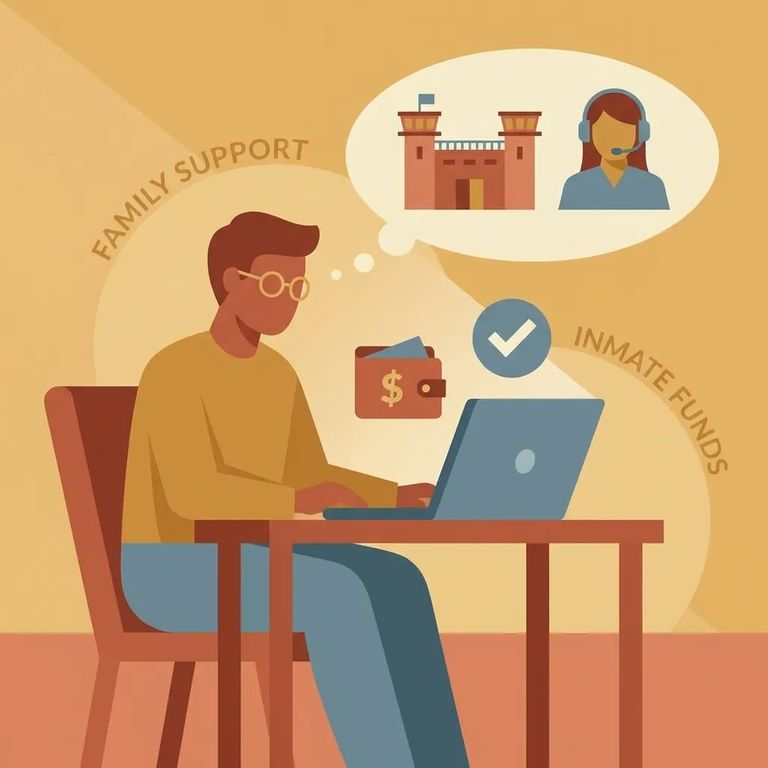
BCCF lists three ways to add money to an inmate's commissary account: electronic deposits through the Jail ATM website, a Lobby ATM in the main lobby of the Sheriff's Office, and a mail-in option using money orders or cashier's checks. Looking for the fastest route? The facility states electronic deposits are added instantly.
Sending funds by mail? Use a money order or cashier's check, and mail it in a separate envelope addressed to the attention of "Inmate Accounting." The facility provides this address format: Inmate's Name (#####), P.O. Box 391, Beaver, UT 84713. Double-check the identifying number before you send anything so the funds get credited to the right person.
Note: Fees, deposit limits, processing times for mailed payments, and Lobby ATM hours aren't listed in the available information. Confirm those details with the facility before you send money.
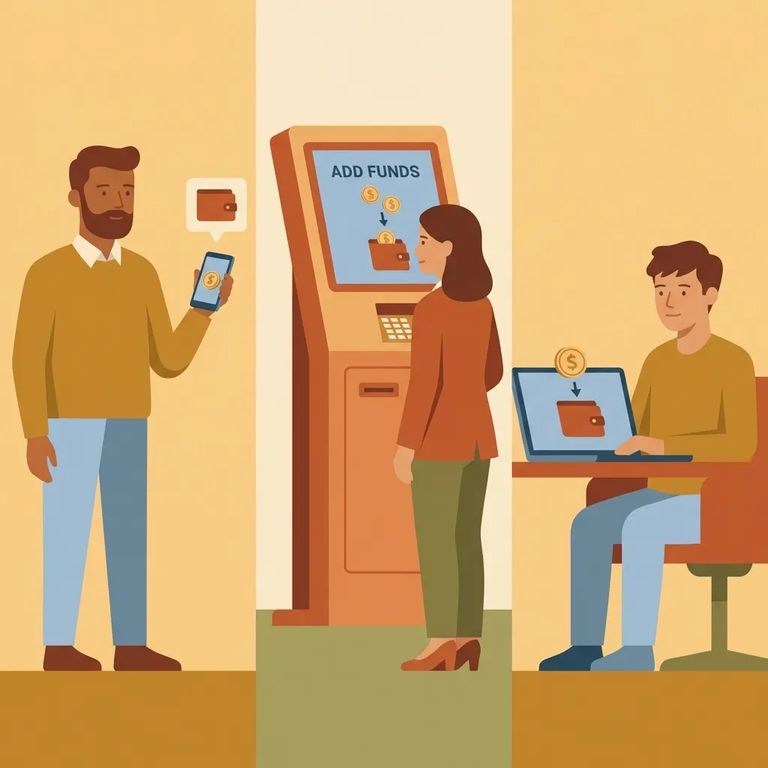
Steps to Follow
- ✓ Use the Jail ATM website to send funds electronically (the facility states these deposits can be added instantly).
- ✓ Use the Lobby ATM in the main lobby of the Sheriff’s Office to add money using a credit card or cash.
- ✓ Mail a money order or cashier’s check in a separate envelope addressed to “Inmate Accounting.”
- Go to the Jail ATM website to start an electronic deposit.
- Enter the inmate’s details as prompted so the payment is tied to the correct person.
- Complete the payment to add funds to the inmate’s account (the facility states electronic deposits can be instant).
- Go to the Sheriff’s Office main lobby where the Lobby ATM is located.
- Choose your payment type (the facility states the machine accepts a credit card or cash).
- Follow the on-screen prompts to add funds to the inmate’s account.
- Buy a money order or cashier’s check for the amount you want to add.
- Prepare a separate envelope and address it to the attention of “Inmate Accounting.”
- Use the facility’s inmate addressing format: Inmate’s Name (#####), P.O. Box 391, Beaver, UT 84713.
- Mail it in and keep your receipt until the funds show up on the inmate’s account.
What to Verify
- ✓ Which payment types are accepted for mail-in funds (money order vs. cashier’s check) and whether any other rules apply when the envelope is addressed to “Inmate Accounting.”
- ✓ Whether the same inmate addressing format (Inmate’s Name (#####), P.O. Box 391, Beaver, UT 84713) should be used for mailed payments, and what number should go in the (#####) field.
- ✓ The current name and access instructions for the electronic deposit option (Jail ATM website) and what information you will need to complete a deposit.
- ✓ Any fees and deposit limits for electronic deposits.
- ✓ Lobby ATM access details, including hours and any rules for using the ATM in the Sheriff’s Office main lobby.
- ✓ Whether mailed funds are credited on a specific schedule, and how long it typically takes to post.
Warning: Fees, limits, processing times, and Lobby ATM hours aren't included in the available facility information. Check with the facility (or the Sheriff's Office) before sending money.
Find an Inmate at Beaver County Jail, UT
Search for a loved one and send messages and photos in minutes.
