
ConnectNetwork Messaging for Families of Inmates at Blackwater River: First Message Guide
If ConnectNetwork Messaging is available at Blackwater River, you can set up an account, buy credits, and send your first message in just a few minutes. Here's the step-by-step process—plus how to check rates and reply-credit rules before you spend anything.
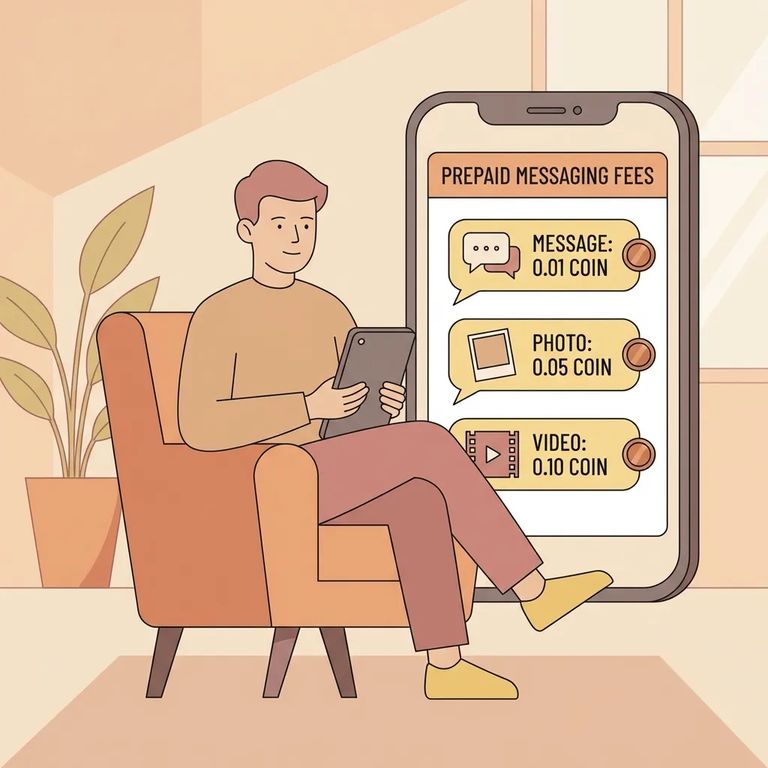
ConnectNetwork Messaging isn't available at every facility - it depends on whether Blackwater River offers the service. If they do, you can send and receive messages around the clock, making it one of the easiest ways to stay connected from home.
Before buying credits, check what messaging will actually cost. The per-message or per-credit rate isn't displayed on the public Messaging page - it shows up inside your account after you add the inmate and click
- Sign in to your ConnectNetwork account - Messaging starts from your logged-in account.
- Add Blackwater River as the facility - You’ll need to select a facility that offers Messaging.
- Add the inmate as a Contact - Use their booking number or name. This step matters because you generally can’t send messages (or move forward with credits) until the inmate is added to your Messaging contacts.
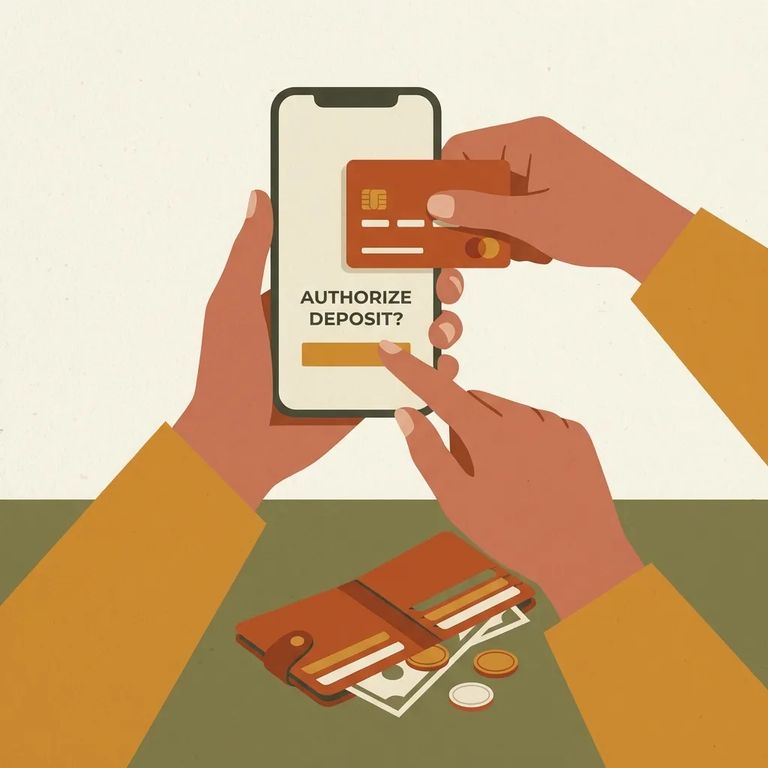
Once your contact is set up, you'll need to purchase message credits. ConnectNetwork accepts Visa, Mastercard, and Discover - so you can fund your balance and start sending right away.
- ✓ Add the inmate first, then click “Buy Credits” to see the exact per-message or per-credit rate for Blackwater River in your account.
- ✓ Check whether Blackwater River’s policy requires you to purchase extra “reply” credits so your loved one can send a response.
Need help with payment or your account? ConnectNetwork offers toll-free support: Customer Service (877) 650-4249, AdvancePay Automated Payment System (800) 483-8314, Trust Fund Automated Payment System (888) 988-4768, PIN Debit Automated Payment System (855) 706-2445.
With credits in your account, you're ready to compose and send your message. If Blackwater River has attachments enabled, you may be able to include a photo or video - but that feature is only available at select facilities and requires the ConnectNetwork mobile app.
One thing to watch: some facilities require reply credits for the inmate to message you back. If Blackwater River uses reply credits, purchase them upfront so your loved one can respond when they're ready.
If something seems off - you can't find the inmate, Messaging isn't showing, or a payment won't go through - check the Messaging help/FAQ section in your account first. For billing or account issues, use ConnectNetwork's toll-free support. And for rate questions, the answer is always in the same place: after adding the inmate, click
Find an Inmate at Blackwater River Correctional Facility
Search for a loved one and send messages and photos in minutes.
