
How to Get Approved to Visit Someone at Bledsoe: CR-2152 Application Walkthrough
Getting approved to visit at Bledsoe starts with the TDOC Visitation Application (CR-2152). Fill it out carefully, attach the required photo, and send it to the right office—that's how you avoid the most common delays.
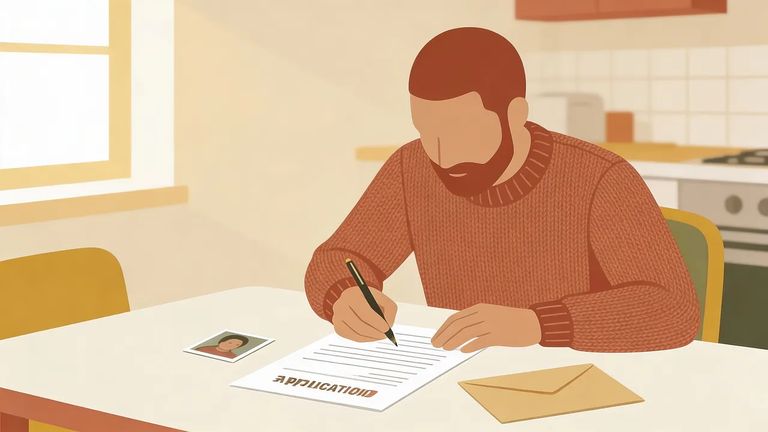
Every prospective visitor at Bledsoe needs an approved CR-2152 on file before they can be admitted - no exceptions, regardless of age. Already on someone's approved list? You'll still need to submit an updated application if you don't have one on file (the policy requires this update within six months of its effective date).
CR-2152 approval isn't permanent. Applications expire every two years (24 months), so even long-time visitors need to plan for renewal. Every applicant also goes through an NCIC background check - take your time and make sure your identifying information is accurate and consistent throughout the form.
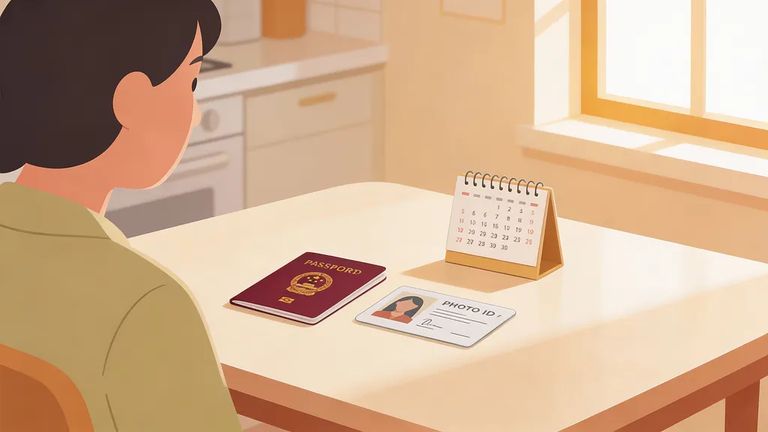
Gather
- ✓ A current photograph to attach to the CR-2152 (a missing photo can stall your application)
- ✓ Your accurate personal/identity details (since all applicants are subject to an NCIC background check)
- ✓ A reminder on your calendar to update the application every 24 months
Heads up: Your CR-2152 must include a current photograph and reach the Deputy Superintendent/Associate Warden in charge of visitation within 30 days. Without the photo, it's incomplete.
Complete every section of the CR-2152, then attach a current photograph before mailing. Think of the photo as part of the application, not an optional add-on. Applying for a child? Don't skip this step - each visitor, regardless of age, needs their own approved application on file.
Warning: If the photo is missing, your application can’t be processed as submitted.
Mail your completed CR-2152 to the Associate Warden of Security (for MLTC, it's the Deputy Superintendent). Write the prison name and address on the envelope, and address it directly to the Associate Warden of Security so it reaches the right office.
Once your application arrives, the facility runs an NCIC background check. Accuracy matters - small mistakes in your identifying details can slow everything down.
Here's the timeline to expect. Inmates receive the CR-2152 with instructions for prospective visitors, and you have 30 days to complete and return the form with your photo. After the facility receives your application, expect a decision - approved or denied - within 30 days.
Tip: Give it the full 30 days after the facility receives your CR-2152 before you assume something went wrong.
If you want a visitor handbook, you can include a self-addressed stamped envelope with your application request/materials so it can be mailed back to you.
Still waiting after 30 days from when the facility received your application? Contact the Associate Warden of Security - the same office your application was addressed to. Have the visitor name ready, and confirm you sent it to the correct prison name and address. Misaddressed mail is one of the easiest ways for an application to get lost.
Find an Inmate at Bledsoe Corrections Facility
Search for a loved one and send messages and photos in minutes.
