
How to Schedule Your First Visit at Boyd Unit Using the TDCJ Online Scheduler
Your first visit at Boyd Unit starts online. Once you know the steps—create your account, complete the background questions, add the incarcerated person, and submit your relationship request—everything else falls into place.
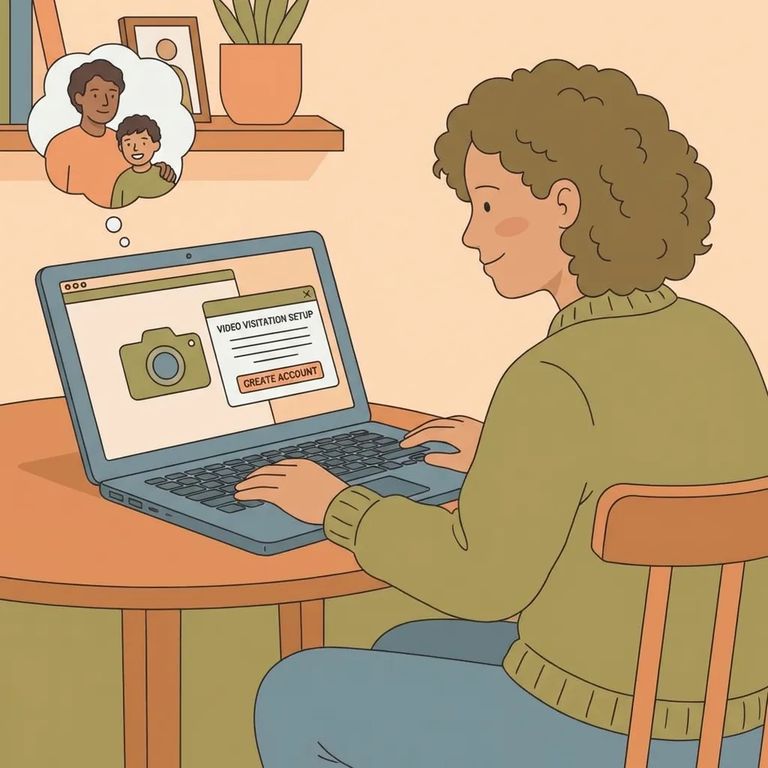
Boyd Unit visits go through the TDCJ Online Visitation Scheduler, and you'll need to create your own account. Unit staff can't do this for you. Once your account exists, they can help with certain updates like correcting names or addresses - but that first step is on you.
Head to the official TDCJ Online Visitation Scheduler login page to create your account. Choose your email carefully - once an account is created, it can't be deleted, and the email address can't be changed. Pick a permanent email you'll have access to long-term. It'll save you headaches later.
- Click “Create an Account” and submit your email - this is the email you’ll use to log in going forward.
- Open the registration email and find the 7-digit validation code - the scheduler sends a message with a code you must use to finish.
- Enter the code to complete registration - once you input the 7-digit validation code, you can move forward with setting up the rest of your account.
Heads up: The scheduler won’t let you delete an account once it’s created, and you can’t change the email address tied to it. Use an email you expect to keep long-term.
Once you're registered, the scheduler walks you through a Background Questionnaire. You have to answer every question before the system lets you continue, so set aside time to finish it all in one sitting.
Formatting tip: Enter your phone number as XXX XXX XXXX, using spaces (not dashes).
Forgot your password? Use the
To add the person you want to visit, you’ll search using their TDCJ number or SID number. Make sure you’re entering an 8-digit number - if it’s not 8 digits, the search and add process won’t line up the way the scheduler expects.
Once the search pulls up the correct person, you’ll choose your relationship and submit a Relationship Request. After you confirm and send it, that request goes to the incarcerated person’s unit of assignment - here, Boyd Unit - where unit staff verify the visitor/inmate relationship. That verification step is what clears the way for scheduling a visit.
Reminder: Boyd Unit staff can verify relationships and may help with certain account updates after you’re set up, but they can’t create your scheduler account for you.

Troubleshooting Tips
- ✓ Check your spam/junk folder for the registration email with the 7-digit validation code.
- ✓ If you can’t log in because you forgot your password, use the “Forgot Password/Reset Password” link and follow the emailed reset steps.
- ✓ Re-enter your phone number using spaces: XXX XXX XXXX (no dashes).
Before you drive out for your visit, do one last check of the current visitation information. TDCJ updates visitation information once daily on weekdays and multiple times per day on visitation days, so what you saw earlier may not be the latest by the time you’re ready to leave.
Final check: Call Boyd Unit to confirm before you travel. Unit staff handle relationship verification and day-of changes can happen faster than the online updates.
Find an Inmate at Boyd Unit, TX
Search for a loved one and send messages and photos in minutes.
