
What the Connecticut DOC Website Can (and Where to Look): Inmate search, visiting, accounts, directives and reports
Need answers fast? The Connecticut Department of Correction (CT DOC) website can save you a lot of phone calls—if you know where to look. Here's where families find the most useful information: inmate search, visiting, inmate accounts, phone details, and official publications.
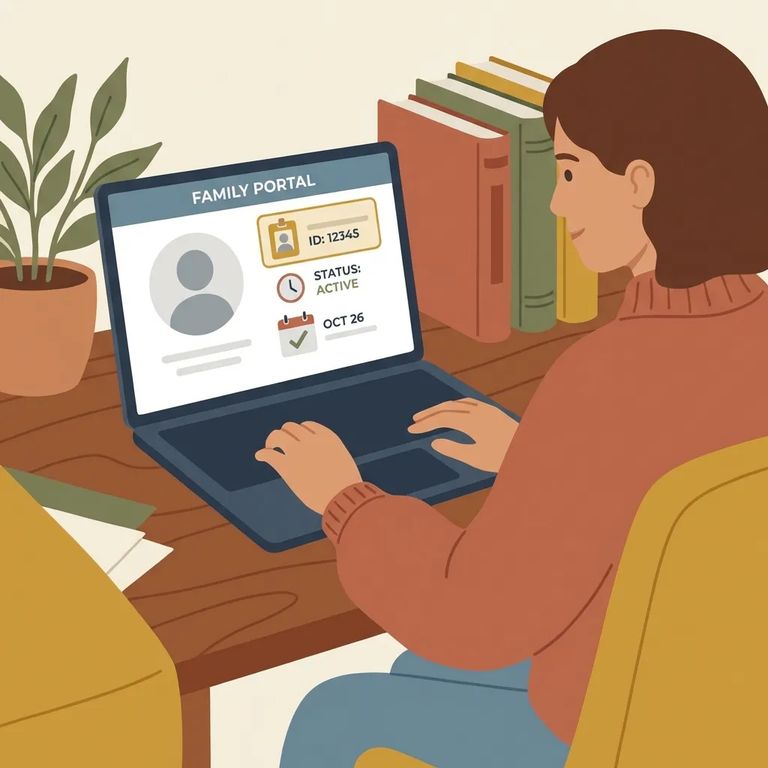
Start with "Inmate Search" if you're trying to locate someone in custody. For everyday family questions - visiting rules, staying in contact, account and phone details - the "Information for Friends & Families" section is your home base. From there, you'll find separate resources for "Visiting," "Inmate Accounts," and "Inmate Phone Information." There's also an "Attorneys/Professional Visits" section, but that's for legal and professional visitors, not family. Looking for system-wide policies? The "Publications" area has annual reports, forms, strategic plans, and assessment/classification materials.
Don't know where someone is housed? The "Inmate Search" section is your best starting point. It's the quickest way to confirm someone is in CT DOC custody and figure out their location before moving on to practical steps like visiting or setting up an account.
Note: Online results don't always answer time-sensitive custody questions. If you're stuck - or trying to confirm an ICE detainer - CT DOC directs detainer questions to the ICE regional office at 617-565-4946. You can also contact the CT DOC Public Information Office for help.

For visiting info, go to "Information for Friends & Families" and then click on "Visiting." That's where CT DOC groups all visitor-facing guidance. If you're an attorney, investigator, or other professional visitor, use the separate "Attorneys/Professional Visits" section - the process is different from general visiting.
- ✓ Use the CT DOC “Inmate Accounts” resource when you need official information about inmate accounts and how account-related processes work.
- ✓ Use “Inmate Phone Information” when you’re trying to understand calling options and phone-related rules as presented by CT DOC.
Tip: Found the page you need? Save it and note the date. Policies and vendor instructions change, and having the current version handy helps if you need to call with follow-up questions.
Looking for official documents? Head to "Publications." This is where CT DOC posts Assessment and Classification Reports and Manuals, Annual Reports, Press Releases, Forms, and Strategic Plans.
These documents won't answer every question about a specific person's situation. But they help you understand the bigger picture: how CT DOC handles classification, what the department reports year to year, and which forms are publicly available. Trying to separate written policy from rumor? This is the most reliable spot on the site for CT DOC's own published material.

Use the website first when your question is likely covered by a posted resource: locating someone through "Inmate Search," finding family info under "Information for Friends & Families," or pulling official documents from "Publications." It's also the best route when you want CT DOC's written guidance in front of you - especially for visiting, phone, and account basics - so you can follow current instructions instead of getting bounced between offices.
Call when the website doesn't answer your question, something looks inconsistent, or you're dealing with a time-sensitive issue. The CT DOC Public Information Office is at 24 Wolcott Hill Road, Wethersfield, CT 06109. Phone: 860-692-7480. Fax: 860-692-7783. For questions about inmates held on ICE detainers, CT DOC directs inquiries to the ICE regional office at 617-565-4946; that detainer notice also lists a DOC Public Information Office number as 860-692-7780.
- ✓ Call the ICE regional office at 617-565-4946 for questions specifically about ICE detainers.
- ✓ Contact the CT DOC Public Information Office when you have unresolved questions after using the website or you need clarification on CT DOC information.
Practical Tips
- ✓ Use the CT DOC site’s own search bar with plain terms like “visiting,” “inmate accounts,” “inmate phone information,” or “publications.”
- ✓ If you’re trying to understand policy or system-wide changes, check the “Publications” area for annual reports, forms, and other official documents.
- ✓ Save the exact page you’re using (screenshot or bookmark) so you can pull it up quickly later.
- ✓ Write down the date and time you viewed the information, especially before you call with a question - staff may ask what version you’re looking at.
Find an Inmate at Bridgeport Corrections, CT
Search for a loved one and send messages and photos in minutes.
