
Why your loved one can't call you yet — initial collect calls and how to set up Smart Communications for calls and video
Waiting on that first phone call? The delay usually comes down to paperwork and setup. Butler County Prison allows a short window for collect calls right after someone arrives — but after that, you'll need to set up an account with the facility's phone provider to keep calls and video visits going.
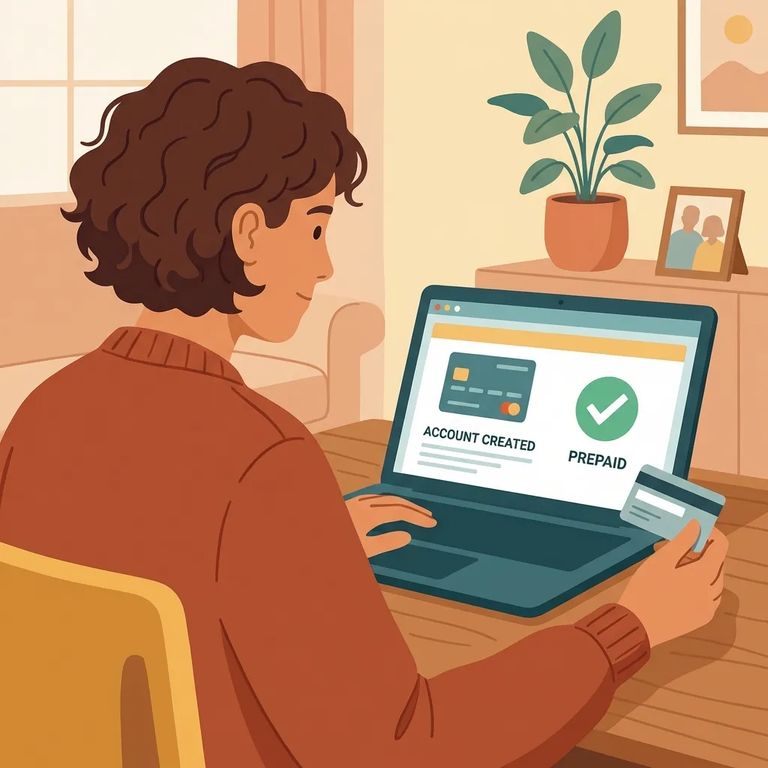
When someone first arrives at Butler County Prison, they get three collect phone calls. "Collect" means the charges go to whoever they're calling - so your carrier might block it, send it to voicemail, or ask you to accept the charges first. Once those three calls are used up, phone access doesn't continue on its own. You'll need to set up an account with the phone provider to keep calls coming.
Heads up: Your loved one gets three collect calls after commitment - billed to the number they dial. After that, you'll need a provider account to continue receiving calls.
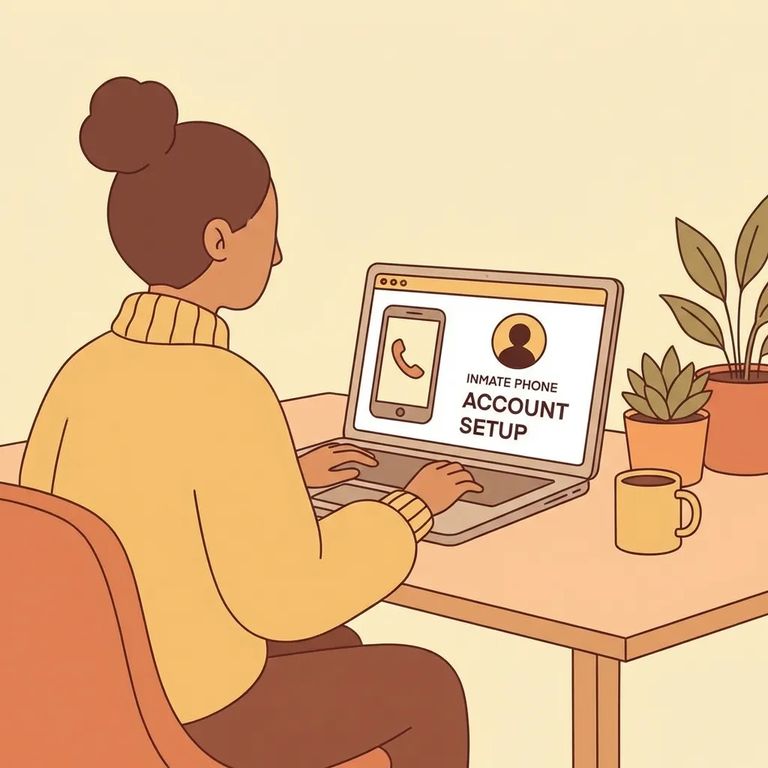
Butler County Prison uses Smart Communications (SmartInmate) for phone service. This is the company you'll set up an account with to keep calls going after the initial collect-call window. It's also where you'll manage video visits.
- Create your SmartInmate account - Signing up is free, and it’s the starting point for getting connected.
- Use your account to set up phone/video access - After the first three collect calls, service continues through the provider account.
- Call Customer Care if you get stuck - Smart Communications Customer Care is 727-349-1561, open 7:00 am to 12:00am (midnight) seven days a week.
Need help setting things up? Smart Communications Customer Care: 727-349-1561.
Video visits are scheduled through SmartInmate. If you're new to the platform, start by creating a free account. Once you're logged in, you can schedule video visitation directly on the SmartInmate website.
- ✓ Sign up for a SmartInmate account (free)
- ✓ Use SmartInmate to schedule the video visit
- ✓ Log in ahead of time so you’re not troubleshooting at the last minute
Need to arrange non-recorded legal calls? Or are you an attorney seeking approval for attorney calls? Either way, setup goes through Smart Communications. Contact them directly or use the SmartInmate site to start the account and approval process.
Legal-call setup: For non-recorded legal call approval details, contact Smart Communications at 727-349-1561 or use the SmartInmate site to begin the process.
If calls don't come through - or stop after a few attempts - don't assume your loved one isn't trying. Remember: the first three calls are collect calls billed to the number dialed. After those three, an account is required. For account questions, service issues, or anything confusing during setup, Smart Communications Customer Care (727-349-1561) is available 7:00 am to 12:00am (midnight) seven days a week.
- ✓ Be ready to accept charges on collect calls during the initial three-call window
- ✓ Set up your SmartInmate/Smart Communications account promptly so calls don’t stop after the first three
- ✓ Save Smart Communications Customer Care (727-349-1561) in your phone
Find an Inmate at Butler County Prison, PA
Search for a loved one and send messages and photos in minutes.
