
Understanding ViaPath Friends & Family Accounts: Inactivity, Reminders, and Refunds
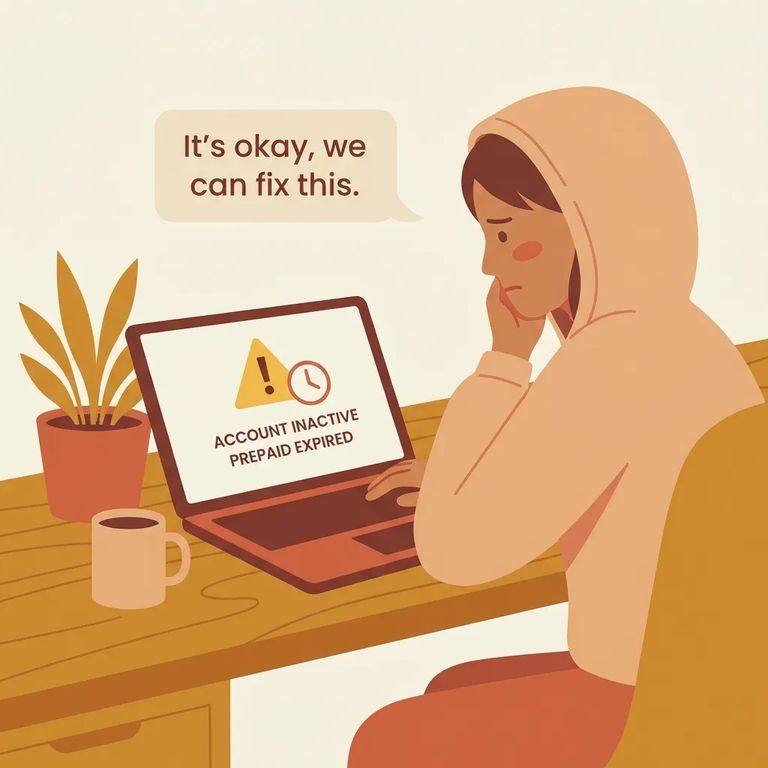
If you use a ViaPath Friends & Family account to support someone at Caldwell Corrections Center, keep an eye on activity. After 180 consecutive days without use, ViaPath considers these accounts inactive and subject to forfeiture - meaning you could lose your remaining balance if you don't act in time. (Some state laws or contracts may require a different timeframe.)
"Inactive" means no account activity for 180 consecutive days. Once you hit that mark, ViaPath flags the account as inactive and subject to forfeiture. The exact window may differ if state law or a contract requires something else.
Note: "Subject to forfeiture" is the part that stings. If the account stays unused long enough, you may lose the remaining balance - unless you keep it active or address the issue quickly.
The inactivity clock isn't a one-way countdown. Any account activity during the 180-day window resets the timer. Even a small, routine transaction restarts the clock and protects your balance.
Want a heads-up before your account expires? If you provide your contact information and opt in to reminders, ViaPath will send a text and/or email at least 30 days before the scheduled expiration.
- ✓ Provide your contact information on the account
- ✓ Opt in to text and/or email reminder alerts
- ✓ Watch for a reminder no later than 30 days before the scheduled expiration
If your Friends & Family account goes inactive or funds are forfeited, you can request a refund through ViaPath customer service. Call 866-516-0115 to start the process.
Tip: Before you call, have your account details ready so customer service can locate the right Friends & Family account quickly.

- Use the account periodically - ViaPath says any use during the inactivity period resets the 180-day clock.
- Opt in to reminders and confirm your contact info - If you provide contact information and opt in, ViaPath says you’ll get a text and/or email reminder of the scheduled expiration no later than 30 days before the account expires.
- Call customer service if you think funds were forfeited - ViaPath says refunds can be obtained by calling 866-516-0115.
- ✓ Use the account once in a while so the 180-day inactivity clock resets
- ✓ Provide contact information and opt in to text/email reminders
- ✓ Look out for the reminder no later than 30 days before scheduled expiration
- ✓ If funds were forfeited or the account is inactive, call 866-516-0115 to request a refund
Find an Inmate at Caldwell Corrections Center, NC
Search for a loved one and send messages and photos in minutes.
