
How to Add or Cancel Visitors for Your Scheduled Calhoun Visit
Already have a visit scheduled at Calhoun State Prison but plans changed? You can usually handle it online—add approved visitors to your appointment or cancel the visit so it doesn't stay on the books.
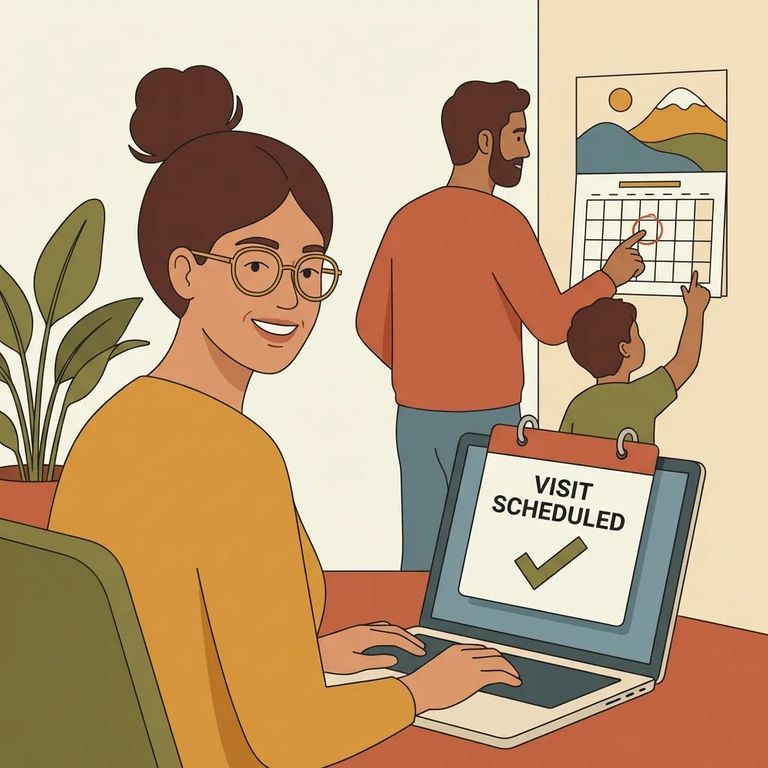
Before adding someone to a scheduled visit at Calhoun State Prison, make sure they're already approved. The system won't let you add anyone who isn't on the approved list. To get approved, they'll need to fill out the Visitation Request Form and submit it to the facility where your loved one is incarcerated.
Deadline reminder: For weekend visits, the cutoff time to request visitation is 5:00 PM on Wednesday of the same week. For state holidays, the cutoff time is 5:00 PM, three days before each holiday.
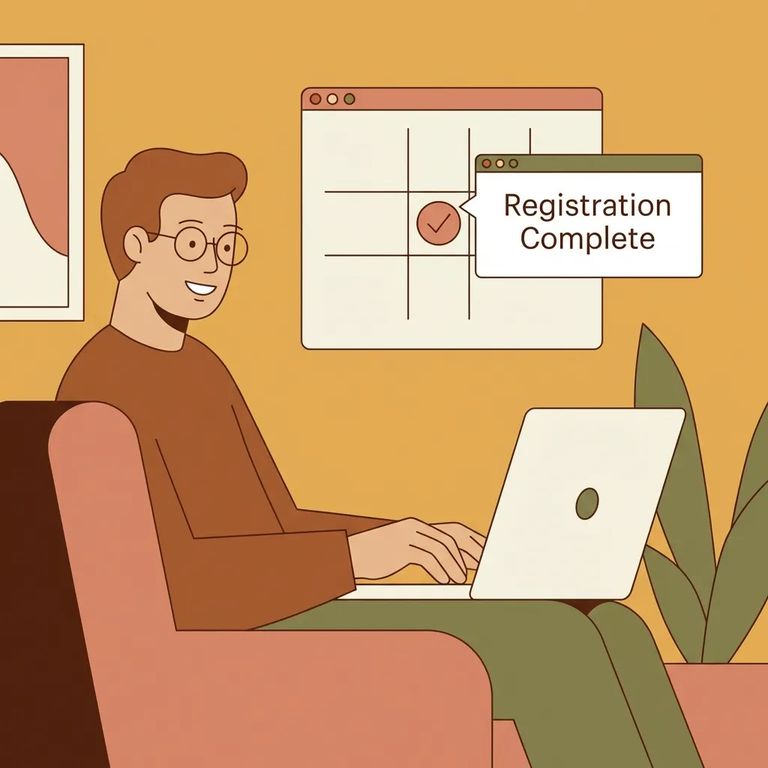
- Go to the Georgia Department of Corrections visitation page - This is where the tools for managing scheduled visits are posted.
- Select “Add Visitor” - Use the “Add Visitor” option to pull up an existing, previously scheduled visitation.
- Find your scheduled visit - Locate the appointment you already have scheduled so you’re editing the correct visit.
- Add visitors who are already approved - Choose the additional visitor(s) you want to add to that scheduled visit and submit the change.
- ✓ The details for the visit you already scheduled (so you can locate the right appointment)
- ✓ Your loved one’s name and/or identifying information used to find the scheduled visit
- ✓ The names of the additional visitors you want to include
- ✓ Confirmation those visitors are approved (they’ve submitted the Visitation Request Form to the facility where your loved one is incarcerated)
Plan ahead: If you’re adding visitors for a weekend visit, changes need to be in by 5:00 PM Wednesday of the same week. For state holiday visits, the cutoff is 5:00 PM three days before the holiday.
- Go to the Georgia Department of Corrections visitation page - Start where scheduled-visit tools are listed.
- Select “Cancel my visit” - This option is specifically for canceling a previously scheduled visitation appointment.
- Find the scheduled visit you want to cancel - Pull up the correct appointment before you submit anything.
- Confirm the cancellation - Complete the prompts so the visit is actually canceled (not just searched).
Don’t skip this: After you cancel, look for the confirmation that the cancellation went through (such as an on-screen message or other confirmation provided during the process).
Most problems come down to eligibility and details. Trying to add someone who hasn't been approved through the Visitation Request Form process? They won't show up as an option. The other common snag: not having your visit details handy, which leads to searching the wrong record or thinking your change didn't save. After you submit any add or cancel request, take a moment to confirm it went through. You don't want to show up with the wrong roster - or hold a time slot you meant to release.
Last-minute changes are risky: Weekend visitation requests cut off at 5:00 PM Wednesday of the same week, and state holiday requests cut off at 5:00 PM three days before the holiday.
Find an Inmate at Calhoun State Prison, GA
Search for a loved one and send messages and photos in minutes.
