
How to Send Money to Facility
Need to send money or manage funds during a service transition? Start with the account setup steps below. Getting this done early helps you avoid delays once the transition hits your loved one's facility.
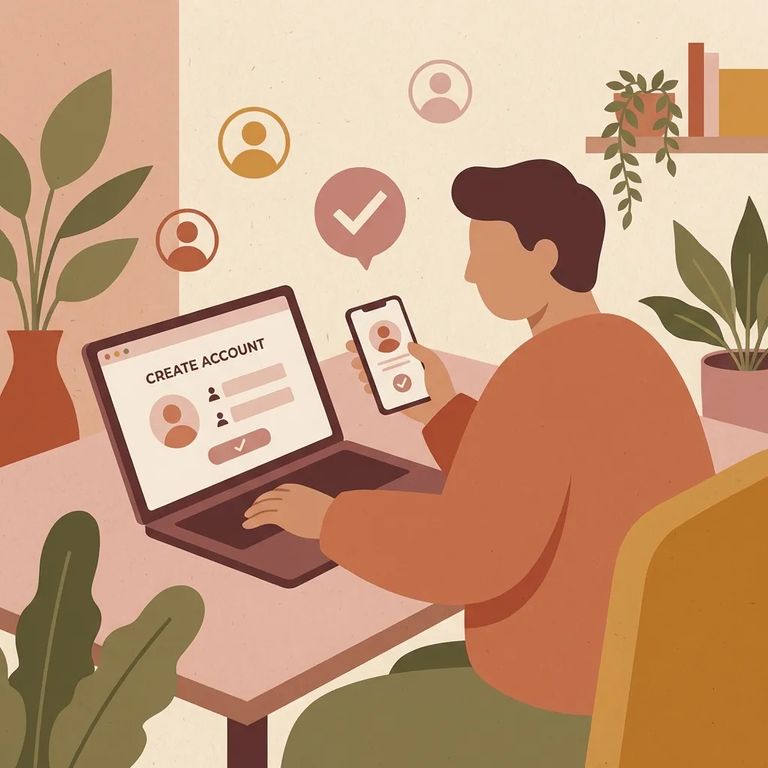
Create your Securus account before your loved one's facility transition. Waiting until after can cause unnecessary delays when you need to manage services tied to their account.
New user? Head to the visitation site and look for the "CLAIM ACCOUNT" link in the sign-in area. That's where you'll set up your account before moving forward.
Note: If you still have unused ViaPath balances, refund requests are handled through ViaPath’s website (ConnectNetwork help).
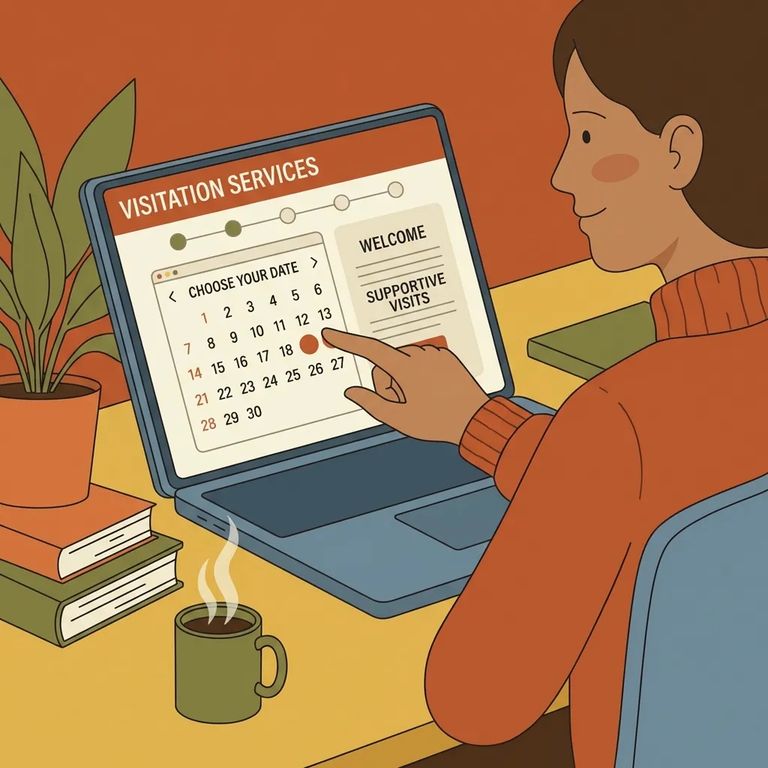
- Go to the visitation site sign-in page - This is where account access and the new-user setup options appear.
- Use “CLAIM ACCOUNT” if you’re new - Select the “CLAIM ACCOUNT” link to start the new-user claim and setup process.
- Finish creating your Securus account before the transition - Get the account created ahead of time so you’re not trying to set it up at the last minute when services switch over.
- ✓ If you have unused ViaPath balances, go through ViaPath (ConnectNetwork help) to request a refund.
Double-check that you're on the correct visitation site for your loved one's location. Make sure the "CLAIM ACCOUNT" option is available for new users. Create your Securus account before the facility transition takes effect. Timing matters here: you don't want to be locked out when the change happens.
Note: If you’re unsure how refunds work for unused ViaPath balances, double-check the ViaPath (ConnectNetwork help) instructions before you submit a request.
Find an Inmate at California City Corrections
Search for a loved one and send messages and photos in minutes.
