
General guidance for Mail and Photos
Mail and Photos at Calipatria State Prison: start with our general mail and photos guide, then confirm details with the facility at (530) 251-5100.
Find inmate search, visitation, mail, phone, and commissary information for Calipatria State Prison in Susanville, CA. Use this guide to confirm facility details and next steps.
Search for a loved one and send messages and photos in minutes.

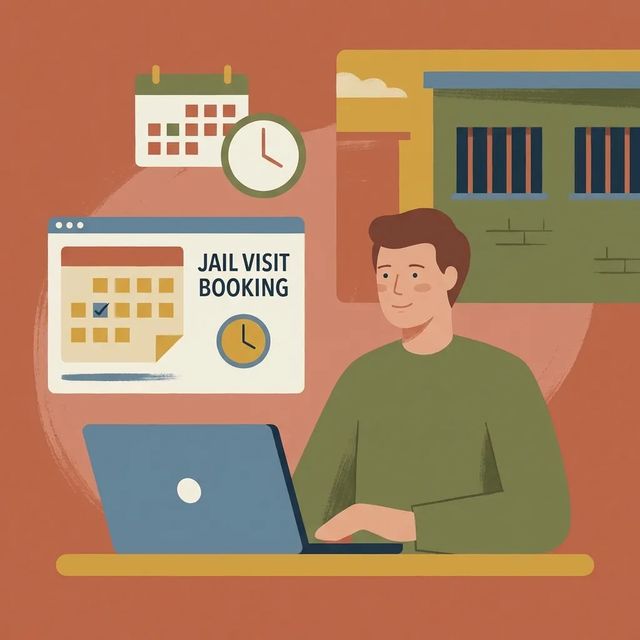
Trying to visit someone at Calipatria State Prison? Start at the CDCR GTL visitation site. What you do next depends on whether you've scheduled visits before or this is your first time.
Read Guide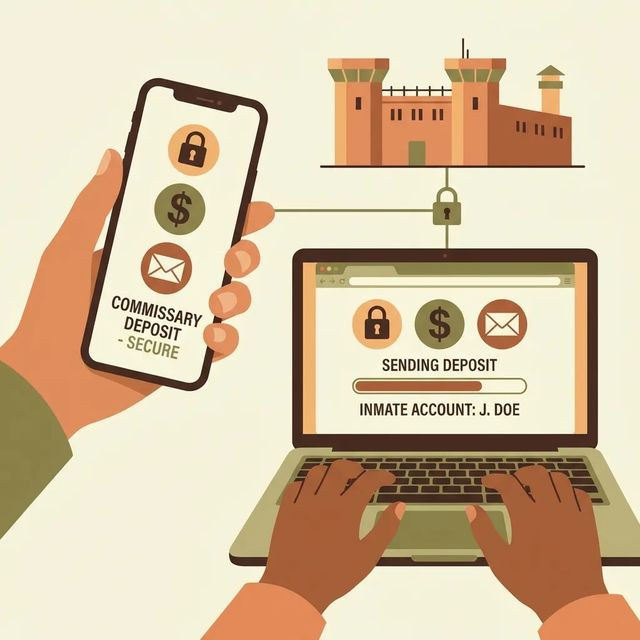
For Calipatria State Prison, the main detail confirmed here is that new users can create an account using the
Read Guide
Scheduling a video visit at Calipatria State Prison starts in the CDCR GTL/ViaPath visitation portal. Once you know where to click, it's pretty straightforward.
Read GuideBased on official sources and community feedback.Learn how we verify
Calipatria State Prison handles visitation accounts and booking through the GTL/VisitMe scheduling portal. New visitors should use the "CLAIM ACCOUNT" link to create or claim a profile before trying to book. Returning visitors can sign in with a Visitor ID or email and password. If you're locked out, there's a "Forgot your password?" option. Once signed in, use the "Schedule Visits" feature to book visits online. The site also offers a Spanish-language option for registration and scheduling. You'll find links to the GTL Terms of Use and Privacy Policy (hosted at legal.telmate.com) along with ViaPath/GTL copyright information.
Read full guideCalipatria's online visitation and communication entry points use the GTL visitation portal. New visitors should create a profile using the "CLAIM ACCOUNT" link. Returning visitors can sign in with a Visitor ID or email and password, and there's a "Forgot your password?" option if you get locked out. The portal offers a Spanish language option. You'll also see links to Terms of Use and a Privacy Policy hosted at legal.telmate.com, along with ViaPath Technologies copyright information. California is transitioning toward a statewide communications provider, so be ready to create an account on the department platform and add prepaid funds when required. During this changeover, confirm which system Calipatria currently supports before scheduling video visits or setting up messaging.
Read full guideNew users sending money to someone at Calipatria State Prison can create a GTL account through the "CLAIM ACCOUNT" link on the GTL visitation site. Funds are typically added through online or mobile portals, phone deposits, lobby kiosks, or U.S. Postal money orders, though exact methods depend on the facility and vendor. Money in a trust account helps pay for commissary, phone time, hygiene items, and other approved purchases. Some balances may be reduced by court-ordered deductions. Before submitting a deposit, confirm the person's full name and booking or facility ID, then follow the vendor's instructions closely. Posting times vary, kiosk machines may not make change, vendors may charge fees, and you should never mail cash.
Read full guideMail and Photos at Calipatria State Prison: start with our general mail and photos guide, then confirm details with the facility at (530) 251-5100.
Go to the Calipatria GTL visitation page and click “CLAIM ACCOUNT” to register or claim an existing profile. Follow the on-screen steps to enter the required information and set a password, then you can schedule visits.
VisitationYes. The GTL visitation site for Calipatria includes a “Schedule Visits” feature that lets you book visits through the portal. Review the scheduling page for visit types and any facility-specific rules before you go.
VisitationYes. The GTL visitation portal for Calipatria includes a Spanish language option. Use the language selector on the GTL pages to switch to Spanish for registration and scheduling.
VisitationStart at the GTL visitation site and click "CLAIM ACCOUNT" to register. You may also need to create an account on the department's communications platform (web or mobile) and add prepaid funds when video visits or electronic messaging are enabled.
CommunicationReturning users can sign in with a Visitor ID or an email and password. If you forget your password, use the “Forgot your password?” link on the portal.
CommunicationYes. The GTL visitation site offers a Spanish language option for visitors.
CommunicationSearch for your loved one to start communicating today
Note: the CDCR Calipatria facility locator page requires JavaScript to load.
This guide is based on feedback from dozens of families and official facility documentation. Learn how we verify