
What to Do If You Forgot Your GTL Visitation Password for Calipatria
Can't log in to schedule or manage a visit for Calipatria? The GTL/CDCR visitation portal has a password recovery option right on the login page.
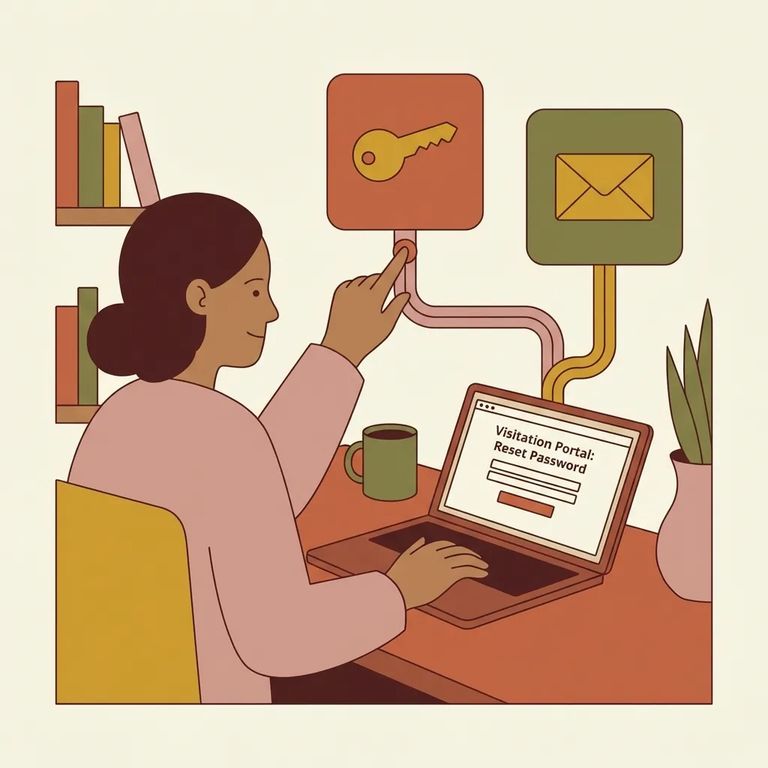
To sign in to the GTL/CDCR visitation site for Calipatria, you'll use either your Visitor ID or email address, plus your password. Forgot it? Look for the "Forgot your password?" link on the login page. Click it to start the recovery process - no guessing required.
The login page also shows links for the Terms of Use and Privacy Policy, along with ViaPath Technologies copyright info. These aren't part of the reset process, but they're there if you want to review the site's policies while troubleshooting.
- Select “Forgot your password?” on the login page - this is the portal’s official starting point for password recovery. Follow the on-screen prompts from there.
Not sure you ever finished setting up your login? Or maybe you're a new visitor trying to get access for the first time? Use the "CLAIM ACCOUNT" option on the same page. That's the path for creating or claiming an account - not recovering an existing password.
If you're stuck: When the "Forgot your password?" flow doesn't work - or you can't access the Visitor ID or email you normally sign in with - use the site's "Contact" option to reach GTL/ViaPath for help.
If the reset process doesn't go through, your fastest option is the "Contact" link on the login page. That gets you to technical support. The same footer area has the Terms of Use and Privacy Policy links if you need them while sorting out account issues.
Note: The portal's verification steps, messages, and timing can vary. Follow the prompts on your screen, and use the Contact option if self-service reset doesn't work.
Find an Inmate at Calipatria State Prison
Search for a loved one and send messages and photos in minutes.
