
Setting Up SmartInmate for Video Visits and Phone Calls at Carroll County Detention Center
Carroll County Detention Center uses Smart Communications/SmartInmate for video visits and phone calls. Create and verify your account once, then you can book visits and add funds whenever you need to—no last-minute scrambling.
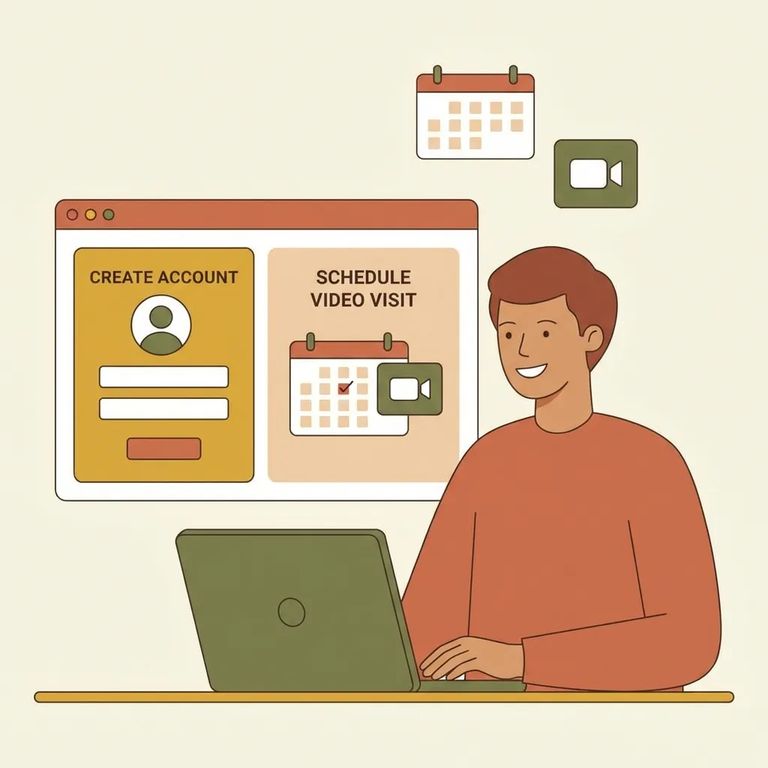
Video visits at Carroll County Detention Center go through Smart Communications/SmartInmate. You'll need to create an account on the SmartInmate website before you can schedule anything. Signup is free and fairly quick. That said, take the time to complete all the verification steps upfront. Rushing through setup - then hitting a snag when you're trying to book a visit - is frustrating and avoidable.
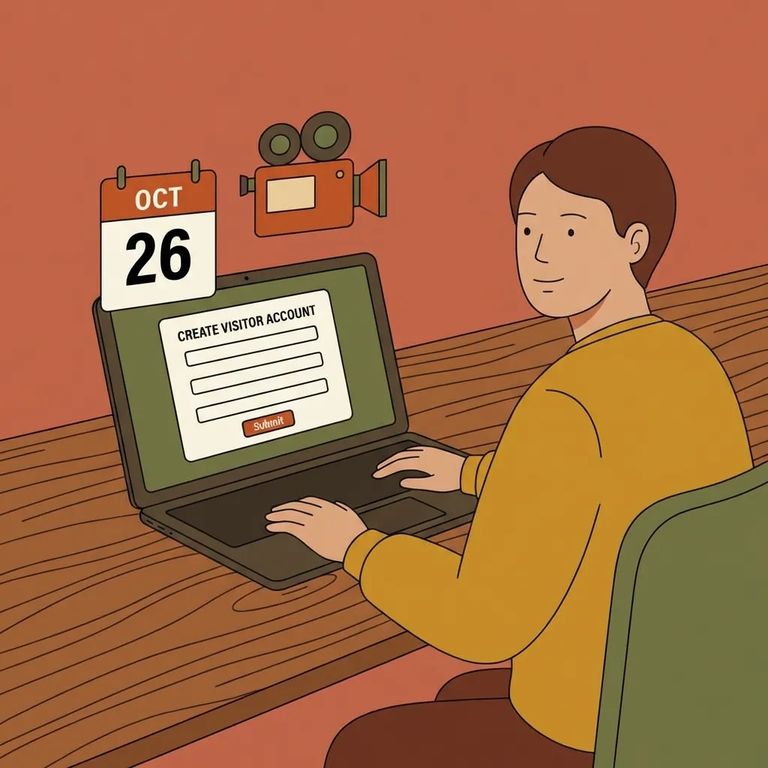
- Go to the SmartInmate website - Carroll County Detention Center uses Smart Communications/SmartInmate, so this is where you’ll start.
- Select Carroll County Detention Center if prompted - some screens ask you to choose the facility so your account connects to the right place.
- Create your login - enter your email and set a password to create your SmartInmate account.
- Verify your email (if prompted) - complete any email verification steps so your account is ready to use for scheduling video visits.
Tip: Signup is free and only takes a few minutes, but complete all the verification steps. An unverified account can delay you when you're ready to schedule a visit.
Video visits are scheduled through your SmartInmate account. If you haven't set one up yet, do that first - Carroll County Detention Center handles all video visitation scheduling through the SmartInmate platform.
- ✓ Make sure you’re logged into the SmartInmate account you created for Carroll County Detention Center
- ✓ Double-check you’re selecting the correct incarcerated person (name/ID, if you have it)
- ✓ Pick an available time slot and complete the scheduling prompts in SmartInmate
- ✓ Finish any account verification steps before you try to book a time
- ✓ Review any local visitation rules that apply to your visit so you don’t get turned away
SmartInmate handles phone calls too, not just video visits. Add money to your account so calls can go through. If calls aren't connecting, check your balance first - it's usually the issue.
- ✓ Add funds to your SmartInmate account ahead of when you expect calls
- ✓ Confirm your payment method is current and approved before you submit a deposit
- ✓ Keep an eye on your balance if calls are frequent
- ✓ If something doesn’t look right, review the calling and payment screens in SmartInmate for prompts or holds
Troubleshoot
- ✓ Confirm you’re using a working email address and you can access it
- ✓ Check for and complete any email/account verification steps
- ✓ Make sure you selected the correct facility and the correct incarcerated person (name/ID)
- ✓ If you’re funding calls, confirm your payment method is active and your balance is sufficient
- ✓ For video visits, test your internet connection and allow camera/microphone permissions on your device
- ✓ If you’re still stuck, use SmartInmate’s help/support options for account, login, payment, or connection issues
Find an Inmate at Carroll County Detention Center
Search for a loved one and send messages and photos in minutes.
