
Setting Up Video Visits with Carroll County Jail Using Securus
Starting from the Carroll County Sheriff's own resources makes video visit setup straightforward. Here's the simplest path to reach Securus, create an account, add funds, and choose a device that works for your visit.
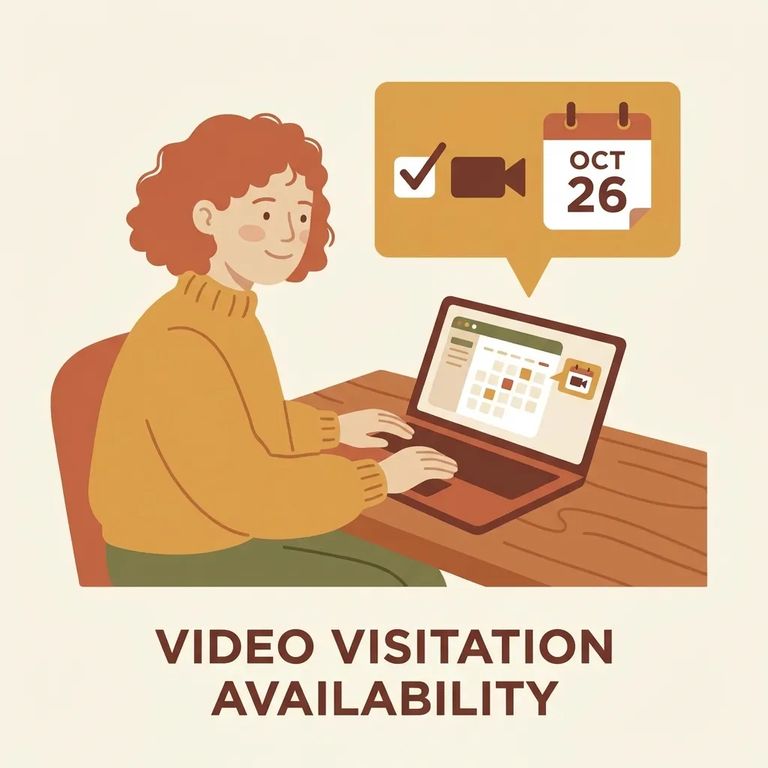
Head to the Carroll County Sheriff's
Tip: Use the Carroll County Sheriff’s “Helpful Links” page to get to Securus for account setup and funding - it's the most straightforward starting point.
Securus Video Connect is web-based, so you can do remote video sessions from anywhere with internet access. You're not locked into one device - Securus works with the free Securus app, a computer, or a tablet. Think about what's most reliable for you. Computers tend to be easier for adjusting camera and audio settings. Phones and tablets work better if you're on the go. Either way, stable internet matters most since the visit runs through an online connection.
- ✓ Free Securus app
- ✓ Computer (web-based access)
- ✓ Tablet (with internet access)
- Go to the Sheriff’s “Helpful Links” page - Look for the Securus link intended for friends and family.
- Open your Securus account - Follow the prompts to create your login so you can manage services tied to your name.
- Confirm your account details - Double-check you entered your information correctly so you don’t run into avoidable verification or login issues later.
- Add funds through Securus - Use the funding options shown in your Securus account to put money on your calling account.
- Review the current costs before paying - Prices and fees can change, so check what Securus shows at checkout before you submit a payment.
Note: Before you fund your account, confirm the current fees and available payment methods inside Securus so you know exactly what you’re agreeing to.
Troubleshooting Tips
- ✓ Use a strong, steady internet connection (video visits are web-based)
- ✓ Install the free Securus app if you plan to use a phone or tablet
- ✓ If you’re using a computer, test your camera and microphone ahead of time
- ✓ Make sure your Securus account is funded before you try to start a session
- ✓ If scheduling is required on your end, set it up early so you’re not scrambling last-minute
Video won't connect? App not loading? Device acting up? Go straight to Securus support. Since Video Connect runs through their app or web portal, most connection and device issues get handled on their end.
Find an Inmate at Carroll County Sherrifs Office, GA
Search for a loved one and send messages and photos in minutes.
