
How to Set Up a Securus Account Before Communication Services Start at Centinela State Prison
CDCR communication services through Securus start rolling out in September, including at Centinela State Prison. Setting up your Securus account now means you won't be stuck creating one when everyone else is trying to do the same thing.
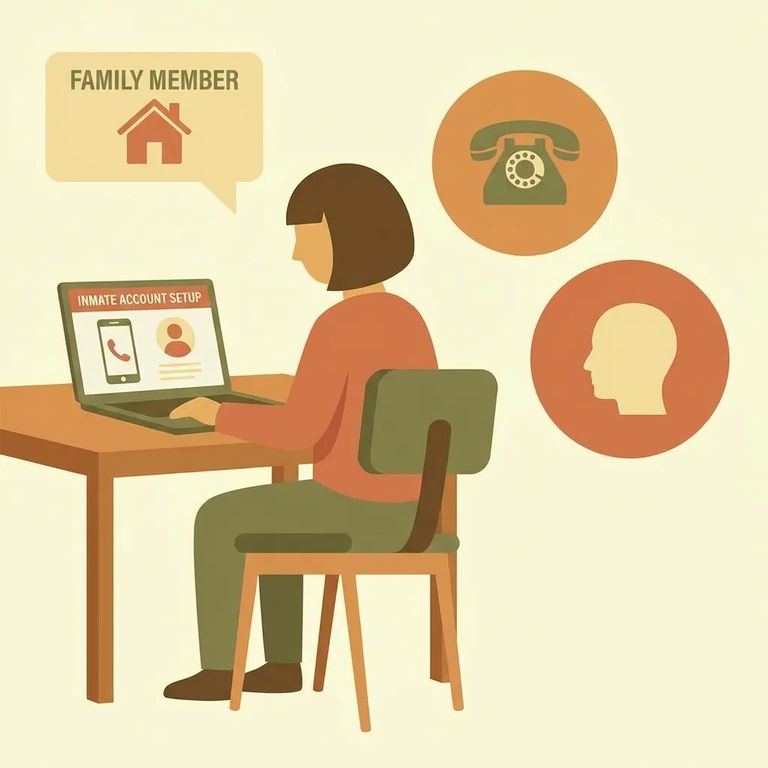
Phone calls, video calls, and electronic messaging through Securus are scheduled to launch in September for CDCR facilities, including Centinela State Prison. Wait until then, and you'll be creating an account alongside everyone else - expect delays. Get set up now, and you'll be ready to use the new services the moment they go live.
Securus is the communications provider for the California Department of Corrections and Rehabilitation (CDCR). That's why Securus handles these new communication options - and why creating a Securus account is the main thing you can do to prepare.
You can open a Securus account on the Securus website or through the mobile app. The goal is simple: make sure you can sign in and access your account on the device you'll actually use when video and messaging become available.
- ✓ Create your Securus account on the website or in the Securus mobile app
- ✓ Confirm you can log in successfully after you sign up
- ✓ Save your username and password somewhere you can find quickly later
Not every type of communication requires an online Securus account. Free phone calls? No account needed. But video calls and electronic messaging will require one - so if you plan to video chat or send messages, get set up now.

Planning to receive prepaid video calls? Securus points families to AdvanceConnect in the Securus app. This prepayment option lets you add funds ahead of time so you're ready when prepaid video calling goes live.
- Sign in to Securus - Use the Securus website or the Securus mobile app so you’re working inside your account.
- Set up AdvanceConnect and add funds - In the app, use the AdvanceConnect option to set up and fund your account for prepaid video calls.
- Register for Video Connect - In the Securus app, go to Video Connect and register by selecting “Permitir videollamadas” so you can receive video sessions.
Note: For prepaid video calls, you’ll want both pieces in place: funds added through AdvanceConnect and Video Connect enabled by selecting “Permitir videollamadas” in the app.
For detailed instructions and rollout updates, check the CDCR user guide. Since Securus is CDCR's communications provider, the CDCR guide and Securus CDCR information pages are the best places to confirm what's available and what steps you'll need as services launch.
Find an Inmate at Centinela State Prison
Search for a loved one and send messages and photos in minutes.
