
Setting Up Your Securus Account Before Centinela's Transition: A Step-by-Step Guide
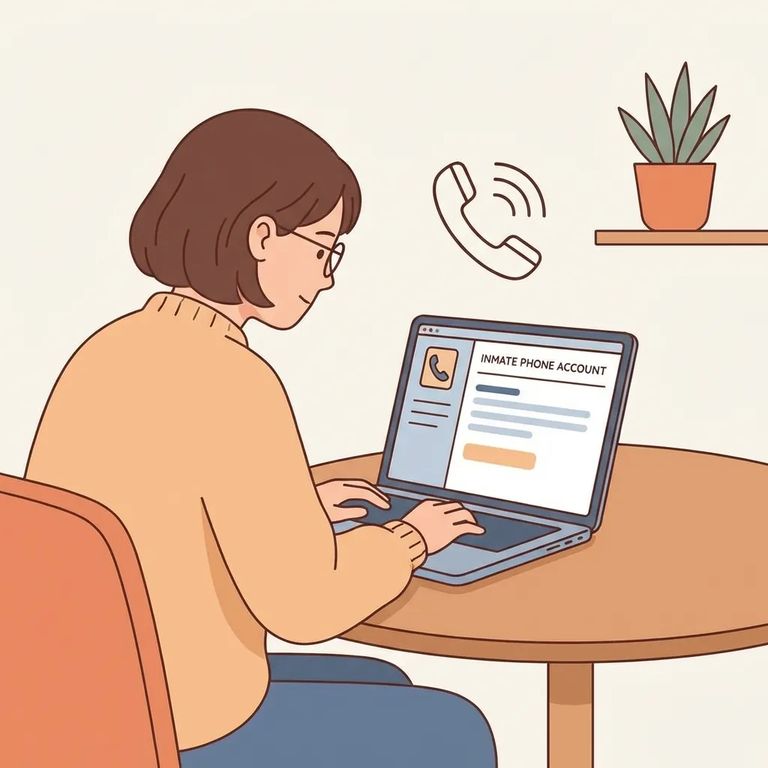
If your loved one is at Centinela State Prison, setting up Securus now saves you a scramble later. CDCR's rollout schedule listed Centinela's phone service transition as tentatively scheduled for 4/6, with tablet services tentatively scheduled for 4/8–4/10. During these transitions, CDCR warns there may be intermittent outages as services switch over - meaning temporary disruptions right when you're trying to connect.
Here's the key thing: an online Securus account is required for video calls and electronic messages once those options go live at Centinela. You can still receive free telephone calls without an account, but video and e-messaging are different. Wait until the switch happens, and you'll spend time setting things up when you could be connecting instead.
Start by creating your Securus account on the web or through the Securus mobile app. This is what you'll use for video calls and electronic messages once Centinela's services transition. Even if you're only getting phone calls right now, having the account ready means you can use the newer options the moment they're turned on.
- ✓ Create a Securus account on the web or in the Securus mobile app
- ✓ Use an email address you can access (you’ll want to be able to sign in easily later)
- ✓ Confirm/verify your account if prompted so you’re ready when services go live
- ✓ Remember: you can receive free telephone calls without a Securus online account, but you’ll need the account for video calls and electronic messages
Once your account is set up, focus on getting ready for video. Securus Video Connect is fully web-based - you can schedule and join video sessions from anywhere with internet access using the free Securus app, a computer, or a tablet. That flexibility is why sorting out your login and settings before Centinela's transition window pays off.
- Sign in to your Securus account - use the same login whether you’re on the web or in the mobile app.
- Find Video Connect - this is the video feature that lets you schedule and join video sessions using an internet-connected device.
- Get ready to schedule video sessions - Video Connect is designed so family can schedule and participate from the app, a computer, or a tablet.
- Set up AdvanceConnect for prepaid video - in the Securus app, tap AdvanceConnect to set up your account and add funds for prepaid video sessions.
Tip: If you expect to use prepaid video calls, set up AdvanceConnect and add funds ahead of time so you’re not trying to do payments at the same moment you’re scheduling a visit.
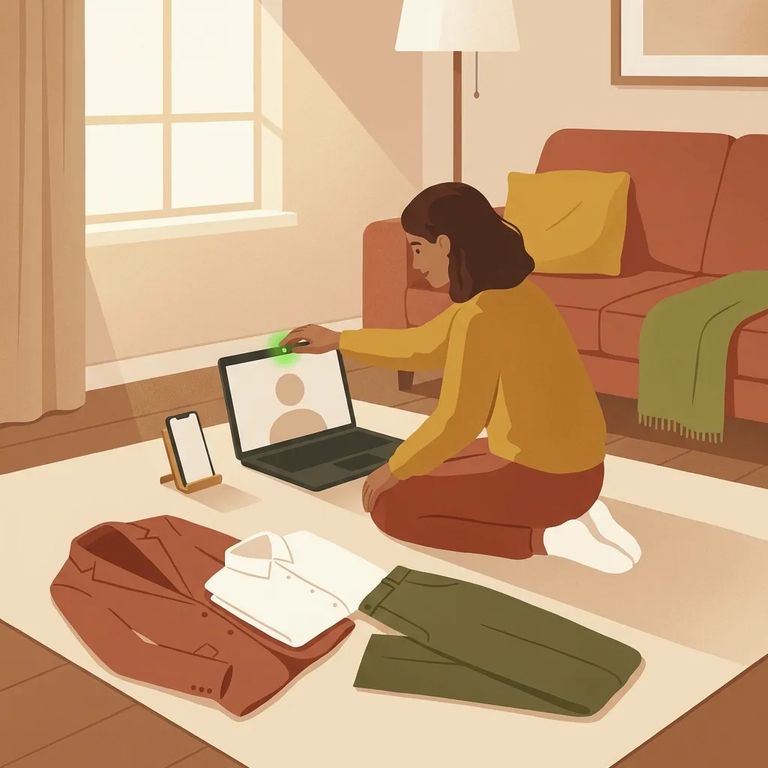
Treat Video Connect like any other video appointment: you'll need a stable internet connection and a reliable device. Since it's web-based, you can join from the free Securus app, a computer, or a tablet - whatever works best for you. Planning to use prepaid video sessions? Set up funding through AdvanceConnect in the Securus app so you're ready when it's time to schedule.
- ✓ Use a device you trust (phone with the Securus app, computer, or tablet)
- ✓ Make sure you have reliable internet access before your scheduled video time
- ✓ Keep your Securus username/password handy so you can sign in quickly
- ✓ If you’ll use prepaid video, set up AdvanceConnect in the app and add funds ahead of time
- ✓ Don’t worry about missing free phone calls: you don’t need a Securus online account to receive free telephone calls, but you do need one for video calls and electronic messages
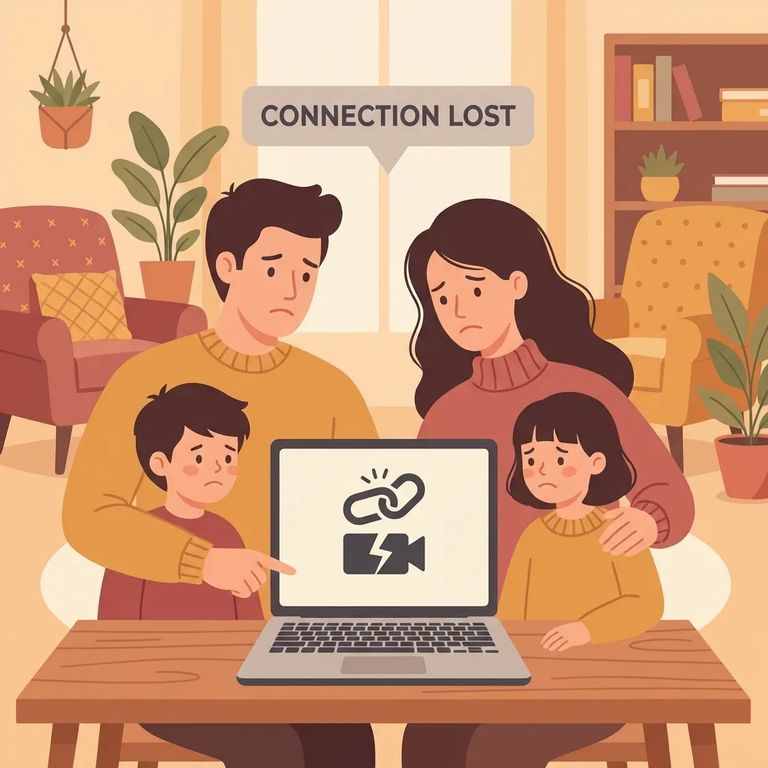
If things get glitchy around the transition, it may not be anything you did wrong. CDCR warns there may be intermittent outages as institutions transition. Centinela's dates were listed as tentatively scheduled for 4/6 for phone service and 4/8–4/10 for tablet services. Expect possible temporary disruptions while systems change over.
- Check whether you’re in the transition window - intermittent outages can happen as the institution switches services.
- Wait a bit and try again - if the issue is an outage, the fastest fix is often simply letting the system come back up.
- Call the facility for rollout-related questions - this is most helpful when the problem seems tied to the institution’s transition rather than your login.
Centinela contact: For facility-specific questions, you can call Centinela State Prison at (760) 337-7900.
If you need the facility’s location for paperwork or reference, Centinela State Prison’s physical address is 2302 Brown Road, Imperial, CA 92251.
Find an Inmate at Centinela State Prison
Search for a loved one and send messages and photos in minutes.
