
How to Contact an Inmate at Central Florida Reception Center (FL)
Staying in touch usually starts with phone calls. At Central Florida Reception Center, calls run through a prepaid account system. Knowing who sets it up and what to expect each week will save you time and frustration.

Central Florida Reception Center uses ConnectNetwork/GTL AdvancePay for phone calls. AdvancePay is a prepaid calling account that you (the person receiving the calls) set up and fund. In other words, you're the one paying for the calls you accept.
There's also a free-call option built into the Florida contract. Each incarcerated person gets one free phone call per week, up to 5 minutes. If you plan to talk more than that, you'll need money in the prepaid account to cover additional calls.
Note: Calling systems and policies can change, and extra steps or fees may apply depending on the situation. Confirm the current setup with the facility and the phone provider before you commit to any plan.
Steps-to-follow
- ✓ Set up and fund a ConnectNetwork/GTL AdvancePay prepaid account, since the called party manages and pays for received calls.
- ✓ Plan around the weekly free option: one free call per week, up to 5 minutes.
- ✓ Verify the current rules with the facility and the provider before adding funds, especially if you are unsure what calling options are available.
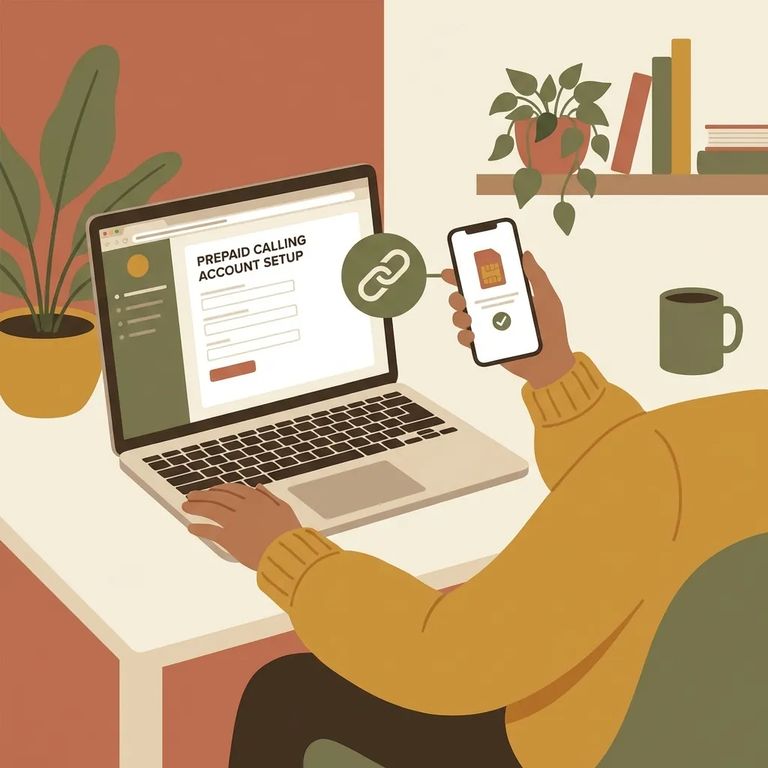
Before you spend time troubleshooting, confirm a few basics. Make sure Central Florida Reception Center is still using ConnectNetwork/GTL AdvancePay. Find out exactly what you need to do to create and fund the prepaid account as the call recipient. Ask how the one-free-call-per-week policy (up to 5 minutes) works in practice. It's also smart to ask about any fees or restrictions that could block calls from going through, since those details aren't always the same across situations.
- Confirm the provider: Check the most recent Florida Department of Corrections and facility information to make sure ConnectNetwork/GTL AdvancePay is the current phone system.
- Get the exact setup steps: Use ConnectNetwork/GTL instructions to set up and fund AdvancePay as the person receiving calls.
- Double-check current calling rules: Contact the facility to confirm any current requirements or exceptions, including how the weekly free 5-minute call is applied.
Find an Inmate at Central Florida Reception Center
Search for a loved one and send messages and photos in minutes.
