
How to Request a Booking Photo or Incident Report from the San Bernardino County Sheriff
Need a booking photo or incident report? The San Bernardino County Sheriff's Department has a
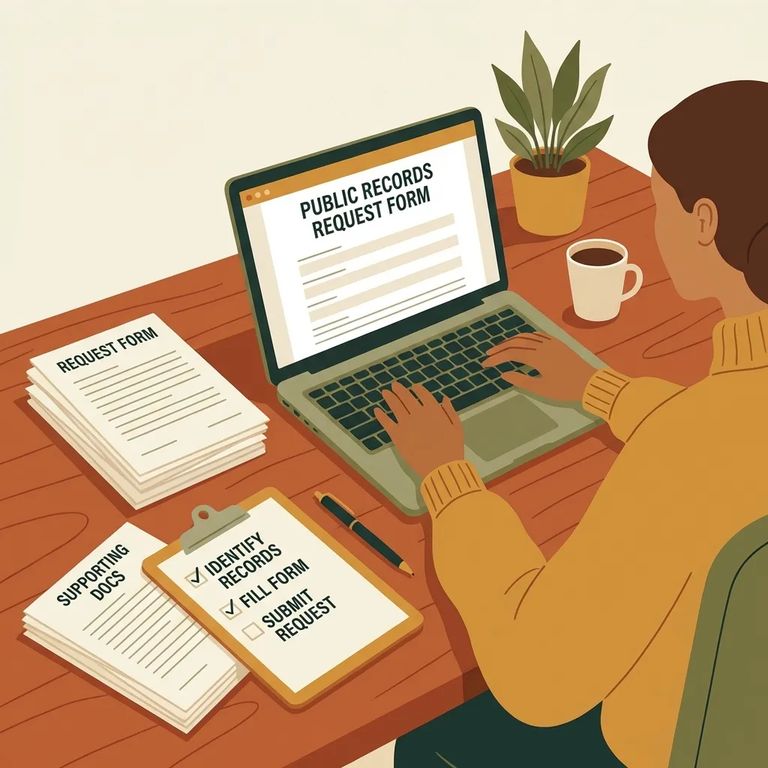
On the Sheriff’s “Request for Information” form, you can request a Copy of Report, a Booking Photo, or choose Other if what you need doesn’t fit those categories. That choice matters, because it tells staff what kind of record you’re trying to obtain before they even get to the details.
When you pick the request type, be as specific as you can right away. If you’re requesting a report, select “Copy of Report.” If you’re requesting a mugshot, select “Booking Photo.” If you choose “Other,” use the space provided to clearly describe what you’re asking for, and include a report and/or booking number if you have it - those numbers are one of the fastest ways to point records staff to the right file.
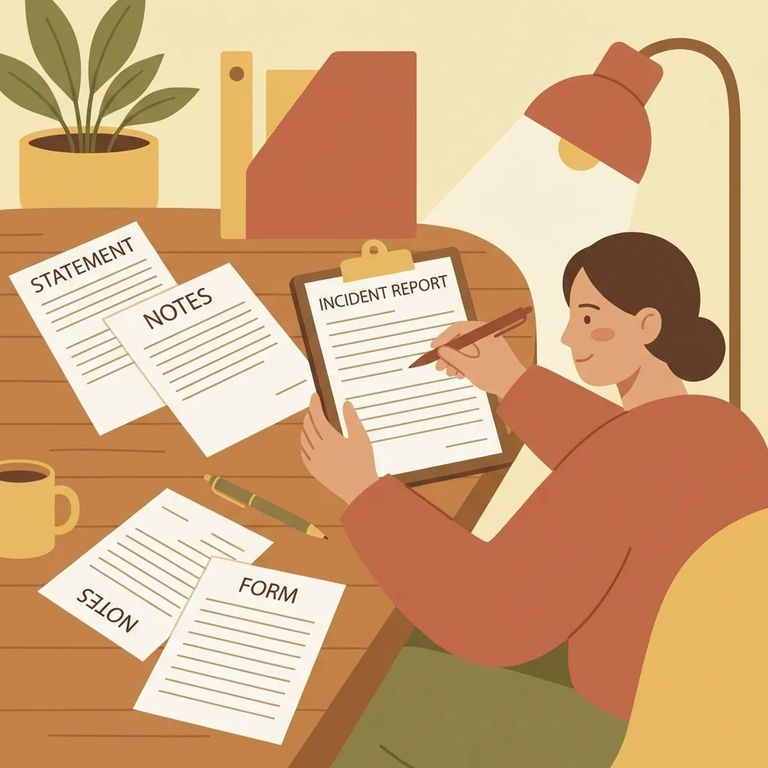
Essential Fields
- ✓ Date of incident
- ✓ Subject’s name and date of birth (DOB)
- ✓ Type of incident
- ✓ Incident location
If you have a report number or booking number, put it on the form. The Sheriff’s form specifically asks for a “Report and/or Booking Number,” and including it can prevent delays caused by searching through multiple incidents with similar names, dates, or locations.
- ✓ Print your requester name (use clear, legible handwriting)
- ✓ Cell phone number
- ✓ Home phone number
Double-check the address information printed on the materials you’re using. The Request for Information form itself lists the Sheriff’s Department at 655 East Third Street, San Bernardino, CA 92415-0061, and also includes Post Office Box 569, San Bernardino, CA 92402-0569 in the footer under the Sheriff-Coroner’s name. Separately, the Civil Enforcement Unit lists a correspondence address of San Bernardino County Sheriff’s Department, 157 W. 5TH Street, 3rd Floor, San Bernardino, CA 92415.
If you’re unsure where to send your request or you need to ask a quick question before you submit, the Civil Enforcement Unit lists a phone number ((909) 387-5700) and an email that begins with civildocs@… for mail and inquiries. If your copy of the form shows the email cut off, call the number to confirm the best way to submit your request.
The more identifying details you give, the easier it is for someone to match your request to the right record. Start with what the form asks for - date of incident, the subject’s name and DOB, type of incident, and location - then add any report and/or booking number you have. Even one extra detail can be the difference between “found it” and “we need more information.”
Tip: Keep a copy of the completed form for your records. If the email address on your copy looks truncated (like “civildocs@…”), call (909) 387-5700 to confirm the correct contact method before you send anything.
- Call the number listed for inquiries - Use (909) 387-5700 to ask where your request should go and what details they need to locate the record.
- Resubmit with clearer identifiers - Add or correct the report/booking number (if you have it), the incident date, the subject’s name and DOB, the incident type, and the incident location.
- Make sure your contact section is complete - Print your name and include both a cell and home phone number so staff can reach you if they need clarification.
Note: Fees and processing rules can vary by request type. Confirm any cost and payment instructions when you submit (or when you call to follow up).
Find an Inmate at Central Regional Detention Facility, CA
Search for a loved one and send messages and photos in minutes.
