
How to Search and Pay for Public Records Online in Childress County
Looking up public records in Childress County? The online portal lets you search for free—you only pay when you need full images or receipts. Here's how to register, search, and make purchases without any hassle.
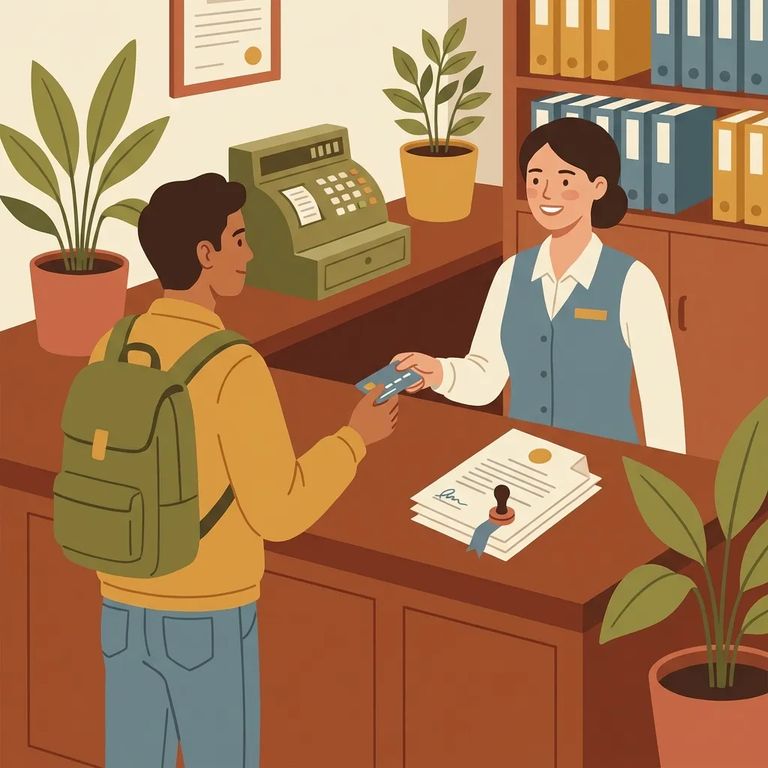
- Open the Online Records Search site - Go to https://public.lgsonlinesolutions.com/ors.html.
- Start a New Account - Click the New Account option (shown at the bottom left).
- Enter a valid email address you can access - Registration requires email verification, so use an inbox you can open right away.
- Verify your registration from your email - Complete the verification step through the email message sent to you.
Note: Use an email address you actually check. You'll need it to verify your registration and receive account updates.
Searching Childress County's online records is free - no subscription required. Don't let subscription messaging while browsing throw you off. Running searches still costs nothing.
Guest Login gives you access to index information and a preview of record images, but that's it. You can't purchase full images as a guest. If you need to buy and download documents, register for an account and sign in.
You can purchase up to 5 record images before a subscription kicks in. After that, the system requires a subscription to continue buying.
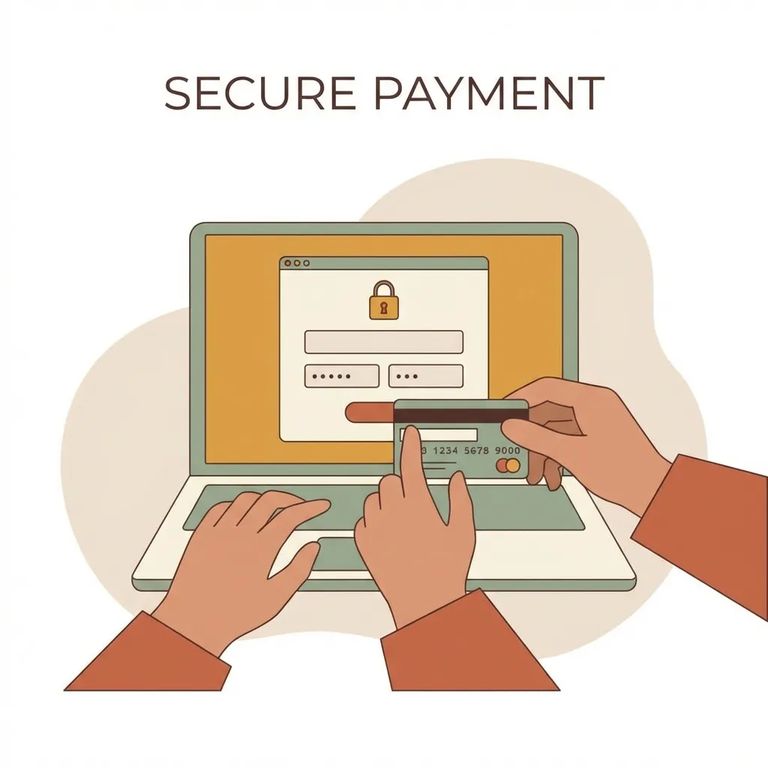
The system doesn't store your credit card information. You'll need to enter your card details each time you make a purchase.
Security note: The credit card processing service used is PCI Level 1 compliant.
- Use the redirect download link after payment - After your credit card transaction completes, the page should redirect and you’ll click the link that says download.
- Find your file if the page doesn’t redirect - Click Subscriptions at the top, then choose View Purchases (bottom left) to see past purchases.
- Pull up a lost receipt - Click Subscriptions, then View Receipts (bottom right) to view, reprint, or save the receipt you need.
Troubleshoot Contact
- ✓ You’re being prompted for a subscription even though you only want to search - searches are allowed for free without a subscription.
- ✓ You’re on Guest Login and can only see index info and previews - guest access can’t purchase full images.
- ✓ Your purchase completed but you didn’t get redirected to a download page - go to Subscriptions → View Purchases to find past purchases.
Still can't find what you need? Contact the county office where the record resides - they can help with questions about specific items or how to obtain them.
Find an Inmate at Childress County Jail, TX
Search for a loved one and send messages and photos in minutes.
