
How to Get Approved to Visit Someone at Chippewa CF: The Complete Timeline
Getting approved to visit at Chippewa Correctional Facility follows Michigan DOC's standard process. Once you know the steps—and where people typically get stuck—you can avoid the most common delays.

Visits start with who's allowed on the list. MDOC lets prisoners receive visits from immediate family, qualified clergy, attorneys, outreach volunteers, and up to ten other people of their choosing. Here's the catch: you can't add yourself. The prisoner has to request you be added to their approved Visiting List.
The process breaks down into six steps: the prisoner requests you be added to their Visiting List (using form CAJ-334), you complete the CAJ-103 MDOC Visiting Application, and you submit it electronically through MDOC or by U.S. mail. After MDOC processes your application, you'll get a decision. Only then can you register on the Michigan DOC Visitation Scheduling website (hosted by ViaPath) and actually book an in-person or video visit.
Before you fill out anything, the prisoner needs to add you to their Visiting List. MDOC visiting starts with their request - the CAJ-334 Visitor List form identifies who they want to see, including immediate family, clergy, attorneys, volunteers, and up to ten additional people. Not sure if you're already on the list? Don't guess. Have the prisoner confirm and submit the request to add you.
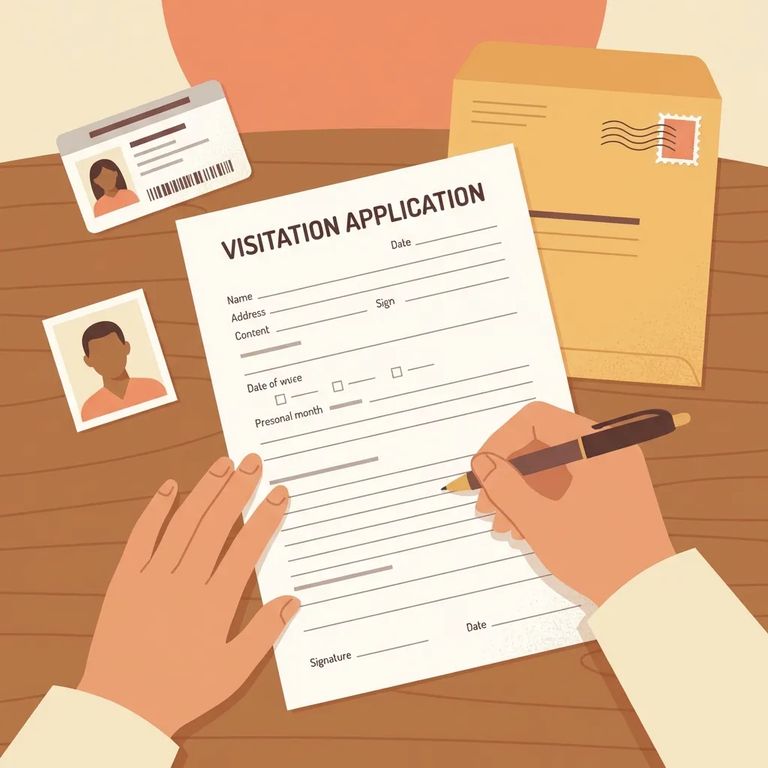
Next comes your part: the CAJ-103 MDOC Visiting Application. Submit it either through MDOC's electronic system or by U.S. mail to the facility where the prisoner is housed. Take your time and complete every section - MDOC won't process incomplete applications.
- ✓ CAJ-334 Visitor List
- ✓ CAJ-103 MDOC Visiting Application
- ✓ CAJ-356 Outreach Volunteer Application
- ✓ CAJ-1069 Visiting Application – Attorney, DHHS (Child Welfare) & SOM Employee
- ✓ CAJ-290 Clothed Body Search of Visitor -Waiver
- ✓ CAJ-1037 LEIN Request
Watch for delays: If your CAJ-103 is incomplete, MDOC won’t process it. Double-check that everything is filled out and signed before you submit.
Two ways to submit the CAJ-103: electronically through MDOC (via MiLogin) or by mailing it to the facility. Either works - just make sure the application is complete, signed, and sent through one of these approved channels.
- ✓ Mail the completed, signed CAJ-103 to the facility where the prisoner is located.
- ✓ Include a self-addressed stamped envelope (SASE) so the facility can mail you a response once your application is processed.
After you submit, expect to wait. MDOC says processing can take up to 4 weeks, whether you applied online or by mail. That's normal. If you're hoping to visit around a specific date, build this waiting period into your plans.
"Approved" means you're cleared to visit and can start scheduling. Only approved visitors can schedule or attend visits - any visits booked in ViaPath by unapproved visitors won't be honored. If you applied online, MDOC will email you once your application is processed to let you know the decision.
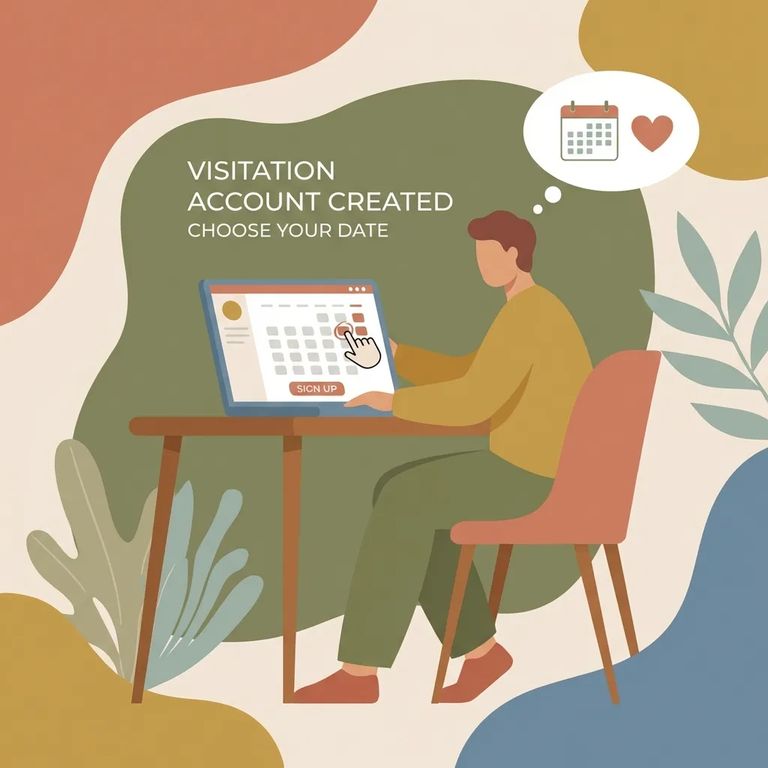
Once approved, create your account on the Michigan DOC Visitation Scheduling website (hosted by ViaPath). This registration is required for both in-person and video visits. Trying to set up an account early and hitting a wall? That usually means your approval hasn't come through yet.
- ✓ Schedule at least 48 hours in advance.
- ✓ Don’t schedule more than 7 days ahead.
- ✓ Max of five visitors per visit (children under two years old don’t count toward the five).
Step6 Common Errors
- ✓ Submitting an incomplete CAJ-103 - MDOC won’t process incomplete applications; go back and fill in every section before resubmitting.
- ✓ Forgetting to sign the CAJ-103 - an unsigned application can stall the process; sign before you submit.
- ✓ Using an unapproved submission method - submit through MDOC’s approved electronic process or by U.S. mail to the facility where the prisoner is housed.
- ✓ Mailing without a self-addressed stamped envelope (SASE) - include a SASE so the facility can mail you a response after processing.
- ✓ Expecting instant approval - processing may take up to 4 weeks, so avoid making travel plans until you have the approval response.
- Mark your submission date - processing may take up to 4 weeks, so count from the day you submitted.
- Wait out the full window - if you’re still inside the up-to-4-weeks timeframe, the application may simply still be in the queue.
- Follow up after 4 weeks - once you’re past that window, contact the facility where the prisoner is housed to ask about the status of your visiting application.
If you’re using OTIS (the offender lookup) and something looks wrong, you can report inaccurate information to the MDOC Office of Public Information at correctionsinfo@michigan.gov. If the issue is technical (the website itself isn’t working correctly), report it to mdocwebmaster@michigan.gov.
Video visits still require approval and registration. Log into the ViaPath Visitor website 10 minutes before your scheduled visit for verification. You'll also need to show a government-issued photo ID on camera before each visit.
Video visits cost $3.20 for 20 minutes, paid in advance by whoever schedules the visit.
Find an Inmate at Chippewa Cf
Search for a loved one and send messages and photos in minutes.
