
How to set up Securus Video Connect and be ready for Valley State Prison’s rollout
Valley State Prison is switching from ViaPath to Securus as part of CDCR's rollout. Set up your Securus account and Video Connect now, and you'll be ready to accept video visits the moment the switch goes live.
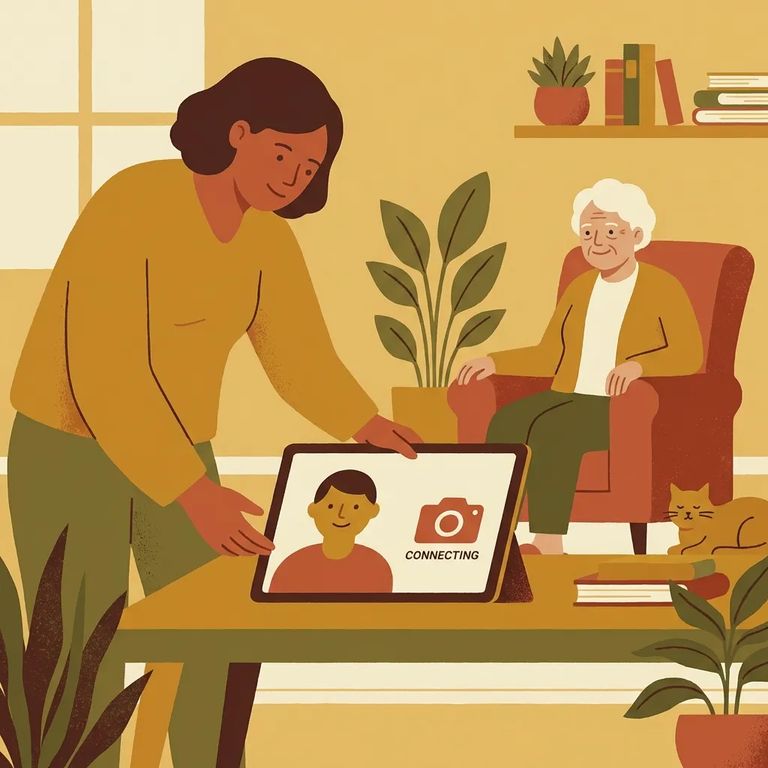
Valley State Prison is part of CDCR's statewide move from ViaPath to Securus. After the transition, you'll use Securus - not ViaPath - for all communications. Before troubleshooting on the day of a visit, check CDCR's facility rollout schedule for Valley State Prison's transition date. Heads up: CDCR says these dates are tentative and can shift, and there may be intermittent outages during the switch. Having your account ready ahead of time means you won't miss a call when service gets spotty.
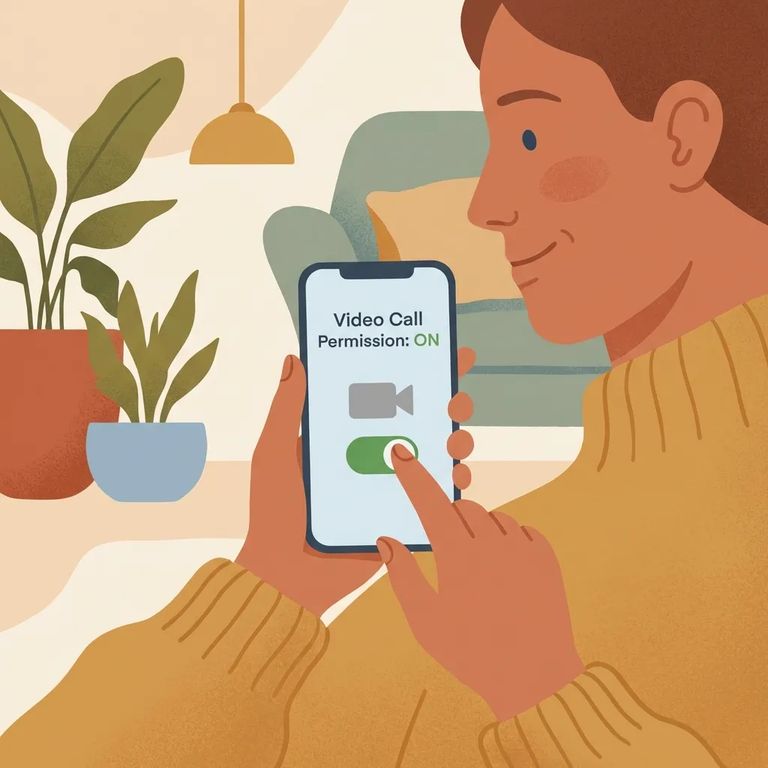
- Create your Securus account - Use the Securus app or the Securus website and complete registration so you’re ready when video calling becomes available.
- Open Video Connect and turn on “Allow video calls” - In the app, go to Video Connect and register by selecting “Permitir videollamadas” (Allow video calls). That step is what enables video visits on your account.
- Set up AdvanceConnect - In the app, tap AdvanceConnect and follow the prompts to set it up.
- Add funds to AdvanceConnect for prepaid video calls - Video calls are prepaid through AdvanceConnect, so load funds ahead of time to avoid last-minute payment issues when your loved one tries to connect.
Note: If you plan to receive video calls, you’ll need AdvanceConnect set up and funded for prepaid video visits.
Securus Video Connect lets you schedule and join video sessions from anywhere with internet access. Use the free Securus app, or connect on a computer or tablet - whatever works best for you. If kids or older relatives will join visits, decide now which device they'll use and stick with it. When a session is scheduled, everyone already knows where to log in.
One upside of the switch: cost. CDCR's comparison shows Securus video calls at $0.10 per minute versus $0.16 per minute under ViaPath. The free video allowance changes too. ViaPath offered 15 minutes every two weeks; Securus gives you 30 minutes per month. If you're budgeting for regular contact, that combination - lower per-minute rate plus a bigger monthly free allotment - makes planning easier.
Tip: Plan around 30 free minutes per month, then fund AdvanceConnect for anything beyond that - Securus’ per-minute rate is lower than ViaPath’s.
Verify Test
- ✓ Check CDCR’s facility rollout schedule for Valley State Prison’s transition date (dates are tentative and may change).
- ✓ Expect intermittent outages during the transition window, and plan around them.
- ✓ Update the Securus app (or use a computer/tablet) so you’re on a current version before your first session.
- ✓ Do a quick device check: camera, microphone, speakers/headphones, and a stable internet connection.
- ✓ If you’ll be scheduling a session, do a practice run - log in and make sure you can reach the Video Connect area without getting stuck at sign-in.
Got a facility-specific question during the rollout? Call Valley State Prison's main line at (559) 665-6100. The physical address is 21633 Avenue 24, Chowchilla, CA 93610.
Find an Inmate at Chowchilla State Prison, CA
Search for a loved one and send messages and photos in minutes.
