
How to Send Money to Facility
When a facility switches services, a few setup details can mean the difference between money landing where it should and getting stuck in the wrong system.
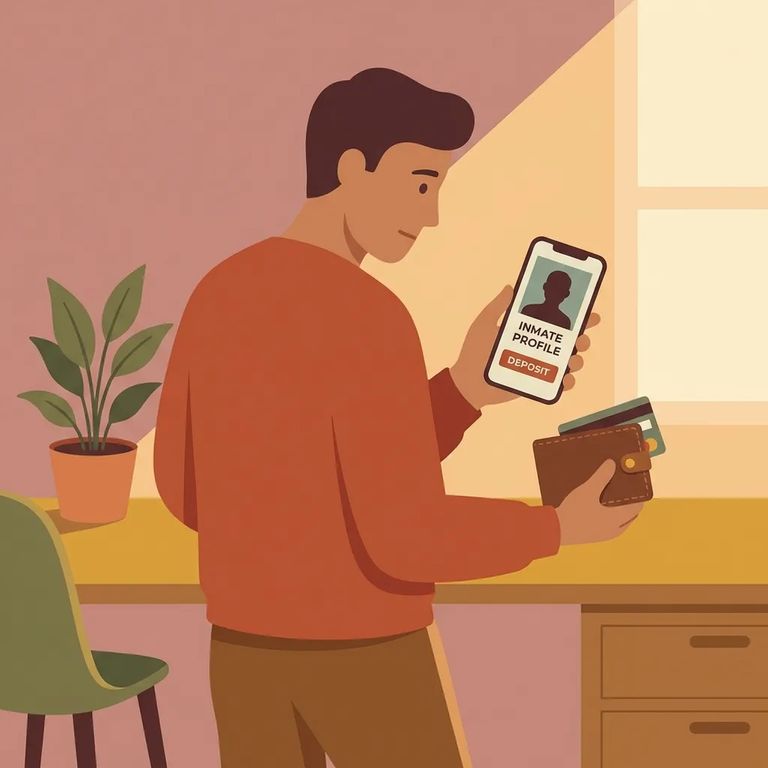
Create your Securus account before the facility transition. Waiting until after can trigger delays or limits that are much easier to avoid with an account already in place.
Still have an unused balance with ViaPath after the switch? Refund requests go through ViaPath's help website. This is separate from setting up your Securus account.
Reminder: Procedures can shift during a transition. Confirm the Securus account requirement and ViaPath refund process through official help resources before sending more money.
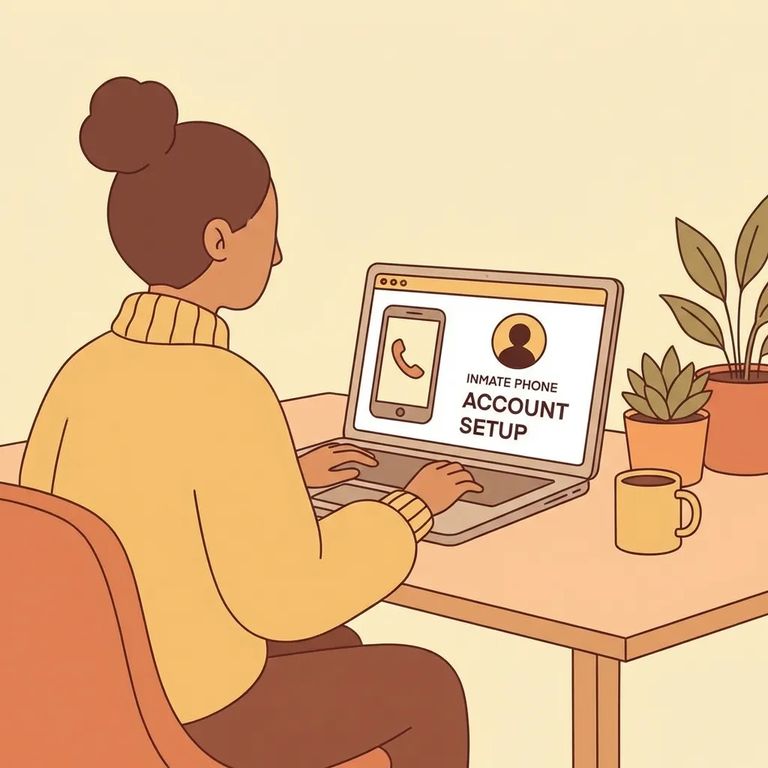
Steps to Follow
- ✓ Create your Securus account before your loved one’s facility transitions.
- ✓ If you have unused ViaPath funds after the transition, submit a refund request through ViaPath’s help website.
Confirm the timing. Ask exactly when your Securus account needs to be created relative to the transition, and whether you need extra steps to link your account to the right person or facility.
For ViaPath refunds, find out what counts as an "unused balance," what information you'll need to provide, and whether there's a deadline. Use ViaPath's help website for the refund process, and double-check if anything seems unclear.
Heads up: The only confirmed details here are the Securus account requirement and that ViaPath refund requests go through ViaPath's help website. For other ways to send money, fees, or posting times, check directly with the facility.
Find an Inmate at Chuckawalla Valley SP (CVSP)
Search for a loved one and send messages and photos in minutes.
