
Setting Up Your Securus Account Before CVSP Transitions
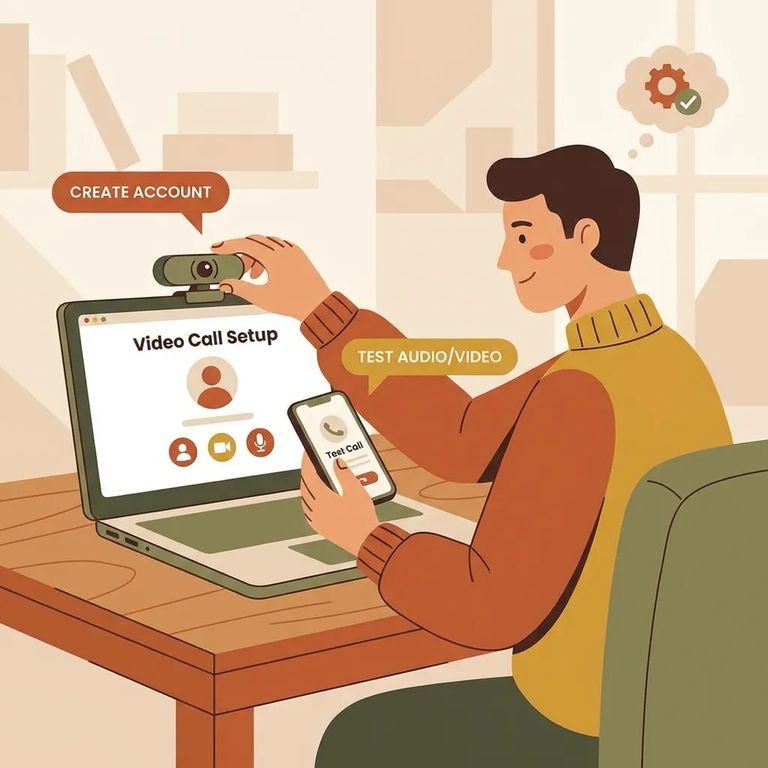
While Chuckawalla Valley SP (CVSP) is still on ViaPath, that's what you'll use to stay connected. But once CVSP transitions, Securus takes over. Setting up your Securus account now means no gap in communication - you won't be scrambling to create an account when you're trying to schedule a video session or send a message.
Note: CDCR’s rollout schedule is tentative, and intermittent outages can happen during an institution’s transition. Getting your Securus account ready before the switch window can save you time and frustration.
Go ahead and create your Securus account now - either on the website or through the free Securus mobile app. Even if you don't need an online account for every service, you'll want one ready for video calls and electronic messaging once those features go live at CVSP.
Video Connect runs in your browser, so you can schedule and join video sessions using the free Securus app or any computer or tablet with internet access. Planning to use a computer? Set up your account now anyway - you'll be ready to go the moment video becomes available.
- Open the Securus app and register - sign in (or create your account if you haven’t yet).
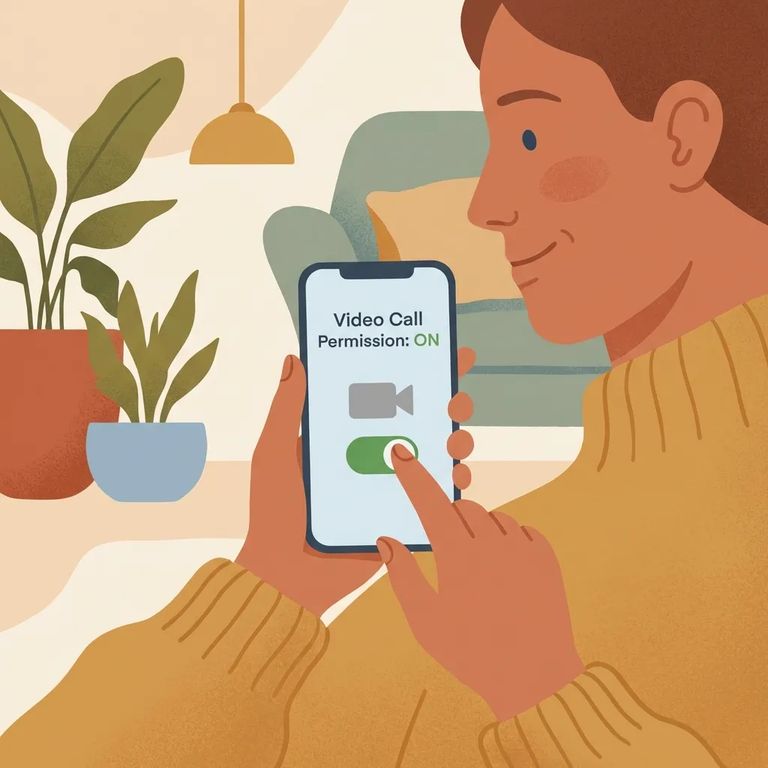
- Turn on Video Connect permissions - in the app, tap Video Connect and register by selecting “Permitir videollamadas” (Allow video calls) so you can receive video calls after CVSP transitions.
- Plan how you’ll join sessions - Video Connect is web-based, so you can use the app or join from a computer or tablet once CVSP is on Securus.
- ✓ In the Securus app, tap AdvanceConnect.
- ✓ Set up your AdvanceConnect account so you’re ready for prepaid video calls.
- ✓ Add funds so you can accept prepaid video calls right away after CVSP transitions.
Test Account Payment
- ✓ Log in to your Securus account now (web or app) so you know your username/password work.
- ✓ Double-check that your payment method is ready to use and that any AdvanceConnect funding shows correctly.
- ✓ Turn on app notifications (if you use the app) so you don’t miss prompts or updates.
- ✓ Do your testing ahead of the transition window - CDCR says dates are tentative and intermittent outages can happen during the switch.
Find an Inmate at Chuckawalla Valley SP (CVSP)
Search for a loved one and send messages and photos in minutes.
