
How to Visit Facility
Visiting someone in TDCJ takes a little prep, but you can avoid most surprises by confirming eligibility, checking for cancellations, and showing up with the right account and ID.
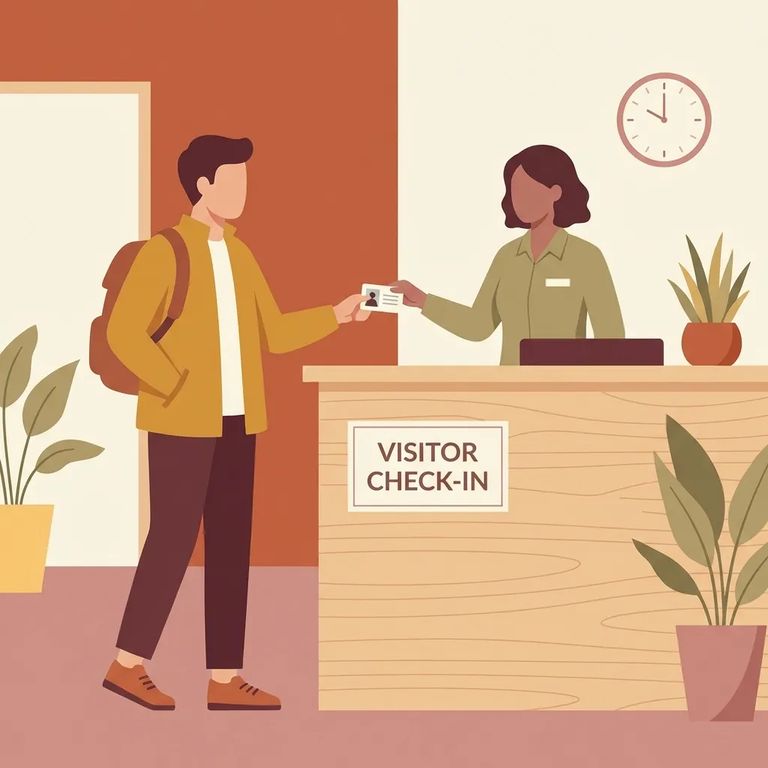
Before you make the trip, confirm the person you want to visit is actually assigned to the unit you're heading to and that they currently have visitation privileges. Even if someone is eligible for visitors, canceled visitation days can still block your visit. Check this first.
TDCJ posts unit-wide visitation cancellations on the TDCJ homepage, so you can spot bigger shutdowns before you leave home. Still, call the unit for final confirmation before you travel. Schedules and conditions can shift without much notice.
If you plan to schedule a visit through the TDCJ Online Visitation Scheduler, you'll need to create your own visitor account. Staff cannot do this for you. Choose your email carefully: once the account is created, the email address cannot be changed and the account cannot be deleted.
Note: Double-check your email address before you register. TDCJ does not allow you to change it later or delete the account.
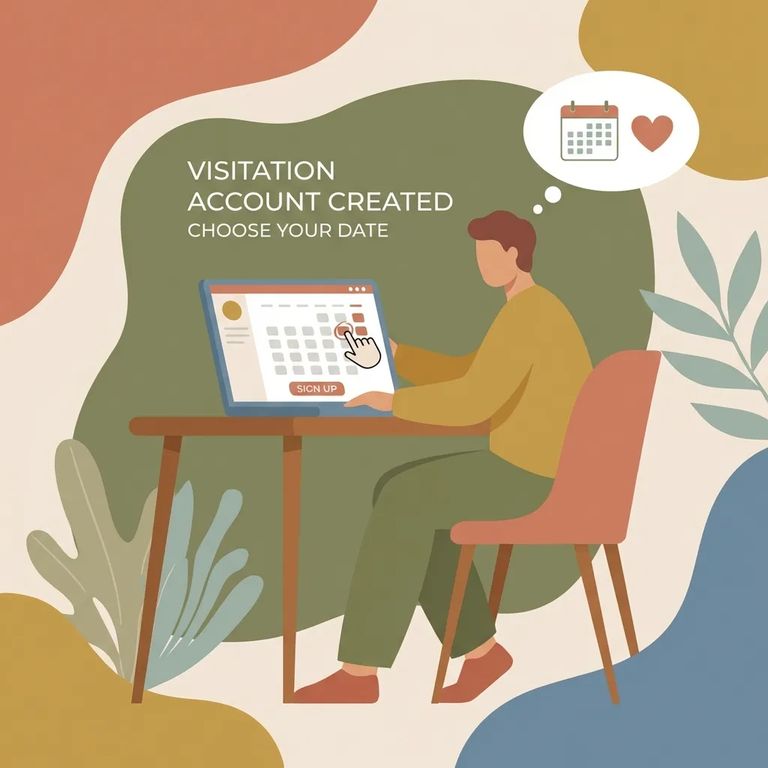
- Create your Scheduler account: Set up your TDCJ Online Visitation Scheduler account yourself (staff cannot do this for you). Use an email you will keep, since the email cannot be changed and the account cannot be deleted.
- Confirm the person can be visited at that unit: Verify they are assigned to the unit you plan to visit and that they have visitation privileges.
- Check for cancellations before you leave: Look for unit-wide cancellation notices on the TDCJ homepage, then call the unit for final confirmation so you do not travel for a canceled visitation day.
- Confirm unit assignment: Make sure the person is assigned to the unit you plan to visit.
- Confirm visitation privileges: Ask whether they currently have visitation privileges, since you can be turned away if privileges are not in place.
- Do not travel for a canceled day: If visitation is canceled, an otherwise eligible inmate cannot receive visitors.
- Check the TDCJ homepage: Unit-wide visitation cancellations are posted there.
- Call the unit: Get final confirmation before traveling, especially if you are coming from out of town.
- ✓ Photo identification (ID) for visitation check-in
What to Verify
- ✓ The email you use to register is correct and one you will keep (it cannot be changed, and the account cannot be deleted)
- ✓ You are prepared to create the TDCJ Online Visitation Scheduler account yourself (staff cannot create it for you)
- ✓ The person is assigned to the unit you plan to visit
- ✓ The person currently has visitation privileges
- ✓ Whether the unit has a posted, unit-wide visitation cancellation on the TDCJ homepage
- ✓ Final confirmation from the unit by phone before you travel
- ✓ Your photo ID is valid and current
- ✓ The form of photo ID you plan to use is accepted for visitation check-in
Find an Inmate at Clements (BC), TX
Search for a loved one and send messages and photos in minutes.
