
How to Search for an Inmate and Find the 'Add Money' Link on Cleveland County's Site
Looking to confirm where someone is booked and put money on their account? Cleveland County's site has two separate starting points: an online inmate inquiry (the jail roster) and the Detention page's

If you’re trying to find someone in the Cleveland County jail system and then add funds to their account, the county’s website can get you there - but you’ll typically use two different pages. This guide shows you where to run an inmate search and where the Detention page sends you for inmate contact info or adding money.
Cleveland County’s online jail roster is an “Inmate Inquiry” page powered by CentralSquare’s P2C engine. That’s the search tool you’ll use to look up a person and pull up their booking entry.
Once you’re on the inmate inquiry, the page shows basic fields that help you confirm you’ve found the right person - things like Name, Primary Charge, Arrest Date, and Booking Agency. If you’re seeing more than one similar name, those details are the quickest way to match the record to the person you’re looking for.
For money deposits, start on Cleveland County’s Detention page. That page specifically tells visitors to click a button for inmate contact information or for instructions on how to add money to an inmate account - so you’re looking for that button as the official “next step” for deposits.
Note: Use the Detention page button as your starting point, then double-check where it sends you before you enter any payment details.

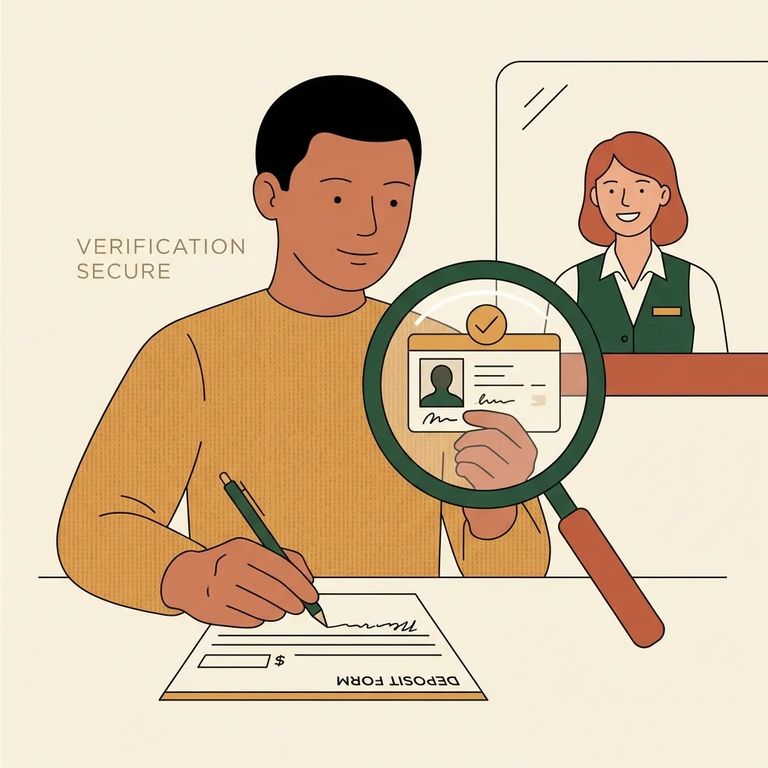
Depositing money is one of those tasks where a small mistake can turn into a big headache. The safest approach is to follow the county’s Detention page button and then carefully confirm you’re on the correct destination page before you pay - especially if you’re doing this on your phone or while juggling a lot at once.
- Go to the Cleveland County Detention page - this is where the county directs you for inmate contact information and how to add money to an inmate account.
- Click the button for inmate contact / adding money - follow the county’s prompt rather than searching randomly.
- Confirm where you landed - look for the vendor name and make sure the page you’re on matches what you intended before you type in payment information.
- Check the details on that destination page - review any fees and the payment methods it accepts before you submit.
- Pause and call if anything feels off - if you’re unsure you’re on the right page, get clarification before you deposit.
Tip: If the destination page or the costs aren’t clear, don’t deposit yet - contact the detention office for confirmation first.
If you’re searching because you’re trying to plan a visit, Cleveland County lists visitation by last name. Visitation is Wednesday from 1:00 pm to 3:45 pm for last names A–M, and Friday from 1:00 pm to 3:45 pm for last names N–Z.
Cleveland County Sheriff’s Office Detention Division operates two facilities: the Cleveland County Detention Center at 407 McBrayer Street in Shelby and the Law Enforcement Detention Center at 100 Justice Place in Shelby. Both facilities are manned 24 hours a day, seven days a week, which can matter if you’re trying to reach someone outside of normal business hours.
Closing
- ✓ Use Cleveland County’s online Inmate Inquiry (CentralSquare P2C) to search the jail roster.
- ✓ Confirm you have the right person by matching the Name, Primary Charge, Arrest Date, and Booking Agency fields.
- ✓ For deposits, go to the Detention page and click the button for inmate contact / how to add money.
- ✓ Before paying, verify the destination page you’re sent to and review any fees or payment rules.
- ✓ If anything doesn’t look right, stop and call for clarification before you submit a deposit.
Find an Inmate at Cleveland County Detention, NC
Search for a loved one and send messages and photos in minutes.
