
ConnectNetwork (ViaPath) Accounts: 180-Day Expiration, Refunds, and Using Your Existing Login
If you use ConnectNetwork (ViaPath) to stay connected with someone in custody, there's one major pitfall to watch for: the 180-day inactivity rule. Here's how account expiration works, how to get reminders before it happens, what to do about refunds, and whether your existing login still works.

ViaPath's Friends and Family accounts go inactive after 180 consecutive days without any activity. Once that happens, your balance may be forfeited - unless state law or a contract specifies a different timeframe. The bottom line: if you fund an account and then don't use it for six months, you could lose whatever's left in it.
Here's the good news: the 180-day clock resets every time you use the account. Even one transaction or login during that window starts the countdown over. A quick check-in is all it takes to keep your account active.
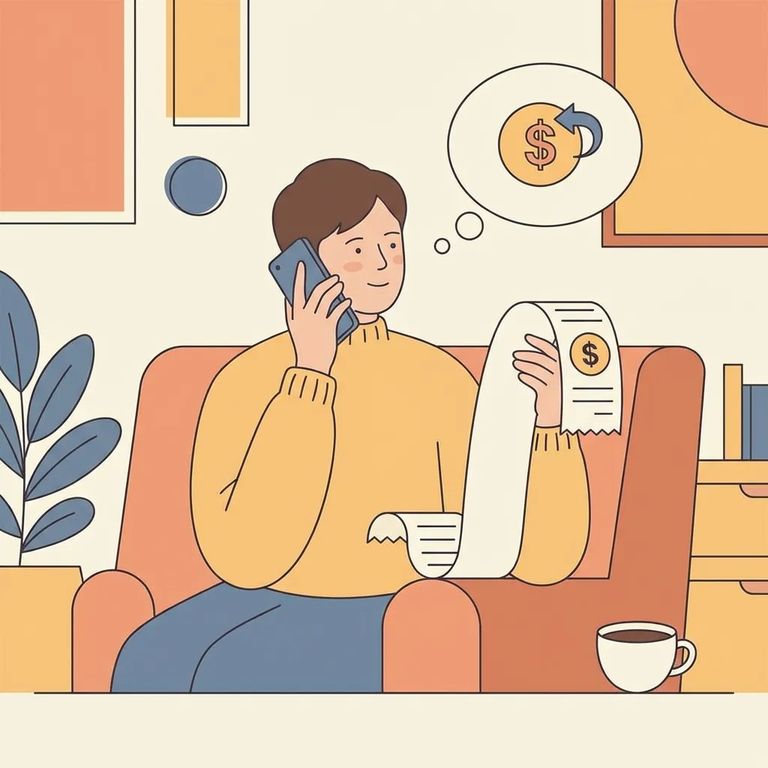
If your account has already gone inactive or been forfeited, you can request a refund by calling ViaPath customer service at 866-516-0115. Have your account details ready - they'll need to verify your identity before processing the request.
Want a heads-up before your account expires? If you provide your contact information and opt in to alerts, ViaPath will send a text and/or email reminder at least 30 days before expiration. That reminder gives you time to log in and reset the clock.
Already have a ConnectNetwork account? You don't need to create a new one. Just sign in with the same email and password you've always used.
S5
- ✓ Log in and use the account periodically so the 180-day inactivity clock resets.
- ✓ Opt in to text/email alerts, and make sure your contact information is up to date so you’ll actually receive the reminder.
- ✓ If you keep a balance in the account, set a personal calendar reminder well before 180 days so you don’t rely on memory alone.
- ✓ If you think an account has already expired or been forfeited, call customer service sooner rather than later to ask about a refund.
Quick FAQ: Accounts become inactive after 180 consecutive days without use, and any activity resets the clock. Opt in for alerts to get a reminder at least 30 days before expiration. Need a refund? Call 866-516-0115. Already have an account? Your existing email and password still work.
Find an Inmate at Columbus Correctional Inst
Search for a loved one and send messages and photos in minutes.
