
Video Visits at Conway County Detention Center: What to Know About the NCIC App
Want to set up a video visit at Conway County Detention Center? You'll need the NCIC Mobile Visitation App. It handles video visits, calls, and messaging—though what's actually available depends on which features the facility has turned on.
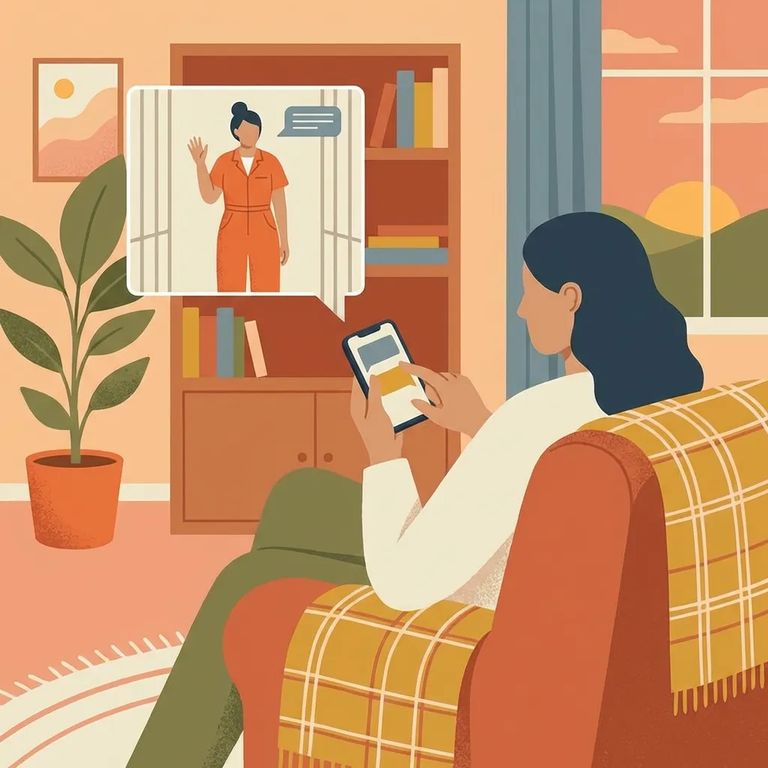
Before downloading the NCIC Mobile Visitation App, confirm that Conway County Detention Center actually uses NCIC for video visits - and find out which features are enabled. Services vary by facility. The options you see (video visitation, chat, or other tools) depend entirely on how the jail has configured the system.
- ✓ Check Conway County Detention Center’s official website for the current video-visit vendor and instructions
- ✓ Call the facility and ask whether NCIC is the video visitation provider
- ✓ Ask staff during intake or an administrative contact what vendor is used for video visits
- ✓ If NCIC is used, confirm exactly what’s enabled there (video visits, video calls, chat/messaging, adding funds, etc.)
Once you've confirmed Conway County Detention Center uses NCIC, download the NCIC Mobile Visitation App from the Apple App Store or Google Play. The app is free to download.
- ✓ Make sure the app name matches the NCIC Mobile Visitation App listing (the one that mentions scheduling video visits and video calls with inmates)
- ✓ Check the developer/publisher information on the store listing (look for NETWORK COMMUNICATIONS INTERNATIONAL CORP.)
- ✓ Download from the official store listing on your phone/tablet rather than a third-party source
- ✓ Skip “lookalike” apps with similar names that don’t match the NCIC visitation description
For Apple devices, the app requires iOS 14.0 or later (iPadOS 14.0 or later for iPads). Android users should check the Google Play listing for current compatibility details.
Video is the main draw. The NCIC Mobile Visitation App lets you schedule video visits and connect through live video calls with your loved one - when the facility offers that service.
The app also supports messaging. According to the Play Store, you can send text chats, photos, and video messages, plus extras like emojis and GIPHY-style images. These features can make everyday communication feel more normal - when they're enabled at your facility.
On Android, the NCIC listing mentions you can add funds using a credit or debit card. But here's the key thing: services vary by facility. Even if the app supports video, chat, and payments, Conway County Detention Center controls which options are actually available.
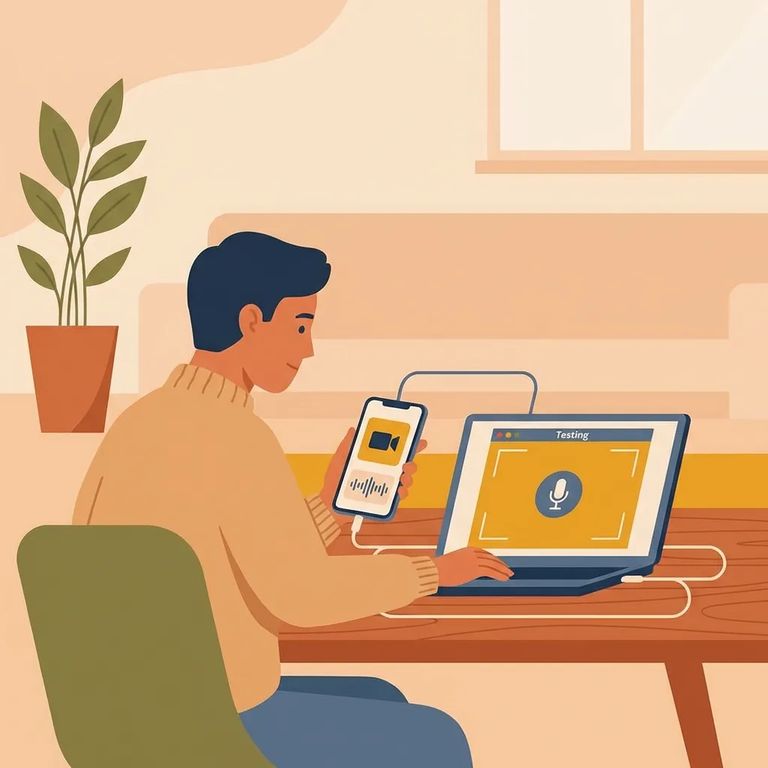
- Update your phone and the app - Make sure your device meets the current requirements (for Apple devices, that means iOS 14/iPadOS 14 or later) and install the latest NCIC app update.
- Test your camera and microphone - Video visits depend on both working cleanly; fix permissions and settings before you try to connect.
- Do a quick trial run - Log in ahead of time and make sure you can navigate to scheduling/video features without rushing at the last minute.
- Plan for battery and connection - Use a strong Wi‑Fi or data signal and keep your device charged so the call doesn’t drop mid-visit.
- ✓ Check the in-app schedule and pick an available time slot for the video visit
- ✓ Confirm the visit details in the app after you book (date/time and the person you’re visiting)
- ✓ Verify Conway County Detention Center’s current rules for NCIC video visits and which services are enabled before you plan around a specific time
Heads up: The NCIC app is free to download on the Apple App Store, and the Play Store says you can add funds with a credit/debit card. What you can actually pay for depends on which services Conway County Detention Center has enabled.
Find an Inmate at Conway County Detention Center, AR
Search for a loved one and send messages and photos in minutes.
