
Sending Mail and JPay Messages to Someone at Cooper Street: Address Format, Photocopying, and Photo Rules
Getting mail or JPay messages to someone at Cooper Street comes down to a few key details: the right name and number, understanding that mail gets photocopied, and following JPay's one-photo rule.
For a USPS letter to reach someone at Cooper Street, the envelope needs three things: the full facility mailing address, the prisoner's name, and their prisoner number. That number matters as much as the address - without it, staff can't reliably match the letter to the right person, and your mail may be delayed or rejected.
Tip: Before you mail anything, verify the prisoner number (and the facility location) using OTIS so you’re not sending to the wrong place or using an outdated number.
Don't have the prisoner number? Use OTIS (the Offender Tracking Information System) to look it up. A quick search can save you headaches, especially if someone recently transferred or if you're mailing for the first time. Once you have the correct number, use it on every letter - and double-check that you're addressing the envelope to wherever they're currently housed.
At Cooper Street, incoming personal mail - including the envelope - gets photocopied in black and white. Your loved one receives the photocopy, not the original. The originals are shredded. This can catch people off guard, especially if you're sending something sentimental like a handwritten letter, greeting card, or irreplaceable photo. What they'll see is a black-and-white copy. Both mail and electronic messages go through security scanning before delivery. That screening can add time, and anything flagged may be delayed or rejected.
Want color? If color copies matter (especially for photos), send them through JPay rather than USPS mail.
- Create a JPay account - set up your account through the JPay website/app so you can message your loved one.
- Buy stamps or a subscription - you’ll need stamps (or a subscription) through JPay before you can send electronic messages.
- Write your message (and add a photo if you’re sending one) - compose your email-style message, then attach allowed content before sending.
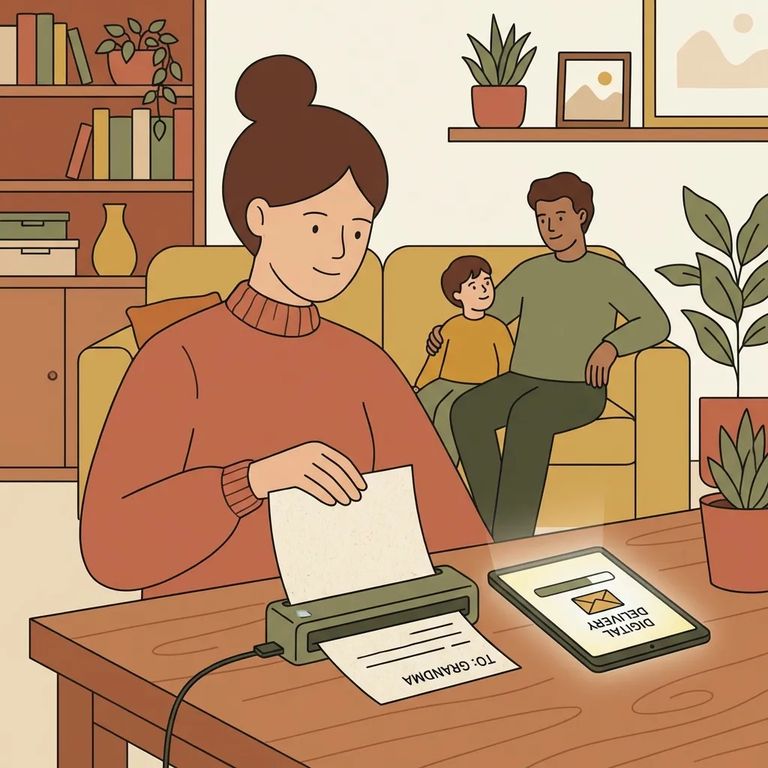
JPay messages arrive at a kiosk in your loved one's housing unit. If they want a paper copy to keep, they can print one for a small fee - handy for saving letters to reread.
Jpay Photo Rules
- ✓ Send only one photo per page.
- ✓ Don’t send photo collages.
- ✓ If you have multiple pictures, upload them as separate, single-image pages so they don’t get rejected as a collage.
JPay screens all messages. Content that violates policy can slow delivery or get rejected outright. Repeated or serious violations can get the sender or prisoner blocked from JPay entirely. If you're unsure whether something will pass, keep it simple and clearly personal - losing messaging access isn't worth the risk.

After you send a letter or JPay message, expect some processing time. Everything gets scanned for security before release, which can cause delays - or rejection if something gets flagged. For USPS mail, remember the key difference: your loved one receives a black-and-white photocopy, and the original gets shredded.
- Check OTIS for the prisoner number - confirm you’re using the correct number before you send again.
- Confirm the facility location in OTIS - make sure your loved one is still listed at the same facility so you’re addressing mail to the right place.
- Update your envelope and resend if needed - if OTIS shows different information than what you used, correct it on the next letter.
Find an Inmate at Cooper Street Corr. Facility, MI
Search for a loved one and send messages and photos in minutes.
