
Video Visits at Cotulla Unit: Remote Kiosk vs. Securus — What Families Need to Know
Trying to set up a video visit with someone at a TDCJ facility? The confusing part: there's more than one system. Here's how the kiosk-style

TDCJ uses more than one kind of video visiting, and the names can trip you up. In the TDCJ visitation scheduler, you may see “Video/Tablet” listed as a visit type - and TDCJ is clear that this option is not the same as the Securus Video program (which is only offered at limited units). That difference matters because each system has its own rules for how you schedule and what limits apply.
A “Remote Video Visit” is a live video visit done through a kiosk. The key detail is scheduling: you don’t book these through Securus. Visitors are required to schedule the visit through the vendor website that runs the kiosk service.
If you’re trying to figure out whether choosing a kiosk video visit will “use up” a regular visit, this is the part that helps: remote kiosk video visits are treated as an add-on. They’re in addition to contact or general visits for eligible inmates.
- ✓ Remote kiosk video visits may happen once per month
- ✓ Each visit can be up to 60 minutes
3
- ✓ Securus remote video visits are 60 minutes long
- ✓ Each Securus remote video visit costs $10.00
- ✓ Inmates are limited to one Securus remote video visit per month
Securus remote video visits also run on a set schedule. That means your visit begins and ends at the scheduled times, so it helps to be ready a few minutes early and treat your appointment window as firm.
Need help with Securus? Use the directions on the Securus website to register for remote video visits; if something isn’t working, call the Securus Customer Service Center at (877) 578-3658.
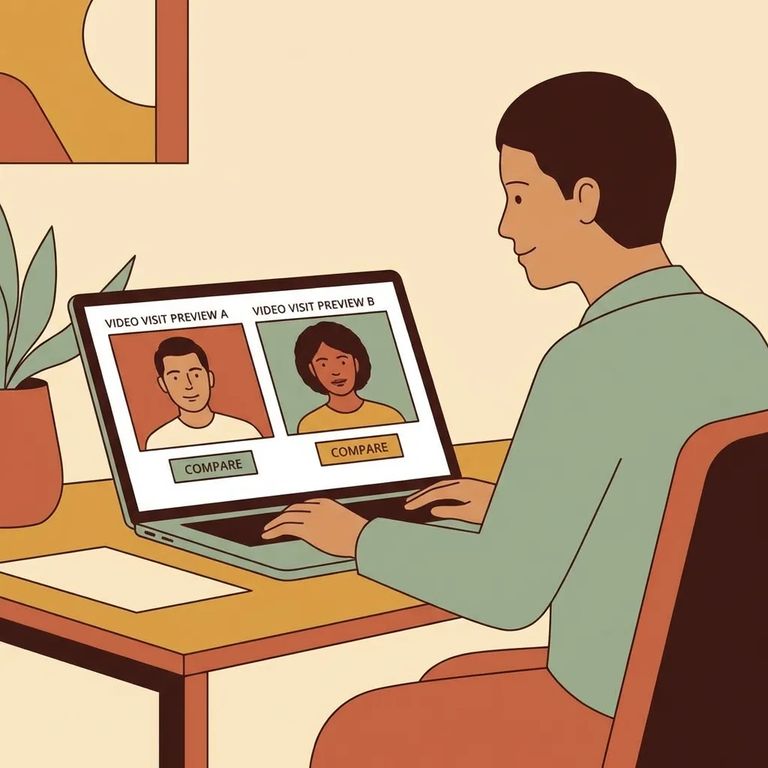
When you’re choosing between options, start by confirming which service you’re actually being offered for your loved one. The “Video/Tablet” option shown in the TDCJ scheduler is explicitly different from Securus Video, and the scheduling paths are not interchangeable. If what you’re trying to book is a kiosk-style “Remote Video Visit,” you’ll schedule through the kiosk vendor website; if you’re booking a Securus remote video visit, you’ll use Securus and follow their process.
- Identify the visit type you’re booking - In the TDCJ scheduler, note whether you’re looking at “Video/Tablet” versus a Securus remote video option (they aren’t the same program).
- If it’s a remote kiosk video visit, schedule it through the vendor website - TDCJ’s rules for “Remote Video Visit” (kiosk) require visitors to book through the kiosk vendor’s site.
- If it’s a Securus remote video visit, register and schedule with Securus - Follow the directions on the Securus website; for technical or account problems, call (877) 578-3658.
Plan around the monthly cap. Remote kiosk visits may occur once per month (up to 60 minutes), and Securus remote video visits are also limited to one per month (60 minutes).
Find an Inmate at Cotulla Unit, TX
Search for a loved one and send messages and photos in minutes.
