
How to Contact an Inmate at Facility
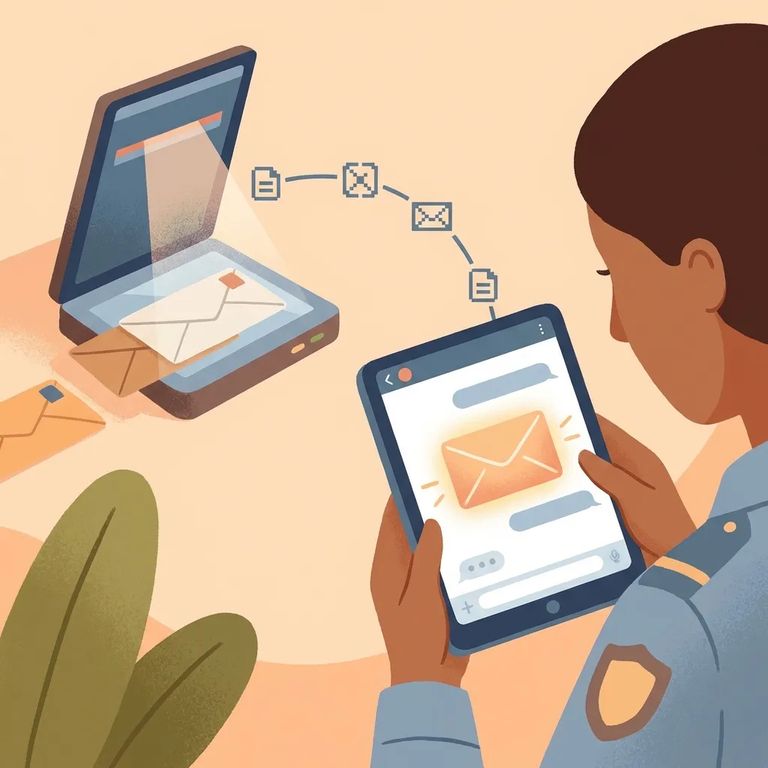
Non-legal mail for people in NCDAC facilities goes through TextBehind. Your letter gets screened, scanned, and delivered electronically to the recipient's tablet. The part that trips most families up is the address: you must send mail to TextBehind's P.O. Box in Phoenix, Maryland, and include the incarcerated person's name, OPUS number, and the full prison name (no abbreviations). Get any of that wrong and your letter comes back.
- ✓ Mail a letter to TextBehind’s address (P.O. Box 247, Phoenix, MD 21131). Use the person’s name and OPUS number and the full prison name (do not abbreviate), or the mail can be returned.
- ✓ Send a letter electronically through TextBehind using a smartphone or computer, including uploading photos for scanning and delivery. You still need the correct identifying information so it reaches the right person.
Video visits are available through the Getting Out Visits app. You can start a visit on-demand or schedule one ahead of time. One catch: only people on the incarcerated person's approved visitors list can connect. Even with the app ready to go, you won't be able to call until your approval comes through. During the visit, the incarcerated person joins from their tablet or a video kiosk inside the facility.
Note: This guide doesn't cover fees, hours, exact sign-up steps, or restrictions specific to individual inmates. Check with the facility before sending mail or scheduling a video visit.
- Get the exact identifying details. You will need the incarcerated person’s name and OPUS number, plus the full name of the prison (do not abbreviate).
- Address your mail to TextBehind. Use this format: Name and OPUS Number, full prison name, then P.O. Box 247, Phoenix, MD 21131. Mail not addressed this way will be returned to the sender.
- Choose how you want to send it. You can send a physical letter to the P.O. Box, or you can submit your letter through TextBehind using a smartphone or computer (including uploading photos).
- Know what happens next. Non-legal mail is screened and scanned by TextBehind, then delivered electronically to the person’s tablet.
- Use the Getting Out Visits app. This is the platform NCDAC uses for video visits.
- Decide on on-demand or scheduled. You can connect on-demand or set an appointment for a future date and time.
- Make sure you are approved to visit. Video visits are limited to people on the incarcerated person’s approved visitors list.
- Plan for how the incarcerated person will join. They will connect from their electronic tablet or from a video kiosk in the facility.

What to Verify
- ✓ Confirm you have the correct P.O. Box address (P.O. Box 247, Phoenix, MD 21131).
- ✓ Double-check the person’s name and OPUS number.
- ✓ Write the full prison name, and do not abbreviate it.
- ✓ If you are unsure about the format, verify it before sending so your mail is not returned.
- ✓ Confirm the facility is still using TextBehind for screening, scanning, and electronic delivery of non-legal mail.
- ✓ If you plan to upload letters or photos, confirm the TextBehind app/website option is available for this facility.
- ✓ Ask about any current limits for uploaded photos or documents before you send.
- ✓ Confirm Getting Out Visits is the supported video visiting platform for this facility.
- ✓ Ask whether video visits are offered on-demand, by appointment, or both.
- ✓ Verify the visitor approval rules, including how you get onto the incarcerated person’s approved visitors list.
- ✓ Confirm whether the incarcerated person will connect by tablet or a facility kiosk, and whether there are any time limits or scheduling restrictions.
If your situation is time-sensitive, verify details directly with the facility before sending mail or starting a video visit. Small mistakes (like abbreviating the prison name or not being on the approved list) can block communication until you fix them.
Find an Inmate at Dan River Prison Work Farm, NC
Search for a loved one and send messages and photos in minutes.
