
How to Set Up Video Visits at Danville City Jail (ICSolutions / The Visitor)
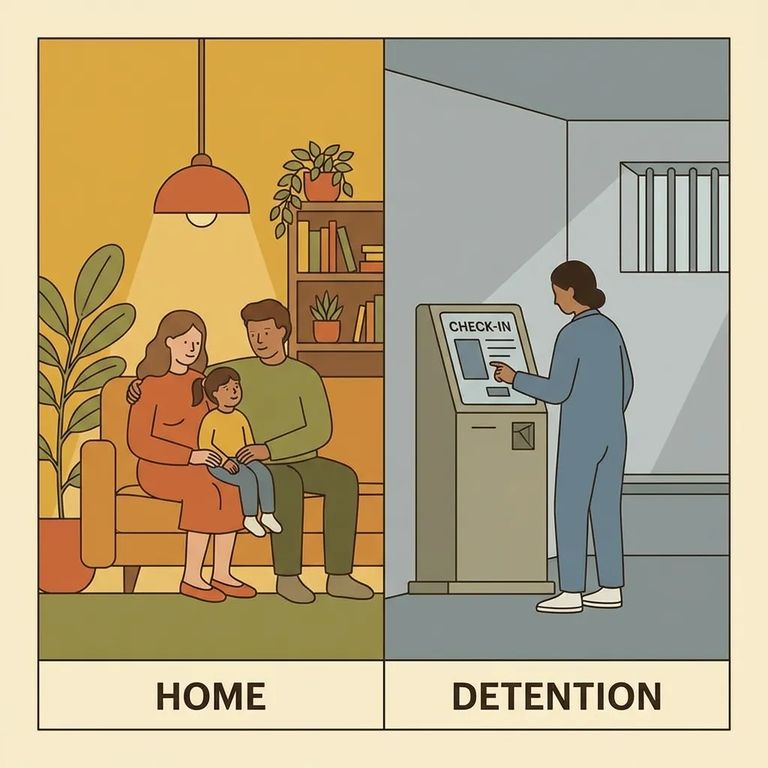
Danville City Jail uses The Visitor™ system from ICSolutions for video visitation, rather than traditional face-to-face visits. Once you’re set up, you can choose to visit onsite at the jail’s video terminals or, in many cases, connect from your own device for an offsite visit.
Need help fast? For Danville City Jail visitation questions, call 434-799-5130. For help with the video visitation provider (IC Solutions), call 1-866-228-4031 or use their website.
Most of what you’ll do - creating your account, adding funds (if needed), scheduling, and downloading the offsite visit apps - starts through the ICSolutions site. If you’re not sure where to click, look for the options that mention registering, scheduling a visit, and downloading the offsite application.
Before you can video visit someone at Danville City Jail, you’ll need to register with ICSolutions. Registration is required for all visitors, and there’s no cost to create the account.
- Go to the ICSolutions registration area - Use the ICSolutions site where you’ll see options to register and manage visits.
- Create your visitor account - Follow the prompts to set up your login so you can schedule and manage video visits.
- Get support if you hit a snag - If you run into trouble during registration, contact IC Solutions at 1-866-228-4031 or use their website for help.
You’ll usually have two ways to video visit through The Visitor™. Onsite visits happen at video terminals located in the facility’s visitation center. Offsite visits let you connect from a personal Windows computer, Android device, or iOS device - so you can visit without traveling to the jail.
Cost heads-up: Offsite visitation is fee-based, and the price for an offsite visit varies by facility.
If you’re planning an offsite visit, make sure you’re using a supported device: a Windows computer, an Android device, or an iOS device. Danville requires offsite visitors to download and test the visitation application on their device before they’ll be able to schedule an offsite video visit.
- ✓ Confirm you’re registered through the ICSolutions site before you try to schedule.
- ✓ Download the offsite visitation application using the download options provided through ICSolutions.
- ✓ Open the app (or computer application) and run a quick test so you know your setup works before scheduling.
- ✓ Use the ICSolutions site to move on to scheduling once your device test is complete.
Offsite visits are not free. They’re fee-based, and the cost can vary by facility, so the amount you see when you’re setting up a visit may not match what you’ve paid elsewhere.
- Use the ICSolutions site to add funds (if prompted) - Look for the “add funds” option in the same area where you manage visits.
- Schedule your video visit - Use the scheduling link/tools on the ICSolutions site to pick and book an available time.
- Reach out for billing or scheduling help - If something doesn’t look right or you can’t complete checkout/scheduling, contact IC Solutions at 1-866-228-4031 or use their website.
Find an Inmate at Danville City Jail, VA
Search for a loved one and send messages and photos in minutes.
