
Video Visits at DRDC: How to Get Approved, Schedule Through Securus, and Troubleshoot
Video visits at DRDC come down to two things: get approved first, then schedule through Securus. Here's how to handle approval, booking windows, session limits, and what to do when something goes wrong.
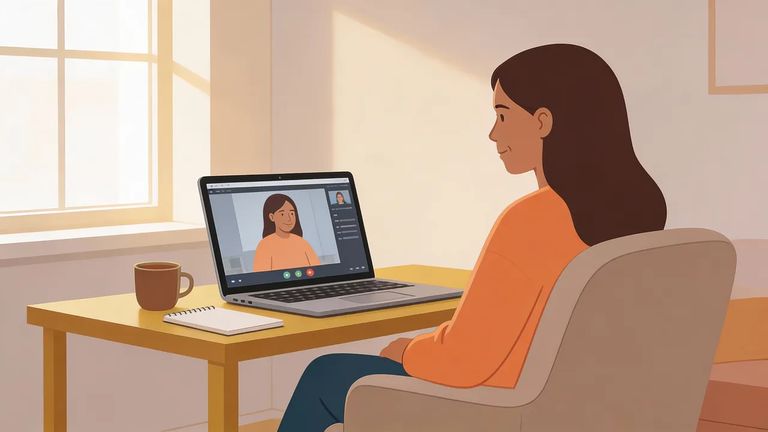
Before you book anything, everyone who will appear on camera needs to be approved on the incarcerated person's visiting list. DRDC requires this for video visits - not just for the account holder, but for every person who shows up on screen.
To get approved for video visitation at DRDC, you’ll need to submit a completed visiting application along with the required ID. Once you’re approved and added to the visiting list, you can move on to setting up video visits.
You can submit the DRDC visiting application either by mail or by email. Mail it to: Attention: Visiting Department, Denver Reception and Diagnostic Center, P.O. Box 392004, Denver, CO 80239. Or email it to: doc_drdc_visiting@state.co.us.
DRDC schedules video visits through Securus Technologies. If you're approved but can't find a way to book directly with the facility, don't worry - Securus handles all video visit scheduling.
Watch your timing. Video visits must be scheduled by midnight the day before. You also can't book too far ahead - seven days out is the limit.
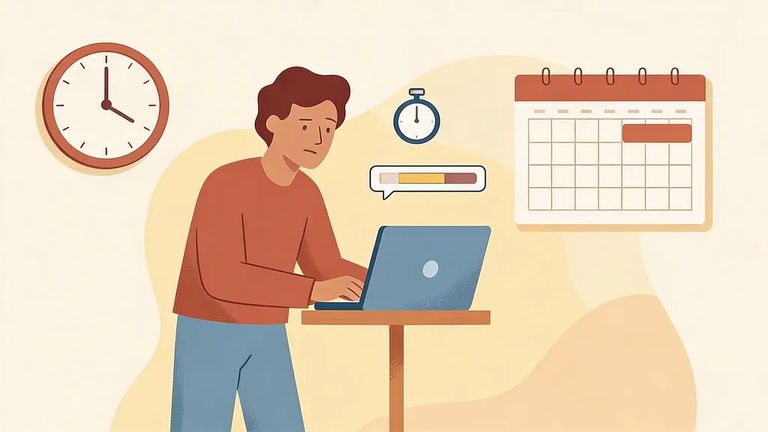
When picking a time slot, you'll also choose how long you want. DRDC offers two session lengths: 10 minutes or 25 minutes.
Even with plenty of openings on the calendar, there's a daily cap. Incarcerated people at DRDC can have two video sessions per day, so coordinate with other family or friends who want time.
Video visits run every day from 8:00 a.m. to 10:00 p.m. If you're trying to book outside that window, you won't find any available slots.
- ✓ 10:00 a.m.–11:30 a.m.
- ✓ 3:30 p.m.–4:45 p.m.
- ✓ 9:15 p.m.–9:45 p.m.
If a video visit doesn't connect or you think you're owed a refund, the facility won't handle it. Refunds come from the video visit provider - you'll need to contact them directly.
Note: Video visits at DRDC go through Securus, and refunds are handled by the provider. For tech issues or refund requests, contact them first.
Pre Visit Checklist
- ✓ Confirm everyone who will appear on the call is approved on the incarcerated person’s DRDC visiting list.
- ✓ Schedule the visit online through Securus.
- ✓ Book by midnight the day before (and no more than seven days ahead).
- ✓ Pick a time between 8:00 a.m. and 10:00 p.m. and avoid kiosk blackout periods.
Find an Inmate at Denver Reception And Diagnostic Center
Search for a loved one and send messages and photos in minutes.
