
How to Visit Facility
Planning ahead makes visiting easier. You can schedule and manage visits through the CDCR GTL VisitMe site, so you'll have a confirmed time before you go.
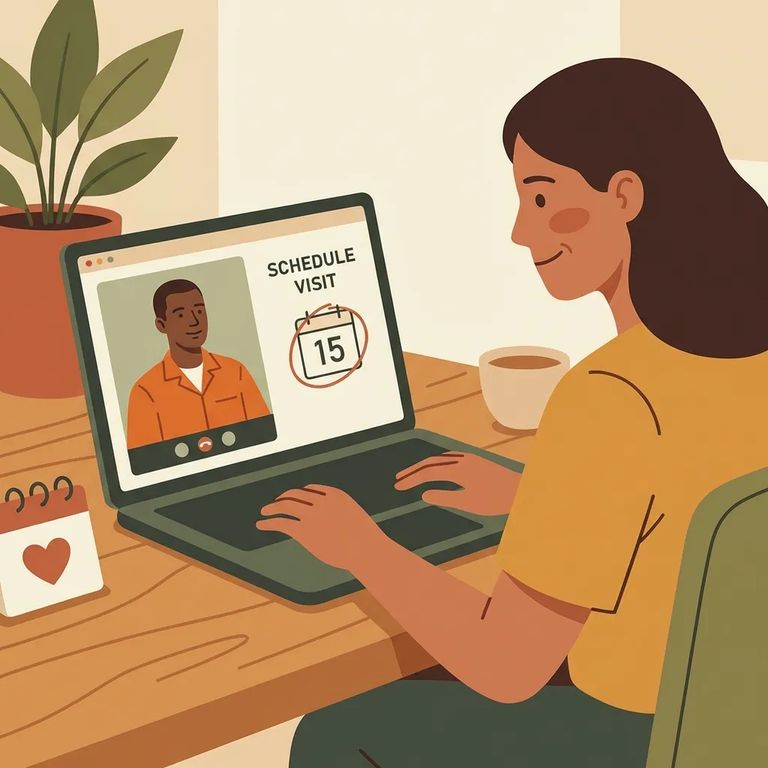
You can sign in on the CDCR GTL VisitMe site to schedule a visit and manage upcoming visits with your loved one. If you already have visits coming up, this is also where you go to review and handle them in one place.
The main benefit of scheduling online? You reserve a specific time slot. No more showing up and hoping there's space available.
Tip: If you have used VisitMe before and cannot get into your account, look for the “Forgot your password?” link on the sign-in page.
Steps to Follow
- ✓ Sign in to the CDCR GTL VisitMe site to schedule and manage upcoming visits.
- ✓ Reserve a specific visitation time slot through the scheduling system to help you skip long lines.
- Use “Forgot your password?” If you cannot sign in as a returning user, select the “Forgot your password?” link on the VisitMe site.
- Complete the password reset and sign in Once you regain access, go back to your account to manage or schedule your visit.
Before you make the trip, check the VisitMe site for current details. Confirm it's still the right place to schedule visits, make sure your preferred time slots are open, and verify you can log in. Test the "Forgot your password?" link now rather than troubleshooting on the day of your visit.
Find an Inmate at Deuel Vocational Institution, CA
Search for a loved one and send messages and photos in minutes.
