
Why Your Letter to Diagnostic And Evaluation Center Was Rejected and Returned — (You Won't Be Notified)
Mail to Diagnostic And Evaluation Center gets scanned before delivery, and even a small mistake can get your entire submission rejected. The frustrating part? If it's returned, the person you wrote to won't know anything was sent.
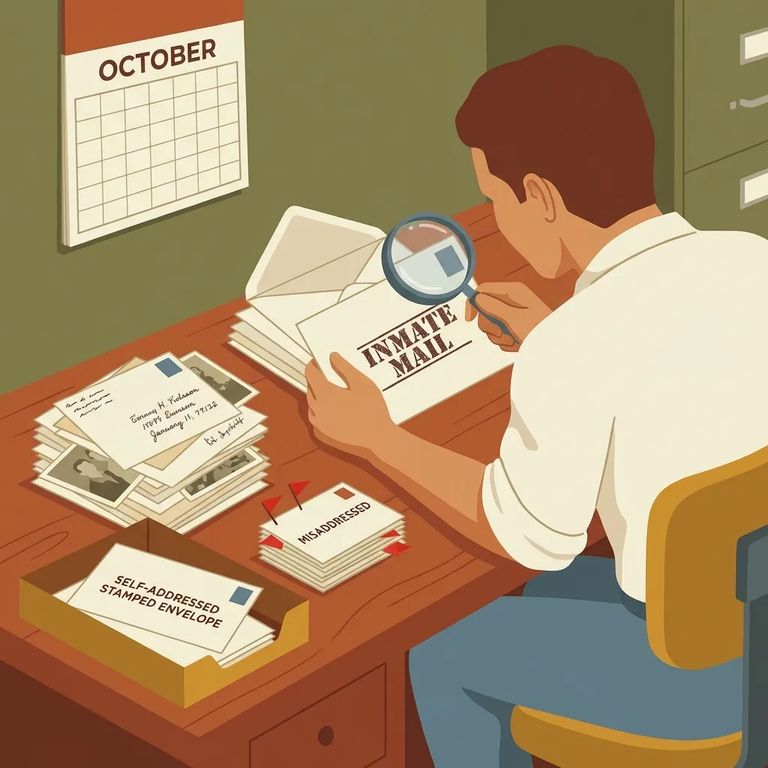
Personal correspondence is scanned and bundled into a single PDF before it reaches the tablet system. This matters more than you'd think. The review doesn't let "good" pages through while flagging bad ones - if any part of that PDF violates NDCS policy or the scanning vendor's rules, the entire thing gets rejected.
Tip: Treat your letter, photos, and any extra pages as one package - one problem page can cause the whole PDF to be rejected.
Many rejections come down to images - even when you didn't mean anything by them. NDCS prohibits nude or partially nude images, including photos of infants and newborns. Drawings or cartoons showing nudity are banned too. Other image content can trigger rejections: sexual gestures (even if the person is clothed), drug use or paraphernalia, or photos of incarcerated individuals. Sending a greeting card or printed pictures? The same rules apply to everything in the envelope.
Remember: That "cute" baby bath photo, a joke cartoon, or an image from the internet can still violate nudity rules and get your whole mailing rejected.
When the scanning vendor receives mail that doesn't comply with NDCS policy, it gets returned to you. The intended recipient won't receive any notice that something was rejected - they may never know you wrote at all.
What this looks like in practice: If your loved one says nothing arrived, it may have been returned to you. There's usually no separate rejection notice sent to them.
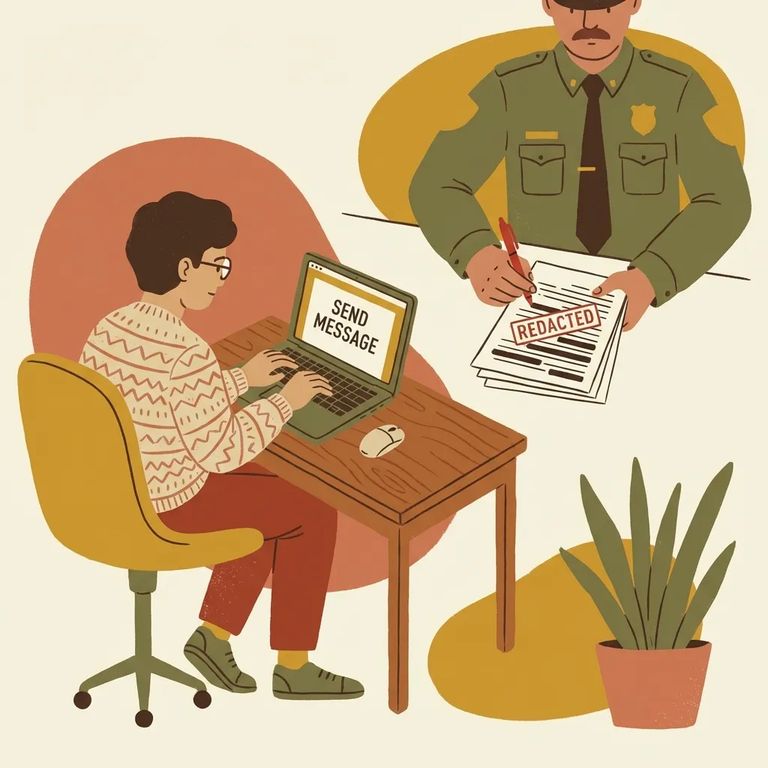
4
- ✓ Re-check every page as one bundle: because all pages are scanned into a single PDF, one violating page can reject the entire submission
- ✓ Remove any nude or partially nude images (this includes infants/newborns)
- ✓ Don’t include drawings/cartoons that show nudity
- ✓ Avoid images showing sexual gestures (even when clothed)
- ✓ Avoid images of drug use or drug paraphernalia
- ✓ Don’t include images of incarcerated individuals
- ✓ Skip colored paper, watermarks, and background-printed paper - stick to plain paper so your pages don’t get flagged during processing
Quick self-check: Lay out everything you’re sending and review it page-by-page as if it will be judged as one PDF - because it will be.
- Watch for the return - If it doesn’t meet policy, the correspondence is returned to you, and the recipient isn’t notified.
- Inspect what came back - Look through every page and enclosure and focus on images first (photos, printed pictures, greeting card artwork).
- Remove or replace the problem content - Fix the issue (for example, take out any nude/partially nude image or any cartoon/drawing that includes nudity) before you try again.
- Resend a clean version - Send the corrected correspondence again, keeping it simple so one page doesn’t cause the entire PDF to be rejected.
Suggestion: Keep a copy of what you send (or photos of each page). With no notice to the recipient, your own records help you spot what likely triggered the return.
Find an Inmate at Diagnostic And Evaluation Center, NE
Search for a loved one and send messages and photos in minutes.
