
How to register for the TDCJ Online Visitation Scheduler (step-by-step)
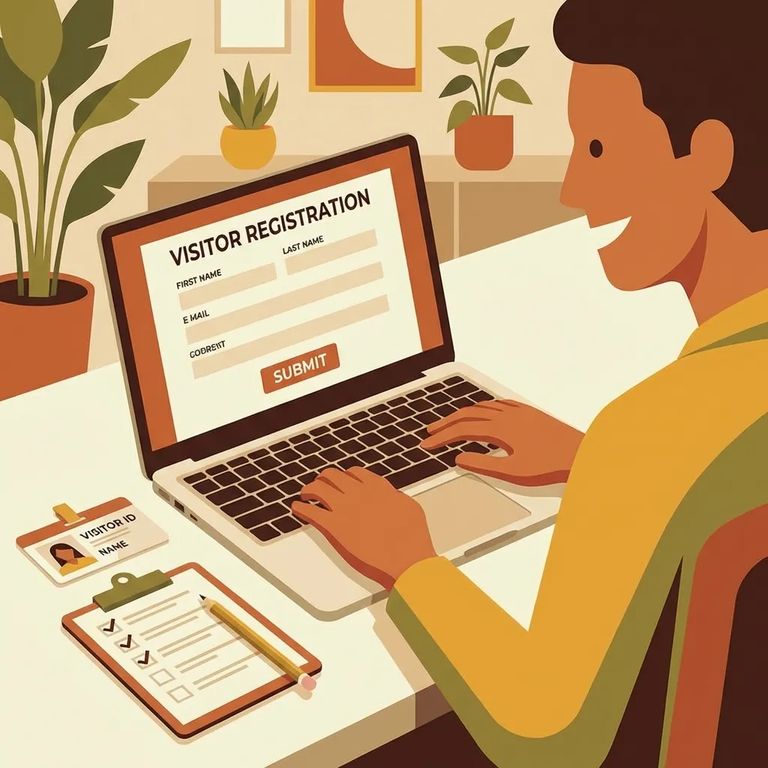
Registering for TDCJ's online visitation scheduler is usually quick—until a small detail like email choice or phone formatting stops you mid-step. Follow along below to create your Visitor account without the common hiccups.

You'll need to create your own account in the TDCJ Online Visitation Scheduler - staff can't do it for you. Once your account exists, staff may help update details like your name or address, but that initial setup is entirely on you.
Note: Use of the TDCJ Online Visitation Scheduler is restricted to residents of the United States, Canada, and Mexico.
- Start account creation and enter your email - Use the “Create an Account” option in the scheduler and submit a valid email address.
- Watch for the registration email - After you submit your email, TDCJ sends an email that includes a 7-digit validation code and a link.
- Use the link and code to continue - Open the email, click the link, and use the 7-digit code when prompted to finish registration.
Pick your email address carefully before you go any further. Once an account is tied to an email, that account can't be deleted - and the email can't be changed later.
- ✓ Create a password that matches the system’s requirements, submit it, and then answer every Background Questionnaire question - TDCJ requires all questions to be completed before you can move on.
After submitting the Background Questionnaire, you'll land on your visitor profile. When entering your phone number, formatting matters: type it as XXX XXX XXXX with spaces and no dashes (for example, 555 123 4567). If your profile shows incomplete, edit it and fix the phone field.
Warning: Your account can't be deleted and the email can't be changed once created - double-check you're registering with the email you want tied to your account for good.
Common Problems
- ✓ Your registration is stuck because you’re expecting TDCJ to set it up for you - visitors must create their own accounts; staff can’t create a visitor account.
- ✓ The system won’t let you continue past the Background Questionnaire - go back and make sure every question has an answer.
- ✓ Your phone number keeps getting rejected on your visitor profile - enter it as XXX XXX XXXX using spaces instead of dashes.
Important: TDCJ accounts are locked to the email used at registration - no deletions, no email changes. If you registered with the wrong email, your only option is to create a new account with a different address.
Find an Inmate at Dominguez Unit
Search for a loved one and send messages and photos in minutes.
